Best Camera Gear Inventory Software in 2026: What to Look For
Compare the main types of camera gear inventory software in 2026 and choose the right fit for insurance records, values, loans, maintenance, and shoots.
 Dylan AndersenPublished 10 min read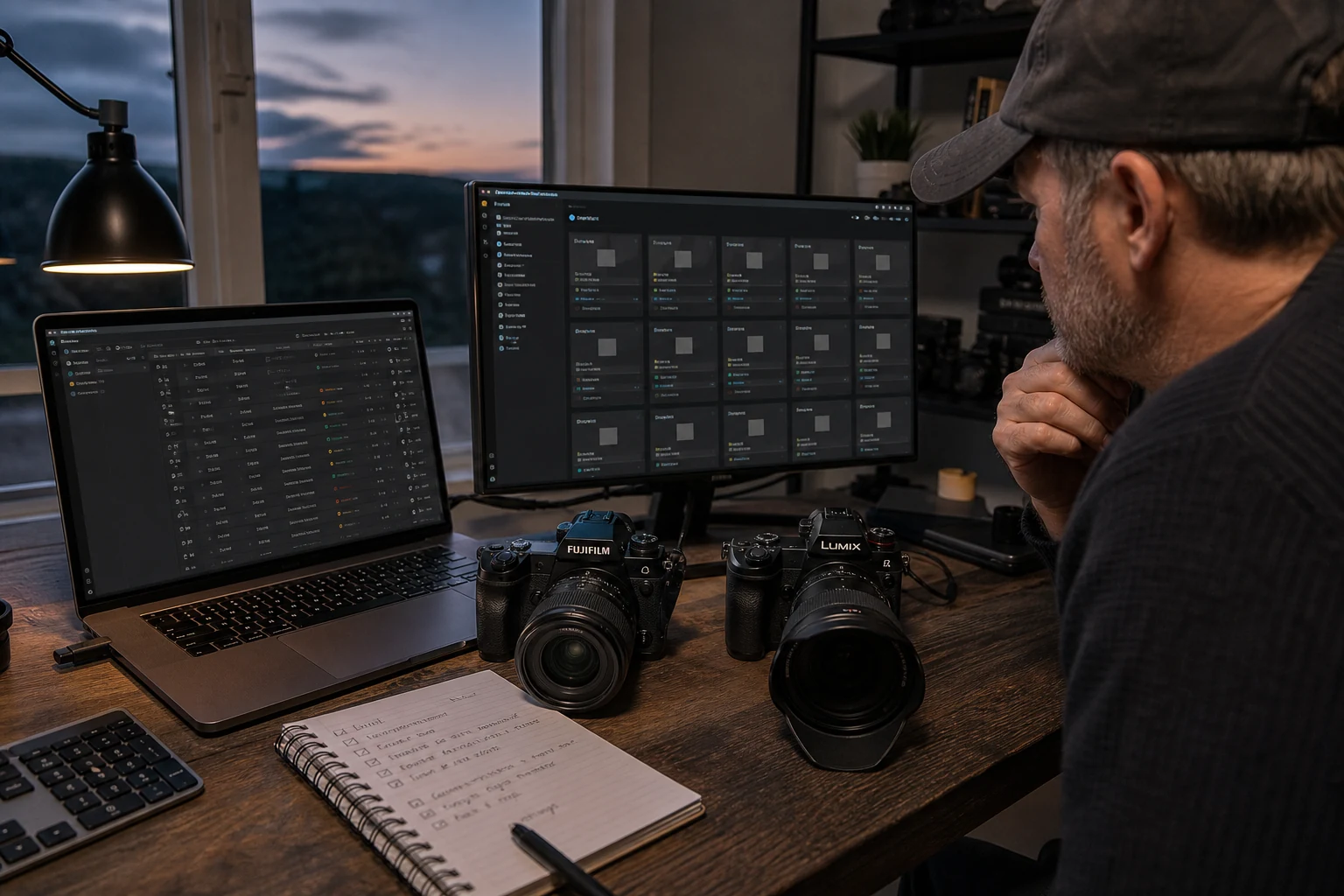
In this guide
The short answer
The best camera gear inventory software is the one that matches how your equipment moves. A simple mobile catalog can fit a private hobby collection. A connected photography system is better when you need documents, values, locations, loans, maintenance, team access, reports, reusable kits, or shoot planning. Test your choice with one real kit before migrating everything.
Which type of camera inventory software fits your workflow?
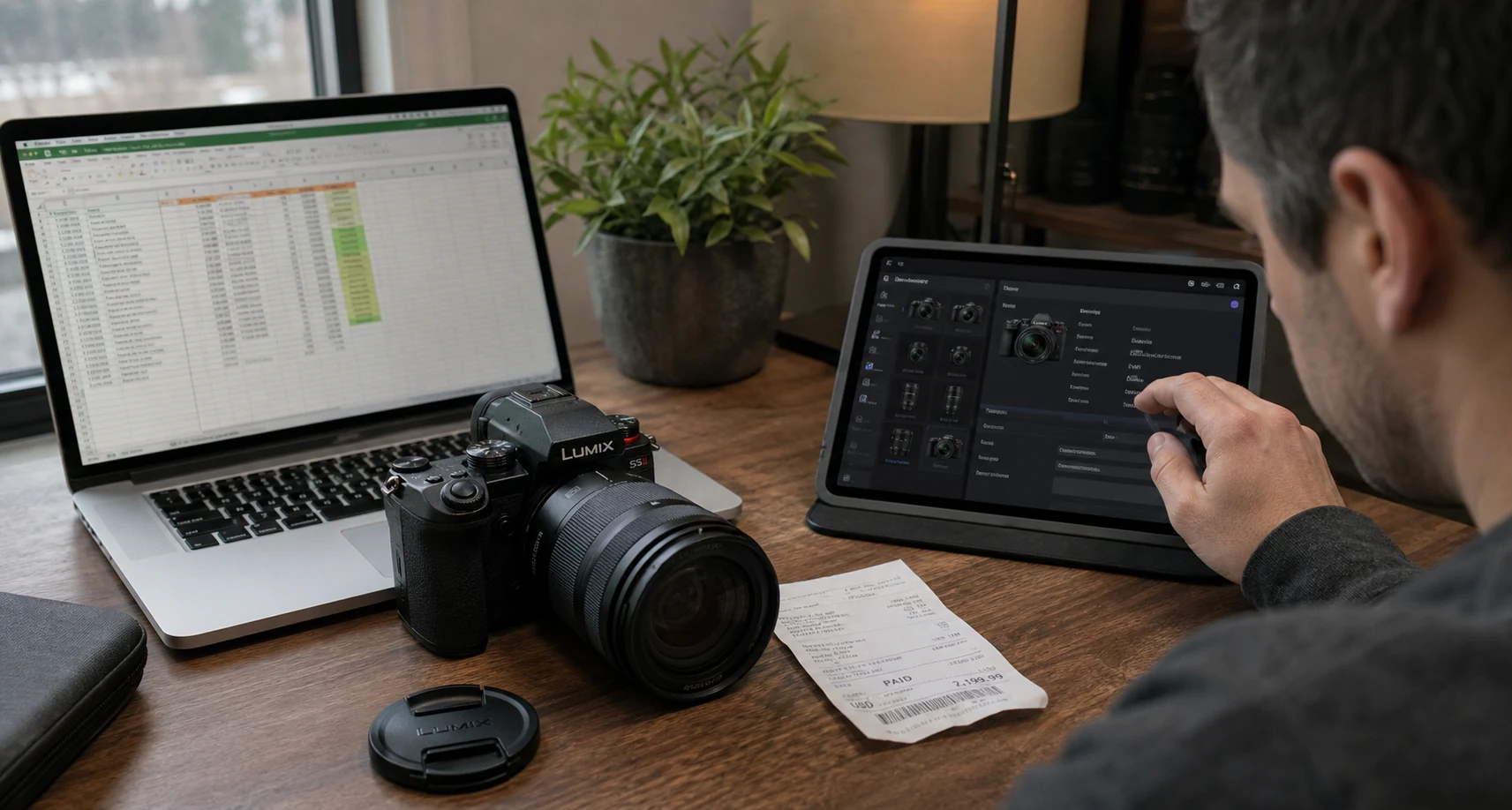
Start with the failure you need to prevent. Insurance preparation, collection cataloging, studio checkout, maintenance, and production planning all begin with an item list, but they require different depth after that.
| Option | Best fit | Tradeoff to test |
|---|---|---|
| GearDex | Photographers who want inventory connected to values, documents, loans, maintenance, reports, rigs, and shoots | Broader workflow than a basic offline catalog |
| Mobile-first gear catalog | Individuals who value quick phone entry and a focused collection view | Check export depth, cross-device access, and team workflow |
| General home inventory app | People documenting camera gear alongside other property | Camera mounts, rigs, maintenance, and shoots may need custom fields |
| Spreadsheet | Small, static collections with disciplined file storage | Relationships, reminders, evidence links, and history stay manual |
| Rental platform | Businesses renting equipment to customers | May be heavier than an internal photography inventory |
What features matter in a camera gear inventory app?
- Fast, structured entry
- Camera, lens, drone, filter, and accessory records should capture the details that differ by type.
- Ownership evidence
- Item photos, serial photos, receipts, invoices, warranties, policies, and manuals should stay attached.
- Search and location
- Find an item by name, serial, category, status, or physical location without opening every record.
- Value context
- Keep original cost and current estimate separate, with source and review date.
- Movement history
- Loans, holders, due dates, returns, and location changes should leave a useful trail.
- Maintenance
- Service status must affect availability and preserve symptoms, provider, action, cost, and test.
- Production connection
- Rigs, shoots, checklists, locations, and call sheets should be able to reference real inventory.
- Team access
- Permissions and shared context matter when producers, assistants, or studio managers touch the same kit.
- Export
- Confirm you can take out the fields and records needed for backup, reports, and handoff.
How do you evaluate camera gear software before committing?
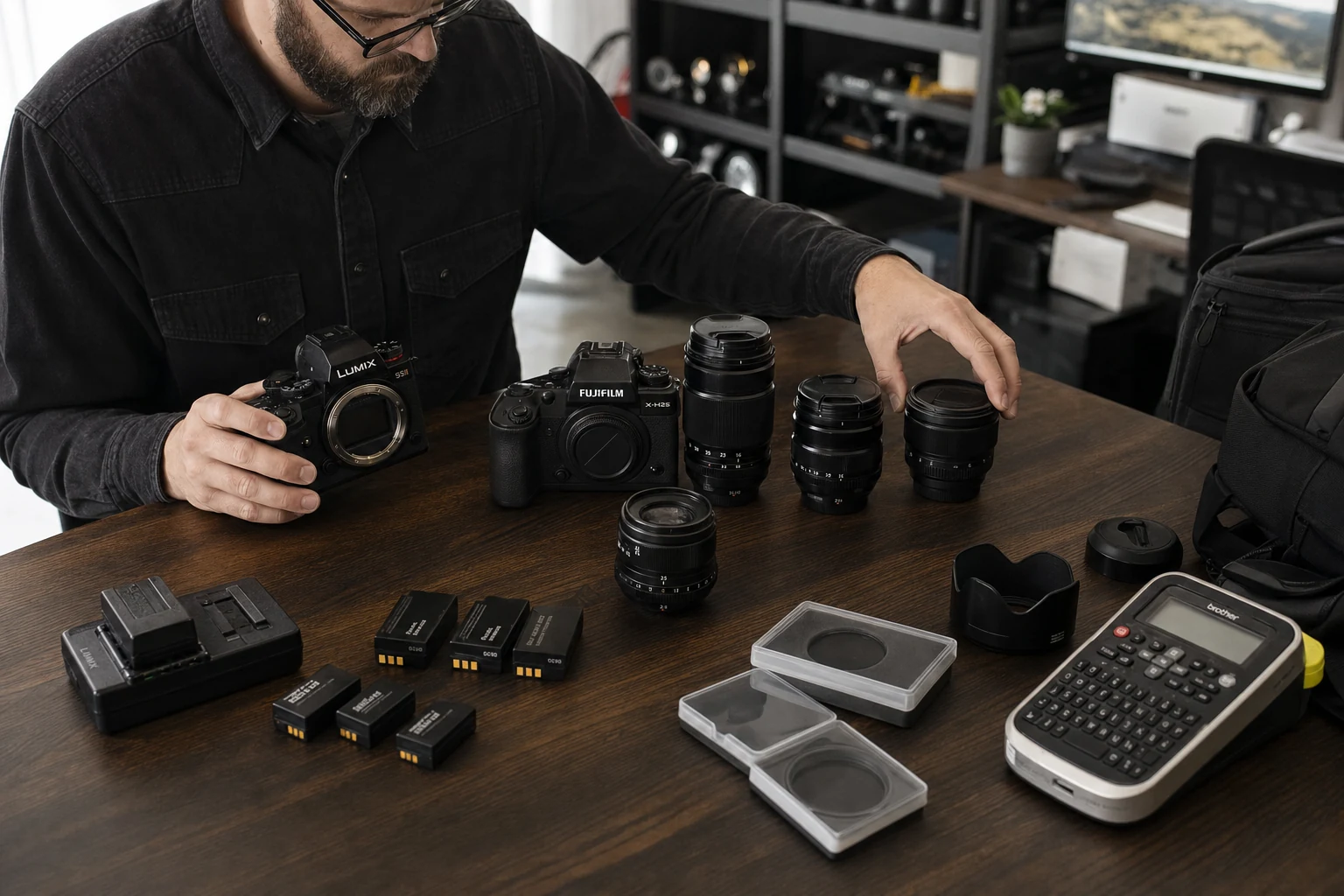
Run one complete workflow instead of importing the whole closet. Choose an active kit with one camera, two lenses, a light, a support item, and several small required parts. Use the same setup you would trust on a paid job.
- 01
Catalog
Add full names, serials, photos, purchase details, values, and locations. - 02
Prove
Attach a receipt, warranty, serial photo, and insurance document. - 03
Move
Loan one item, change a location, and verify how history is preserved. - 04
Block
Open a maintenance record and confirm the item no longer looks ready. - 05
Plan
Assign the kit to a shoot and check whether availability conflicts are clear. - 06
Export
Download what you would need if you left the product or prepared a report.
What questions reveal a weak inventory system?
Ask what happens around the happy path. Can two items share a model name without confusion? What happens when a borrower misses the due date? Can a maintenance issue block shoot assignment? Does an extension preserve the original loan date? Can another team member find the receipt? What leaves the system in an export?
Also check speed. A system with excellent fields still fails if adding a common item takes too long. Useful defaults and photography-specific records reduce setup without hiding the details that matter.
Who is GearDex best for?
GearDex is a strong fit for photographers, filmmakers, studios, and rental-minded teams who want the equipment record connected to daily operations. It combines gear library records with values, documents, locations, categories, loans, maintenance, reports, reusable rigs, shoot plans, and Iris inventory assistance.
A basic offline catalog may be a better fit if you want only a private list on one device. GearDex earns its place when your gear moves and the same item information needs to support the next decision.
Frequently asked questions
What is the best camera gear inventory software in 2026?
The best choice depends on whether you need a private catalog, insurance evidence, team checkout, maintenance, or shoot planning. Test one real kit across cataloging, documents, movement, service, planning, and export.
Is a camera inventory app better than a spreadsheet?
It is better when item photos, documents, locations, values, loans, maintenance, history, or shoot assignments matter. A spreadsheet remains reasonable for a small static list.
What should camera inventory software export?
At minimum, confirm export of item identity, serial numbers, purchase details, values, condition, location, and notes. Check how linked documents, photos, loans, and service records can be retained.
Does GearDex have a free option?
GearDex offers a free starting path so you can test the inventory workflow with real equipment before deciding whether broader features or higher limits fit your work.