Black Friday Camera Gear Checklist: What to Record on Day One
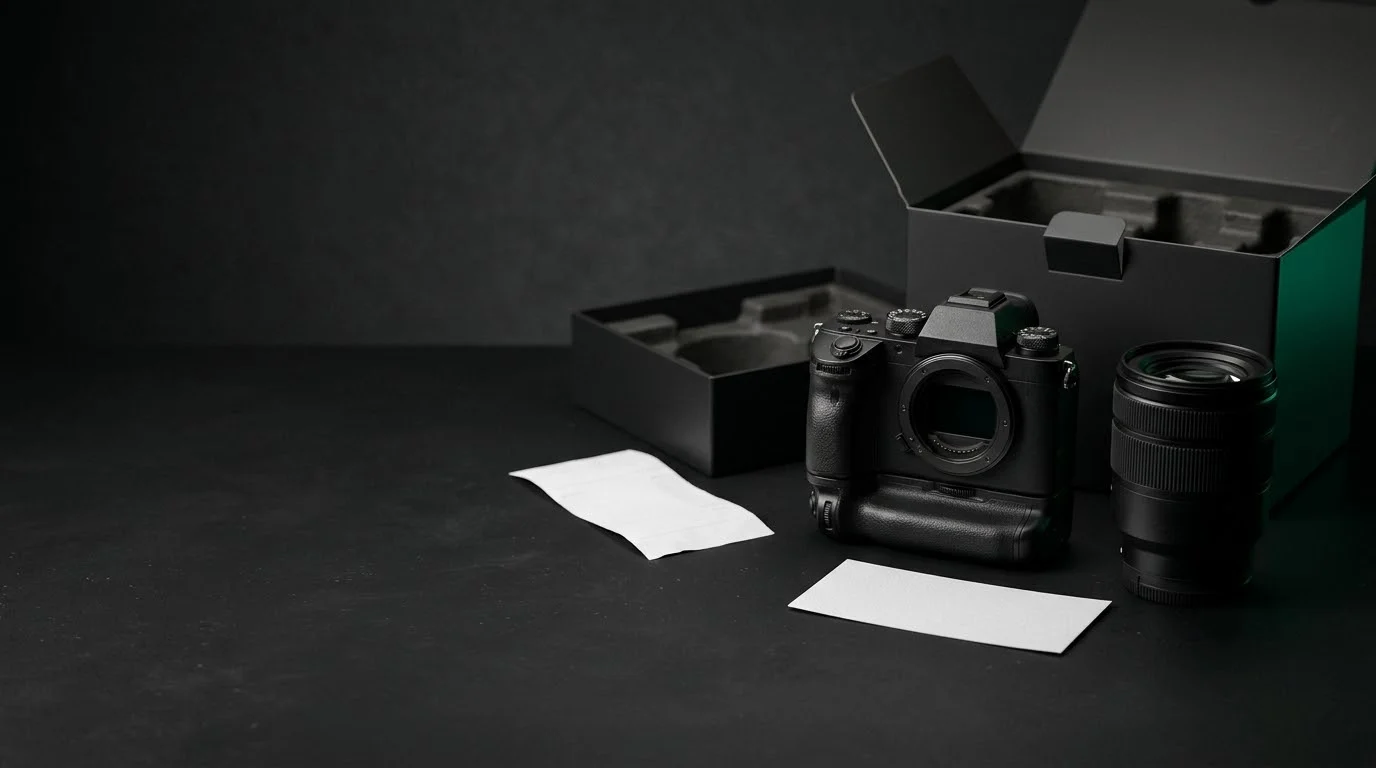
New camera gear arrives with deadlines attached. Record the serial number, receipt, return date, warranty, firmware, and insurance details before the box goes in the closet.
 Dylan AndersenPublished 12 min read
In this guide
- What should you record the day new camera gear arrives?
- Where do you find the serial number, and how should you record it?
- Which purchase records should you keep for new camera gear?
- Do you need to register a camera warranty, and is there a deadline?
- How do you use the return window before it closes?
- Should you update the firmware on a new camera or lens?
- When should new gear go on your insurance schedule?
- How do you keep all of this in one record?
- Frequently asked questions
The short answer
The day new camera gear arrives, read the serial number from the item itself, save the itemized receipt, write down the return-by date and the warranty end date, register the warranty if the maker asks for it, photograph the item's condition, note the firmware version, and tell your insurer about the addition. Several of these have deadlines, so start with the return window.
What should you record the day new camera gear arrives?
Black Friday falls on November 27 in 2026, and gear ordered that week tends to arrive while the calendar is full of holiday sessions and year-end deliveries. That is how a new lens ends up on a job before anyone has written down its serial number.
Treat arrival as an intake step with a fixed list. It goes quickly while the box, the order email, and the item are all in front of you. It takes far longer in March, when you are searching three inboxes for an invoice.
| Record | Where to find it | Why it should not wait |
|---|---|---|
| Serial number | On the body or lens itself, and on the box label | Warranty service, a theft report, and an insurance schedule all ask for it |
| Itemized receipt | The invoice or final order confirmation | It is your proof of purchase for the warranty, insurance, and taxes |
| Return-by date | Your order page and the retailer's holiday policy | After it passes, a faulty copy becomes a repair instead of an exchange |
| Warranty terms | The card in the box and the maker's regional site | Coverage is dated from the purchase, and some benefits depend on registration |
| Firmware version | The camera's setup menu | The unit may have been boxed before the current release |
| Condition photos | Your phone, in good light | They show the state of the item on the day it arrived |
| Insurance addition | Your policy schedule and your broker | The policy decides when and how new gear is covered |
| Ready-for-work date | Your own note | For business gear, the date it was ready to use matters at tax time |
Where do you find the serial number, and how should you record it?
Read the serial number from the item, not only from the box. On a camera body it is usually on the base plate or behind a tilting screen. On a lens it is usually on the barrel or near the mount. The box label is a useful cross-check, but boxes get separated from gear, and a kit box can carry a different identifier than the body and lens inside it.
Type the number, then photograph it. A typed serial is searchable, and the photo shows you did not swap two digits. Many bodies also write their serial number into each image's metadata, which gives you a second place to read it. If the number on the item disagrees with the box or the invoice, raise it with the retailer while the return window is open.
Take the condition photos in the same sitting. They do not need to be attractive. They need to show the item, its markings, and anything wrong with it on the day it arrived. Buying used? Add the shutter count as well. The free shutter count checker reads it from one original photo in your browser for supported Nikon, Sony, Pentax, Canon, and Fujifilm cameras, so you can compare it with what the seller described.
- 01
The whole item
Photograph the body or lens on a plain surface with enough detail to identify it. - 02
The serial close-up
Check that every character is readable at full size before you put the item away. - 03
The box label
Capture the model, serial number, and region code printed on the packaging. - 04
Everything in the box
Lay out caps, hood, charger, battery, strap, and cables so a missing accessory is obvious. - 05
Any flaw
Photograph a mark, scratch, or dust spot now, so nobody has to argue later about when it happened.
Which purchase records should you keep for new camera gear?
Keep the document that names the seller, the date, the exact model, and the price paid. Save the invoice or final receipt as a file instead of relying on the retailer's order history, and keep the payment record that matches it.
Ask for an itemized invoice when you buy a bundle. A single line that reads “camera kit” makes it hard to show what the lens alone cost. That matters when you sell one piece, insure items individually, or apply a tax rule that is tested per item. The guide to deducting camera gear for 2026 explains where the per-item price comes up.
- Invoice or receipt
- Seller, date, model, price, tax, and order number. Save the file itself, not a link to it.
- Payment record
- The card or bank line that matches the invoice total.
- Serial on the paperwork
- If the invoice lists a serial number, confirm it matches the item in your hands.
- Rebates and trade-ins
- Keep the rebate claim, the trade-in quote, and a note of what you finally paid.
- Who it belongs to
- Note whether the item is personal, business, or both, and who paid for it.
Do you need to register a camera warranty, and is there a deadline?
It depends on the maker, the region, and the benefit, so read the card that came in the box instead of assuming. Record four things: who provides the warranty, how long it runs, the date it ends, and whether anything has to be done to activate part of it.
Tamron Americas shows how the details can split. Its warranty page describes a six-year limited warranty on new lenses bought through an authorized dealer in the USA, Canada, or Mexico, with a dated bill of sale showing the price, model, and serial number as proof of purchase. Warranty repair needs no registration. Other benefits require a registered lens, and its accidental-damage benefit applies only within the first six months of purchase. Other makers set different terms, which is the reason to read your own card.
Where you bought the item matters too. Nikon USA's gray market notice says Nikon products imported and sold by anyone other than Nikon Inc. USA carry no Nikon USA warranty and are not eligible for its warranty repair service. Tamron Americas says the same of lenses sold outside its authorized dealers. If a holiday price looked unusually low, confirm the seller's status while you can still send the item back.
How do you use the return window before it closes?
Write down the actual return-by date from your order, not the retailer's usual policy. Holiday return periods differ by retailer and product, and a marketplace seller, an open-box item, or used gear can carry its own terms.
Then test the item while an exchange is still possible. A problem you find on day three is a return. The same problem found in February is a repair ticket and a few weeks without the gear.
- 01
Check the contents
Compare the box against the listed contents and your photo of everything laid out. - 02
Look for dust and stuck pixels
Photograph a plain bright surface at a small aperture, then a dark frame with the cap on. - 03
Test focus at working apertures
Shoot a flat, detailed subject wide open, across the frame and at both ends of a zoom, and look for one soft side. - 04
Run every control and port
Try each dial, button, card slot, hot shoe, and connector, plus stabilization and the viewfinder. - 05
Mount it on your own kit
Confirm the lenses, adapters, batteries, cages, and filters you already own fit and communicate. - 06
Decide before the date
Keep the packaging intact until the return date has passed.
Should you update the firmware on a new camera or lens?
Check it before the first job. A camera or lens can sit in a warehouse for a while, and the version it shipped with may be older than the one on the maker's support site. Note the installed version first, then read the release notes to see whether the update fixes something you need or changes behavior you rely on.
Download firmware only from the manufacturer and follow its instructions exactly, starting with a fully charged battery and no interruptions while it runs. Lens firmware is usually installed through the camera, so the body may need its own update first. If you update before an important shoot, leave time to test afterward.
Record the version and the date on the item. When a body misbehaves on a job, support will ask which firmware it is running, and you want to answer from the record. In GearDex the version fits in the item's notes, and Iris can look up current firmware with cited sources.
When should new gear go on your insurance schedule?
Tell your insurer or broker when the gear arrives instead of waiting for renewal. Policies handle additions differently. Some list each item, some cover a total, and the rules for newly bought equipment are in the policy wording. The reliable answer comes from the insurer, in writing.
Triple-I lists major purchases among the events that should trigger a review of your coverage. It also notes that a typical homeowners policy provides only $2,500 of coverage for business equipment, a figure one new camera body can exceed. If you earn money with the gear, ask directly whether business use is covered. The year-end inventory check walks through the full review before a renewal.
- Is it covered now?
- Ask whether the new item is covered from the purchase date or only once it is added.
- Is there a deadline?
- Ask whether additions have to be reported within a set number of days.
- Which value applies?
- Ask whether the schedule should show the price paid or the cost to replace the item.
- What proof is expected?
- Ask which documents the insurer wants: receipt, serial number, photos, or an appraisal.
- Does the total still fit?
- Add the item to your running total and compare it with the policy limit.
How do you keep all of this in one record?
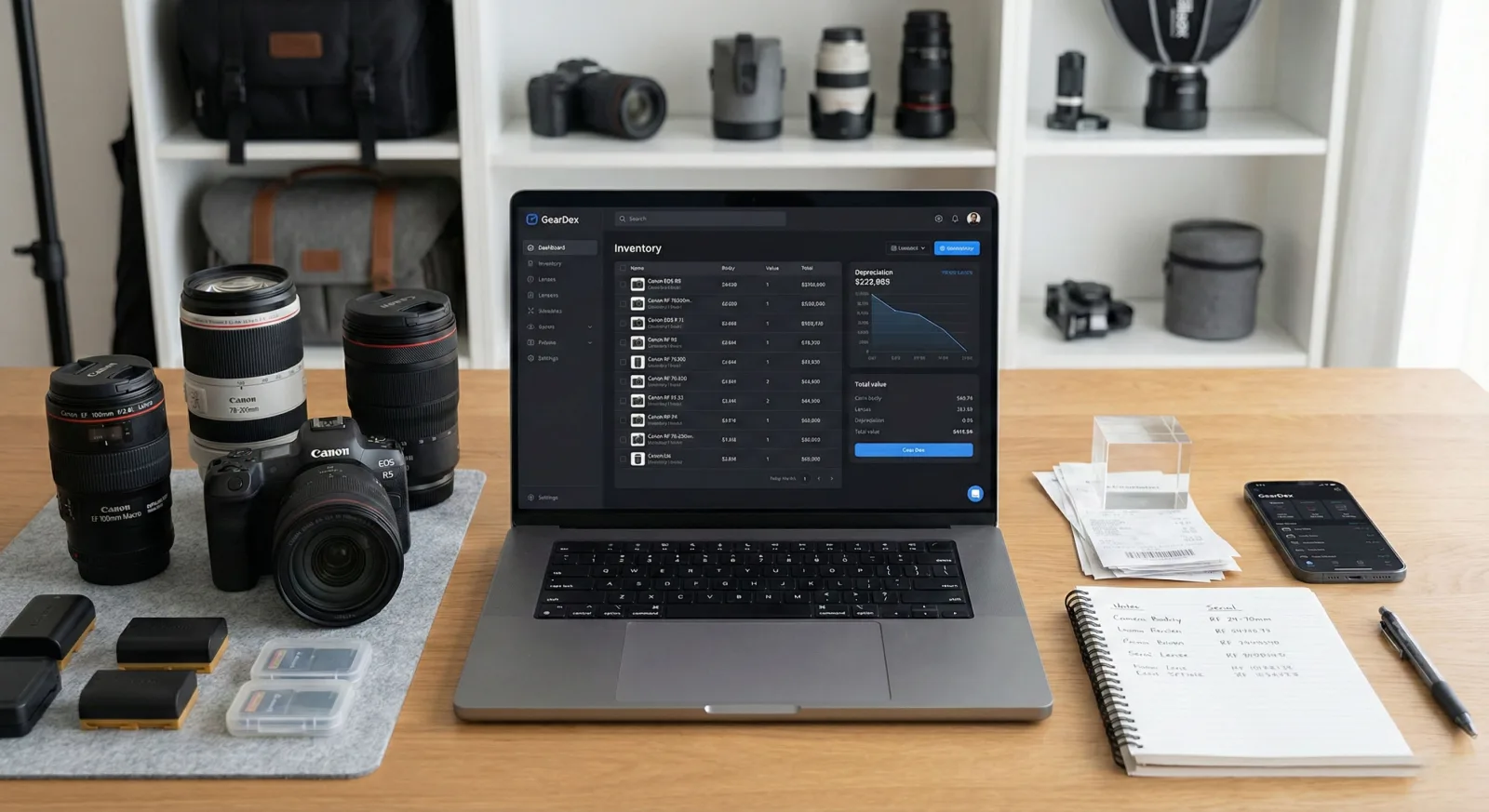
Put everything on the item, not in a folder named after the sale. A GearDex item record holds the serial number, purchase details, value, condition, location, photos, notes, receipts, and warranty, so the answer to “when does this end?” sits next to the gear it belongs to. The camera gear inventory app page shows the whole record.
Type the model into Smart Add and the specs fill in, or tell Iris what you bought and paste the receipt. Starter is free for up to 25 gear items with one gear document. Pro, at $4 a month or $39 a year, removes the item limit and adds unlimited documents and a receipt inbox that reads the merchant, date, and price for you to check.
Prefer a spreadsheet for now? The free camera gear inventory template runs in your browser and downloads a CSV, with no account. Either way, do it the day the box opens.
Frequently asked questions
What should I do first when new camera gear arrives?
Read the serial number from the item, photograph it, save the itemized receipt, and write down the return-by date. Then test the gear while it can still be exchanged.
Do I have to register my camera or lens for the warranty?
It depends on the maker and region. Some warranties apply with proof of purchase alone, while certain extra benefits require registration or apply only for a limited time after purchase. Read the warranty card and the maker's regional site, and record the end date.
Is the serial number on the box enough?
No. Record the serial number from the camera or lens itself and use the box label as a cross-check. Boxes get separated from gear, and a kit box can carry a different identifier.
Does gray market camera gear have a warranty?
It may carry a warranty from the seller, but not necessarily from the manufacturer's local company. Nikon USA, for example, says gray market products are not covered by a Nikon USA warranty. Confirm the seller is an authorized dealer for your region.
Should I update firmware on a brand new camera?
Check the installed version against the maker's support site and read the release notes. If you update, use the manufacturer's file and instructions, start with a fully charged battery, and test the camera afterward.
Do I need to tell my insurer about new camera gear?
Ask your insurer or broker how additions are handled and whether there is a reporting deadline. Coverage for newly bought gear depends on the policy, so get the answer in writing.
Can I track new gear in GearDex for free?
Yes. Starter is free for up to 25 gear items and includes one gear document. Pro is $4 a month or $39 a year, with unlimited gear and documents.