
Camera gear records for insurance preparationTurn the camera bag into a documented inventory before you need to prove what was inside.
Keep item photos, serial numbers, receipts, purchase details, current estimates, warranty files, locations, and service history together, then export a record for an insurance conversation.
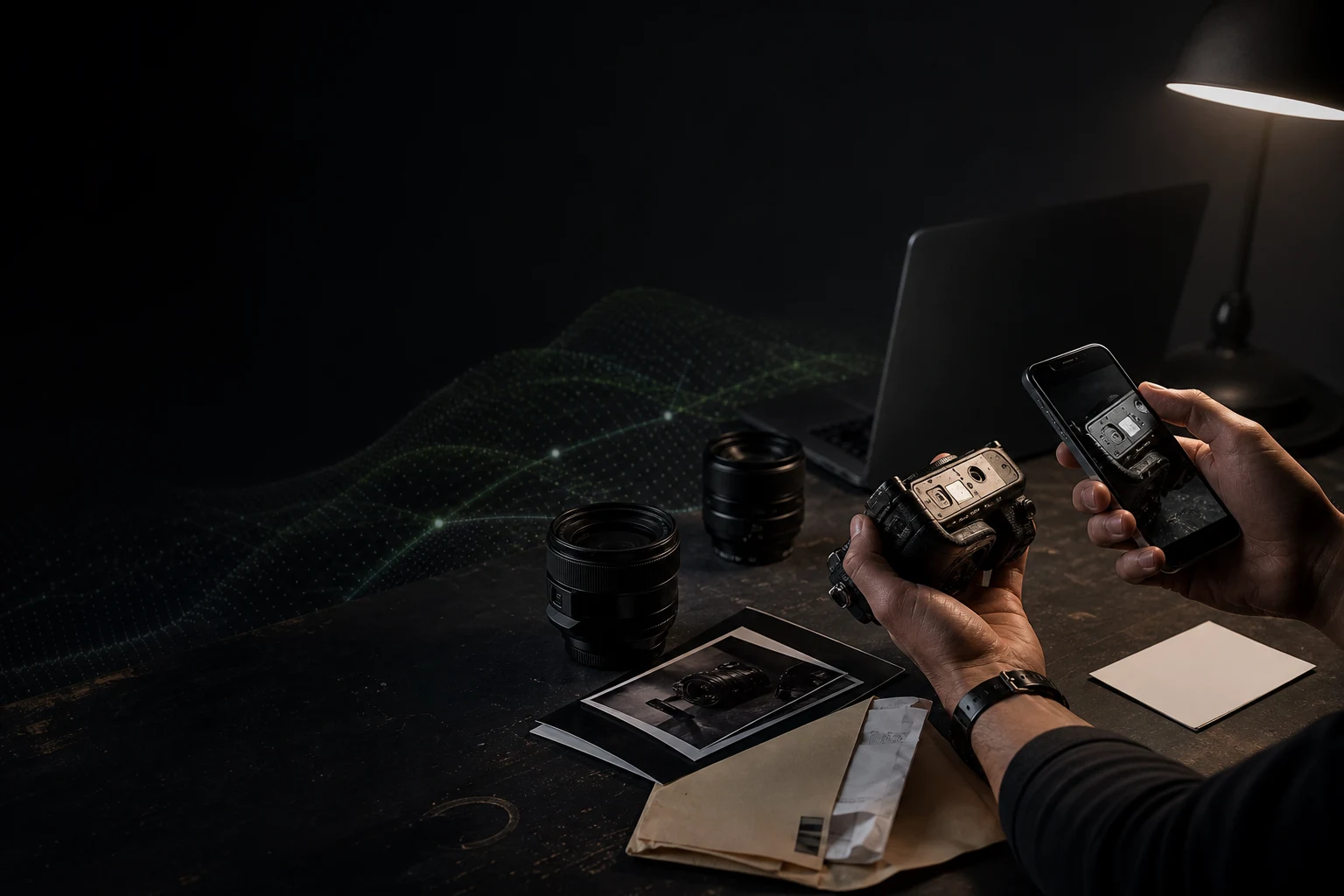
A memory of what you owned is not the same as a record of the exact item, its value, and the evidence attached to it.
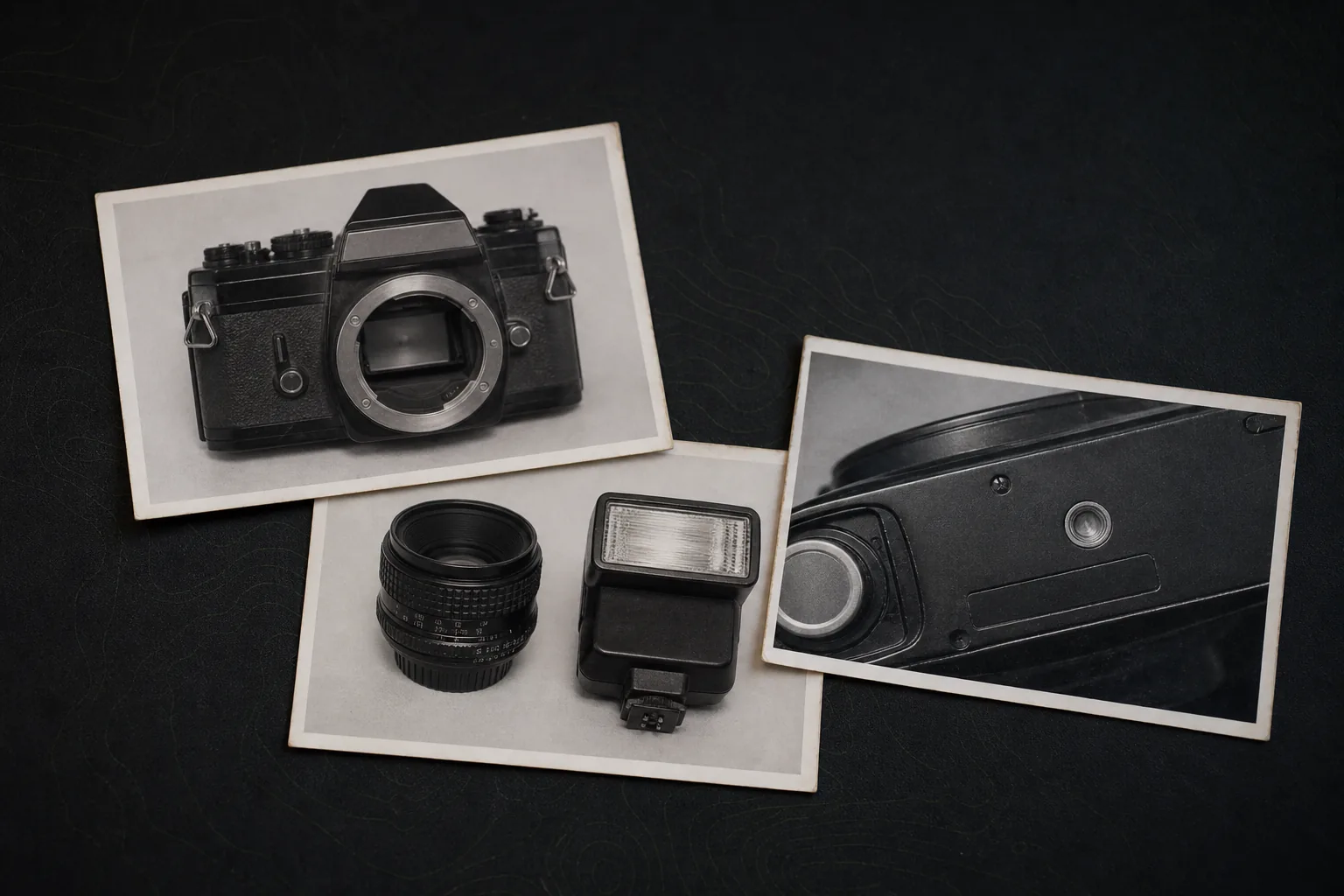
What does GearDex do for camera gear insurance records?
GearDex turns a camera kit into a documented inventory. Each item holds a clear photo, serial number, purchase date, seller, receipt, warranty file, and a current estimate kept separate from the purchase price, so you can export an organized record for an insurer or broker. It does not sell insurance or guarantee coverage.
Documents & warrantiesPro+
Receipts and warranties on the item
Receipts, warranty cards, and policies are linked to the gear they cover, and warranties show when they're about to expire.
Explore documents & warrantiesPortfolio valuePro+
Values ready for the insurer
Track portfolio value over time, see insured totals and items missing a value, and download the insurance PDF or CSV.
Explore portfolio valueGear libraryAll plans
Serials in one searchable library
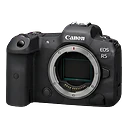
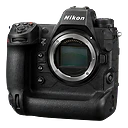
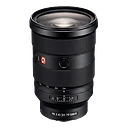
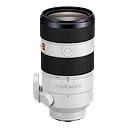
Every item carries its photo, type, value, and serial number in one searchable gear library.
Explore gear library
Reports & analyticsPro+
Totals by brand and category
Review value by brand and items by category before a coverage review.
Explore reports & analyticsTry it on your own kit.
Starter is free for up to 25 items. No credit card required.
Document the item while it is still on your desk
Insurance preparation is ordinary recordkeeping done early: identify the item, attach evidence, keep the value current, and know how to export it.
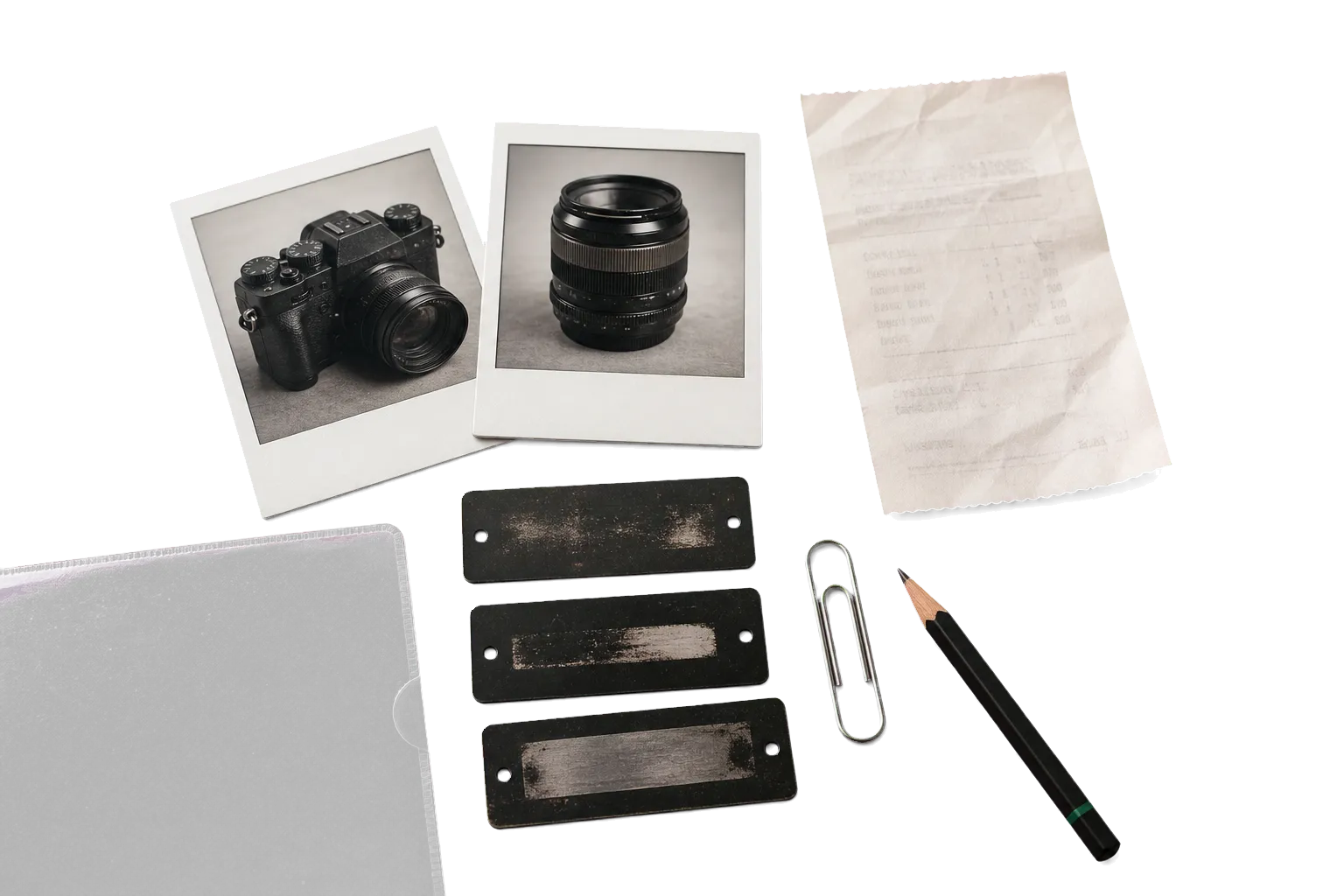
- 01
At the desk
Photograph and identify
Add a clear item photo, brand, model, category, serial number, condition, and any distinguishing note.
OutputA record that points to one specific physical item.
- 02
Same sitting
Attach proof of ownership
Store the purchase date, seller, price, receipt, warranty, and supporting documents with the item.
OutputEvidence that does not depend on finding an old email during a stressful week.
- 03
On a schedule
Review the value
Keep the purchase amount and current estimate separate, and update the estimate when the collection or market changes.
OutputA dated inventory total with item-level values and the assumptions behind them.
- 04
Before renewal
Export and discuss coverage
Create an inventory record to review with an insurer or broker, and ask what evidence, limits, exclusions, and valuation method apply to your policy.
OutputA prepared conversation, not a promise that a claim will be covered.
The record should separate facts from estimates
Serial number and receipt establish identity and purchase history. Current value is a separate estimate that may require insurer guidance or outside appraisal.
Example inventory extract
Primary camera kit
A concise output for a coverage review. Item names, identifiers, and values below are fictional examples.
GearDex organizes records. It does not sell insurance, set policy terms, appraise equipment, or guarantee coverage or claim payment.
Item identity
- Brand and model
- Serial number
- Category
- Item photo
- Condition
Purchase evidence
- Purchase date
- Seller
- Purchase price
- Receipt
- Warranty file
Value record
- Current estimate
- Estimate date
- Currency
- Valuation note
- Collection total
Risk context
- Home location
- Current location
- Loan status
- Service history
- Export date
Set it up before the next job.
Three steps take you from a list in your head to a record the whole workflow can use.
- 01
Add the kit
Type a model and Smart Add fills in the specs, or bring your spreadsheet in with the free CSV template.
Smart Add & import - 02
Attach the evidence
Add serial numbers and item photos, then drop receipts and warranty cards onto the gear they cover.
Documents & warranties - 03
Export the record
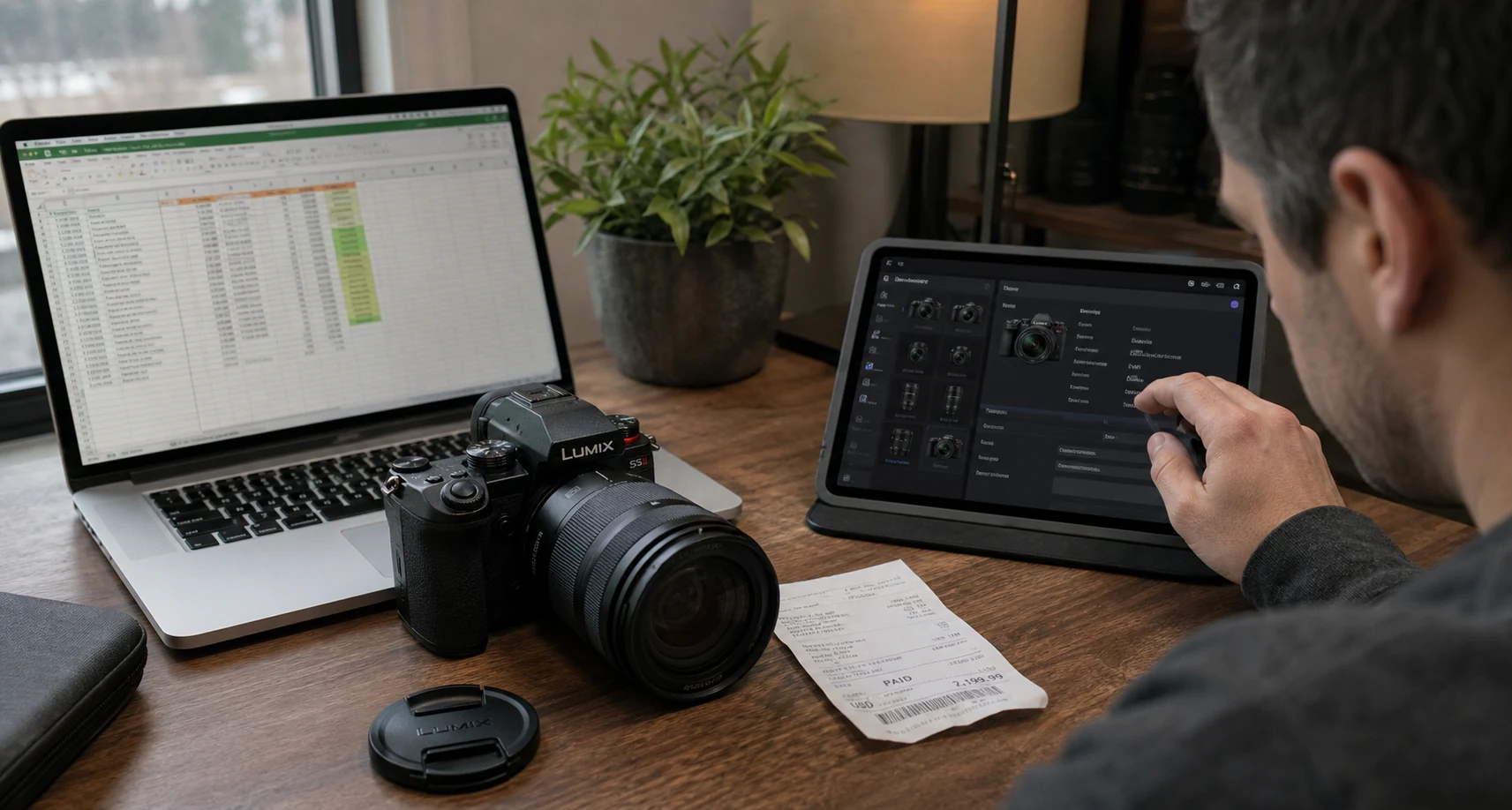
Review the current estimates, then export an insurance-ready inventory to go over with your insurer or broker.
Portfolio value
Use the plan that matches the evidence you keep
Starter can establish a small inventory. Pro adds unlimited items, document and warranty tracking, reports, and the insurance PDF workflow.
Compare all plansStarter
Free
A compact personal kit
Up to 25 items, 10 categories, search, filters, mobile access, and three shoot plans.
ProBest fit
$4/month
A working photographer or filmmaker
Unlimited items and shoot plans, documents, warranty tracking, reports, trends, the rig builder, and QR labels.
Studio
$19/month
Shared equipment operations
Everything in Pro, plus loans, maintenance, studio analytics, and access to Studio features as they become available.
Questions about GearDex for insurance records
Still unsure? Visit help and support.
No. GearDex is inventory and workflow software. It does not sell insurance, provide coverage advice, or decide whether a claim is covered.
A useful record often includes the item name, serial number, clear photos, purchase date, seller, receipt, purchase price, current estimate, location, condition, and supporting documents. Ask your insurer what it requires for your policy.
Yes. Document and warranty tracking are included with Pro and Studio, so supporting files can stay connected to the equipment record.
No. It records the values and evidence you enter. Policy terms, depreciation, appraisal requirements, and settlement methods are determined by the insurer and the applicable policy.
GearDex supports inventory exports, and Pro includes reporting and an insurance PDF workflow. Review any exported record with the insurer or broker who handles your coverage.
Guides and free tools
All guides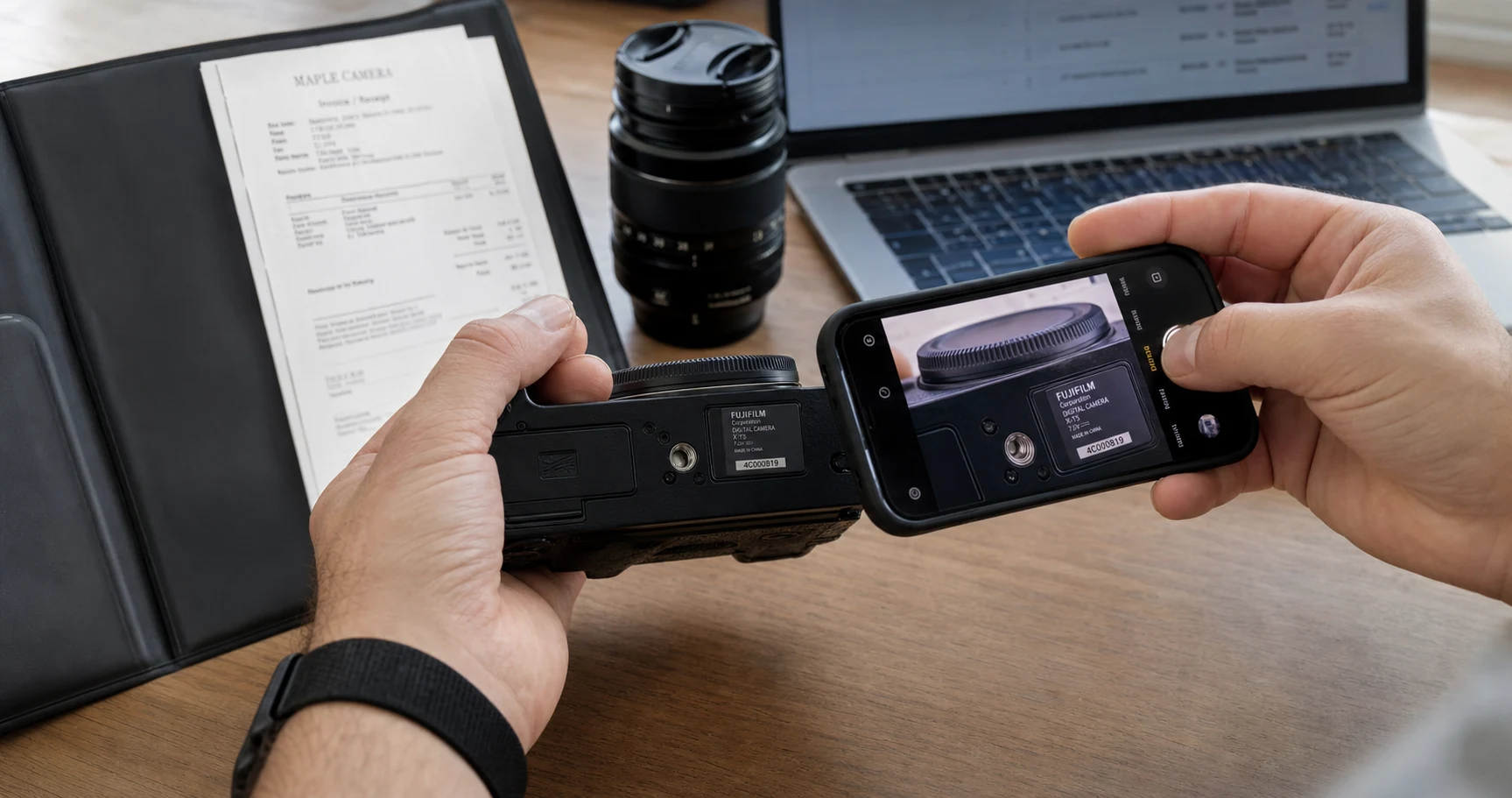
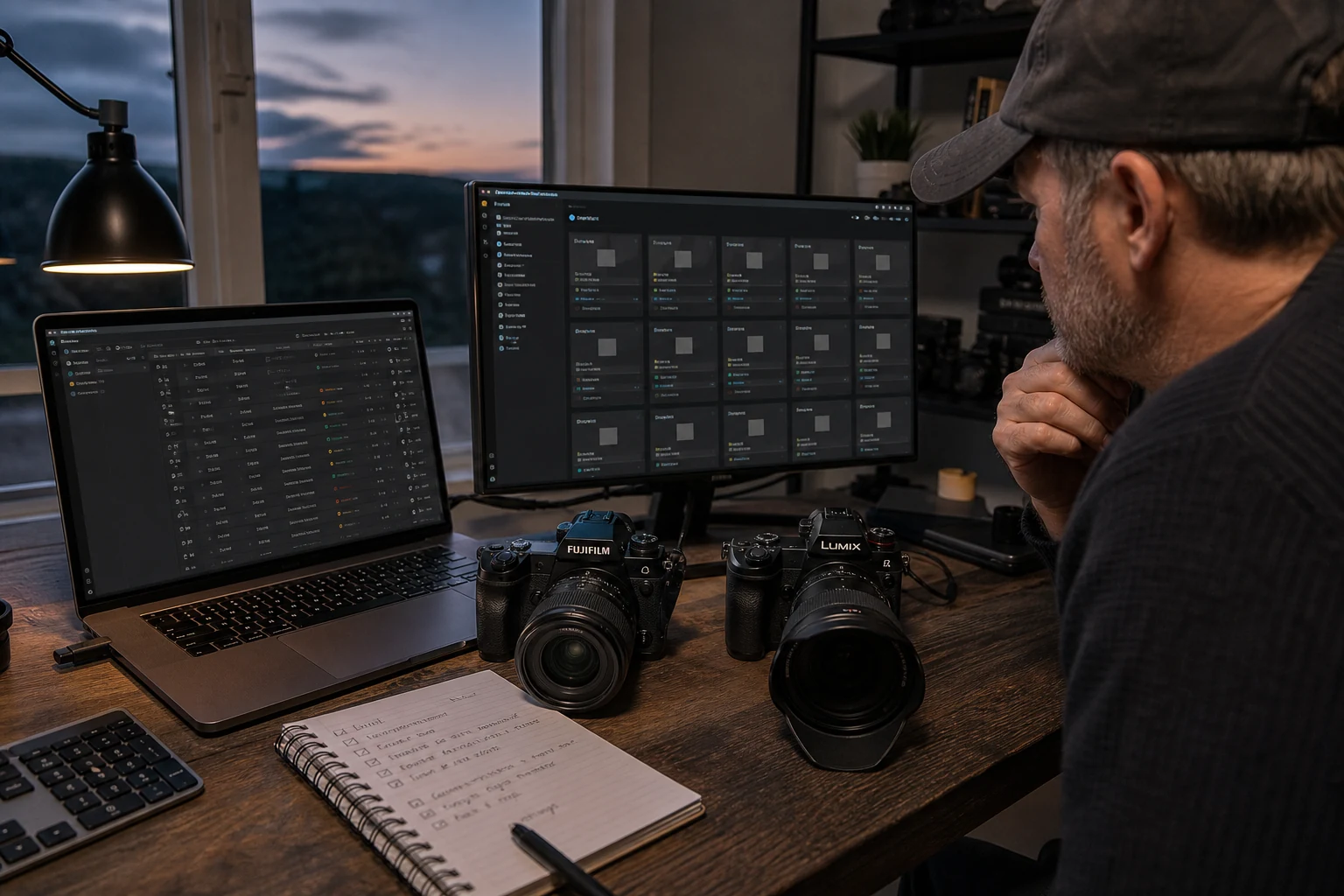
Other Use Cases
All Use Cases
Wedding photographers
Walk into every wedding knowing what is packed, paired, and ready.
Photography studios
Run the gear room like part of the studio, not a closet with expensive surprises.
Videographers
Build the rig on screen before you discover the missing piece on set.
Travel photographers
Know what is in the carry-on, what it is worth, and what cannot be replaced mid-trip.

Document the kit while it is still in front of you.
Start with the most expensive body and lens. The first 25 items are free.
- Free forever plan
- No credit card
- Import from CSV
- Mac & web