
Equipment operations for photography studiosRun the gear room like part of the studio, not a closet with expensive surprises.
Keep inventory, locations, loans, maintenance, documents, and reporting in one operating record so producers and crew can see what is ready before call time.
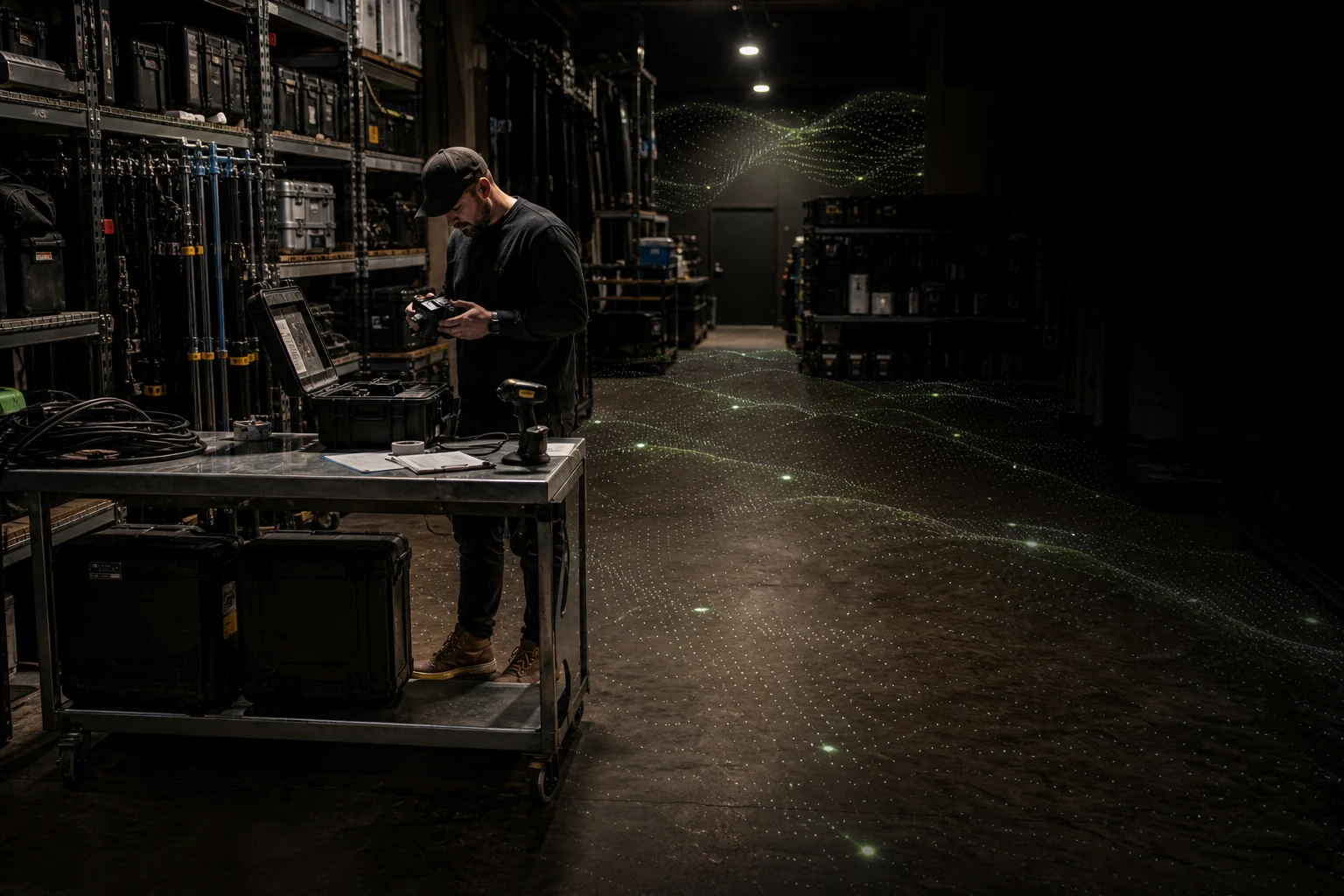
The cost of missing gear is rarely the item alone. It is the crew time spent finding it after the schedule has started moving.
What does GearDex do for photography studios?
GearDex gives a studio one operating record for shared equipment. Every body, lens, light, and accessory has a serial, a home location, and a current custodian, and the Studio plan adds loans, maintenance, and an availability board, so producers and crew can see what is ready, who has it, and what needs service before call time.
Availability boardStudio
One availability board
Every item's reservations, loans, and maintenance on one timeline, so two sets never claim the same body.
Explore availability board
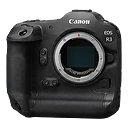
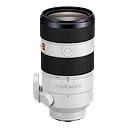
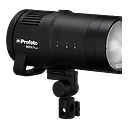
Loans & lendingStudio
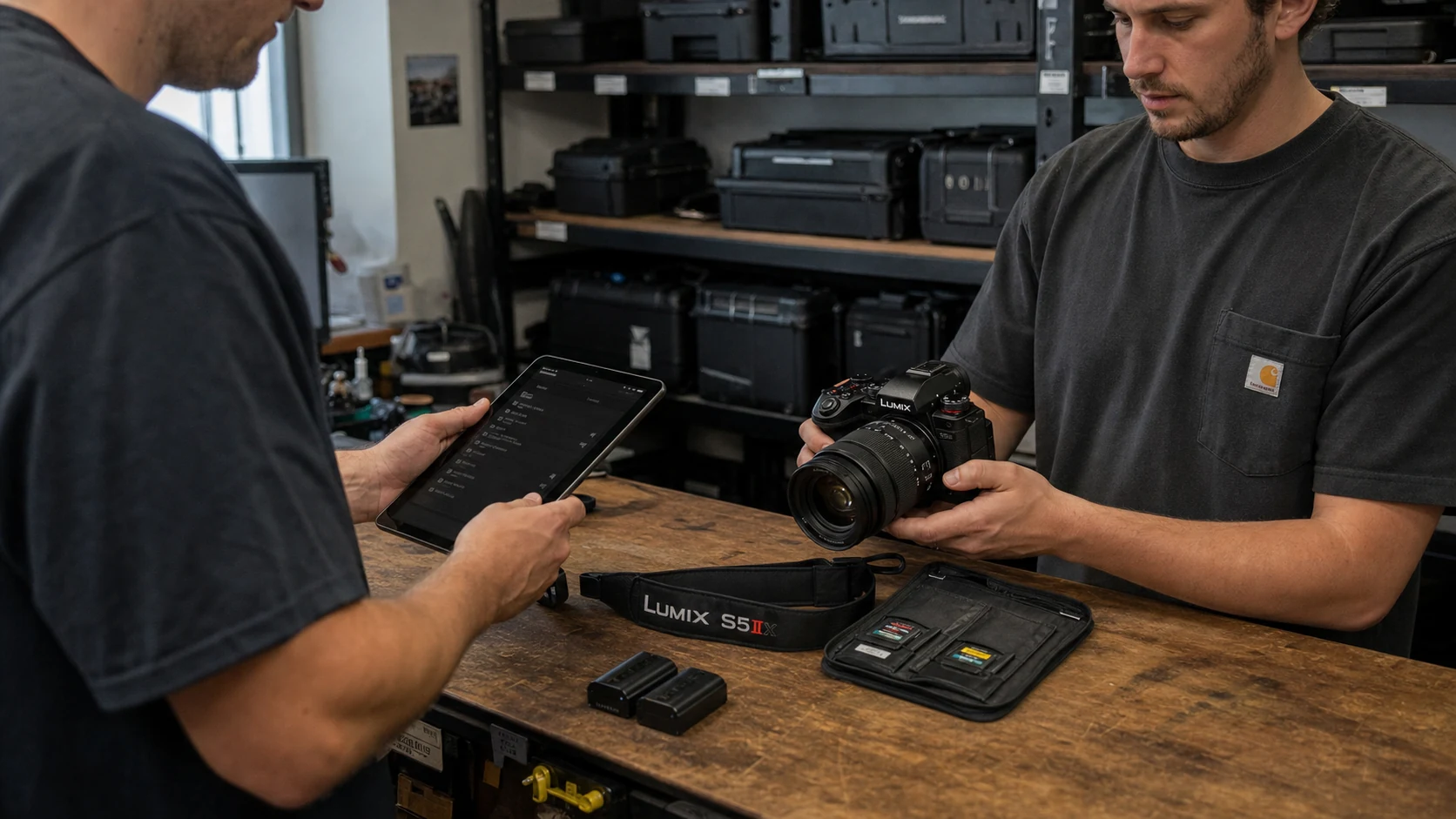
Checkouts with a paper trail
See who has each item, what fee applies, and when it's due, with overdue loans flagged instead of buried in a message thread.
Explore loans & lendingMaintenanceStudio
A real service queue
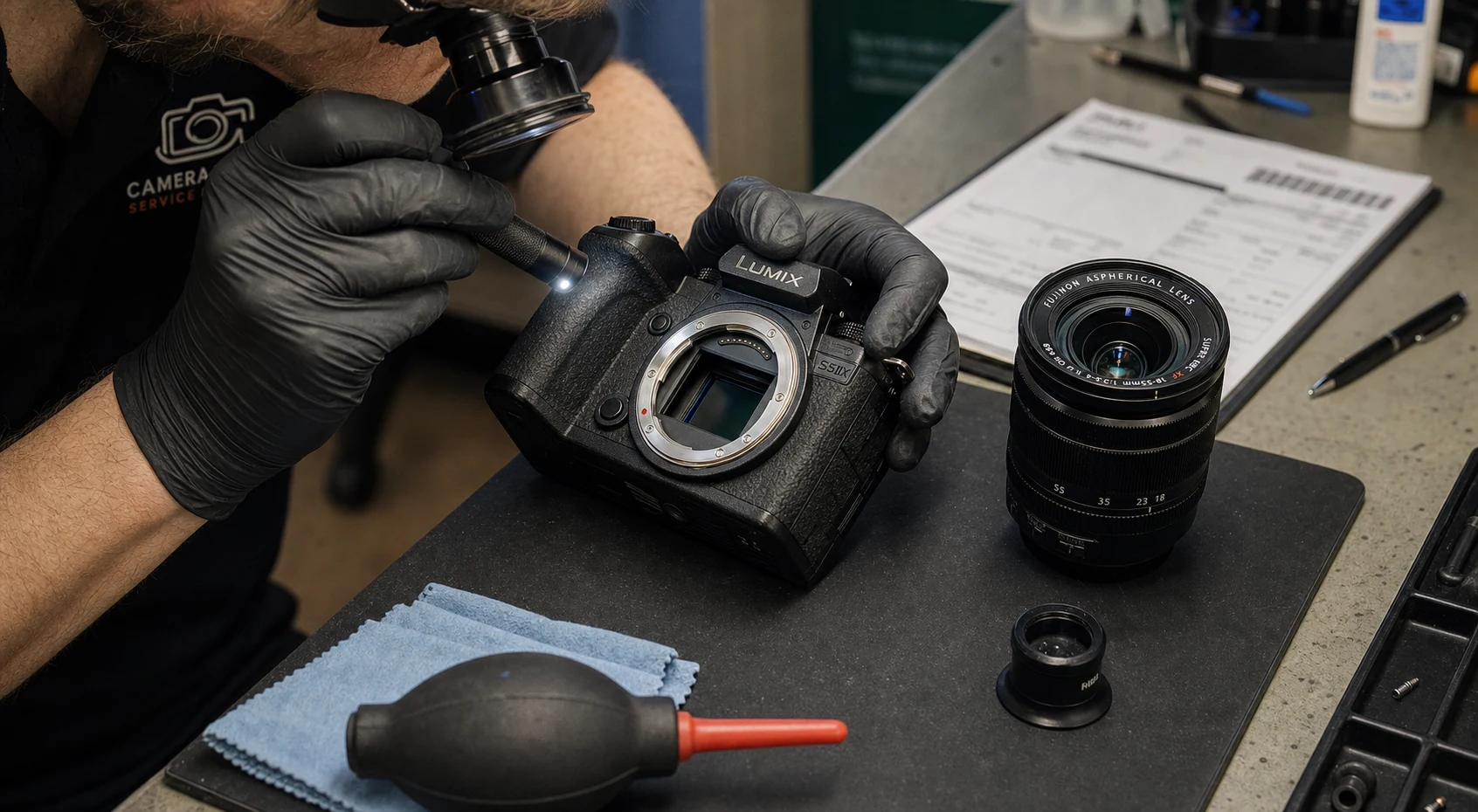
Log sensor cleanings, repairs, and calibration with status, date, and cost, so suspect gear stays out of the next case.
Explore maintenanceReports & analyticsPro+
Know what the room costs
See value by brand and items by category, with trend and insurance views one tab away.
Explore reports & analyticsTry it on your own kit.
Starter is free for up to 25 items. No credit card required.
From receiving shelf to return bench
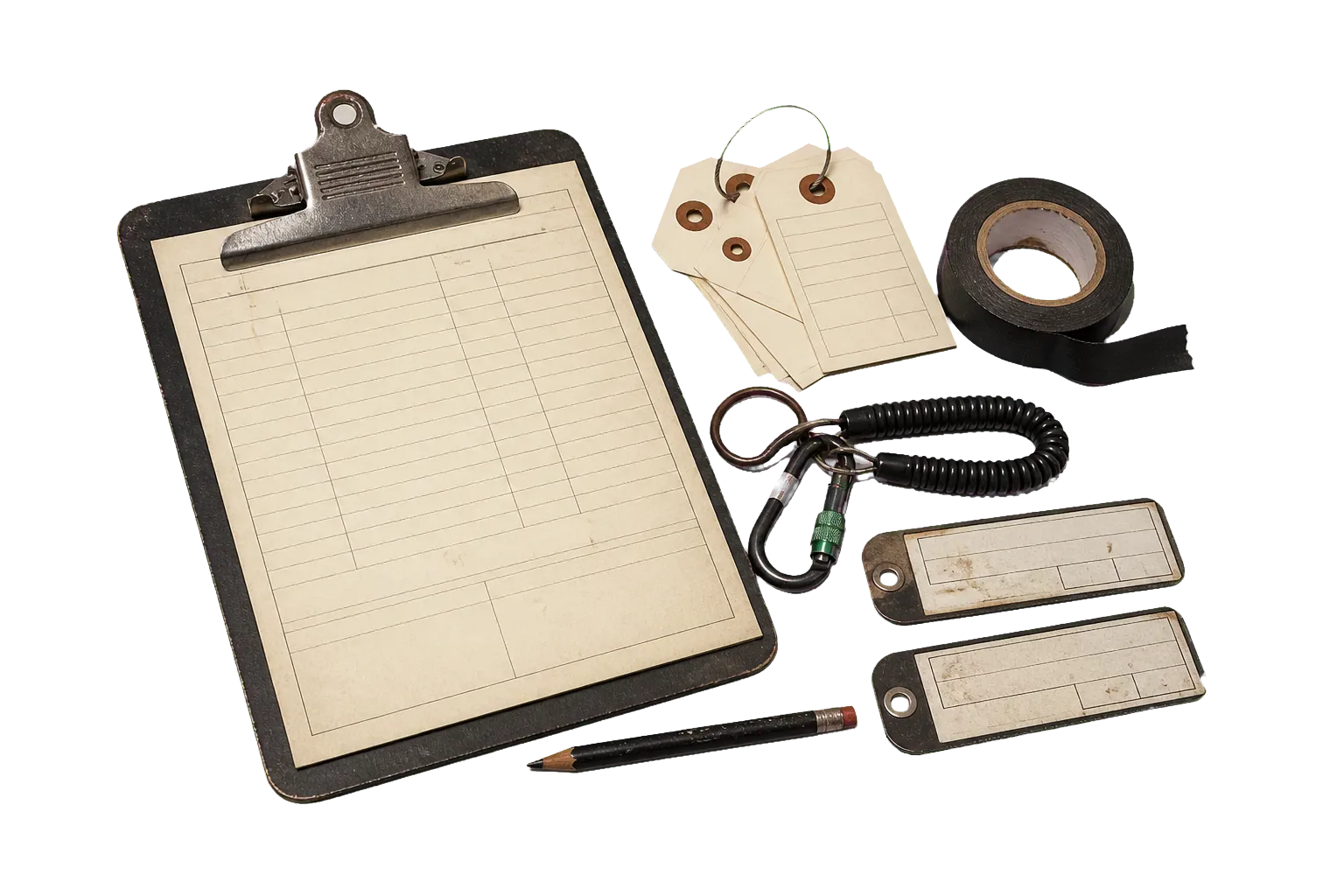
A studio needs custody and condition alongside a reliable count. The record follows each item through locations, assignments, loans, returns, and service.
- 01
On arrival
Receive and identify
Add the item, serial, owner or purchase record, current value, home location, photos, receipt, warranty, and category.
OutputA studio record that can survive staff changes and reorganized shelves.
- 02
Before the call
Assign for production
Connect gear to a shoot, rig, case, room, or responsible person before it leaves its normal location.
OutputA clear answer to who has it, where it went, and what job needs it.
- 03
Checkout
Check out and return
Record the loan, expected return, condition, and return notes instead of relying on a message thread.
OutputA handoff record the producer and gear manager can both read.
- 04
After wrap
Route problems to service
Move damaged or unreliable gear into maintenance with dates, work performed, cost, warranty status, and service notes.
OutputA service queue that keeps suspect equipment out of the next case.
A studio record needs ownership and custody
The most useful fields answer four questions: what is it, where is it, who has it, and can it go back on set.
Example checkout record
Studio B product shoot
A compact handoff view for a four-item lighting and camera package. Names and identifiers below are examples.
A short return note gives the next prep crew a usable answer without hiding a problem in the case.
Asset record
- Asset name
- Serial number
- Category
- Purchase details
- Current estimate
Custody
- Home location
- Current location
- Loan recipient
- Due date
- Return condition
Service
- Maintenance type
- Scheduled date
- Service provider
- Cost
- Service history
Production
- Shoot
- Rig
- Assigned crew
- Availability
- Attached documents
Set it up before the next job.
Three steps take you from a list in your head to a record the whole workflow can use.
- 01
Add the kit
Type a model and Smart Add fills in the specs, or bring your spreadsheet in with the free CSV template.
Smart Add & import - 02
Attach the evidence
Add serial numbers and item photos, then drop receipts and warranty cards onto the gear they cover.
Documents & warranties - 03
Map the room
Set locations for cages, shelves, and cases, then log the first checkout so custody starts on day one.
Loans & lending
Studio is the operations plan
Pro covers a large personal inventory. Studio is the fit when equipment moves between people, locations, and service states.
Compare all plansStarter
Free
A compact personal kit
Up to 25 items, 10 categories, search, filters, mobile access, and three shoot plans.
Pro
$4/month
A working photographer or filmmaker
Unlimited items and shoot plans, documents, warranty tracking, reports, trends, the rig builder, and QR labels.
StudioBest fit
$19/month
Shared equipment operations
Everything in Pro, plus loans, maintenance, studio analytics, and access to Studio features as they become available.
Questions about GearDex for photography studios
Still unsure? Visit help and support.
Yes. The Studio plan includes loan tracking and maintenance. A loan can keep the item, recipient, dates, status, and return details together.
Yes. Locations can represent rooms, shelves, cases, vehicles, or other places that match how the studio stores gear.
Yes. Maintenance records, service dates, notes, costs, receipts, and warranty files can stay connected to the item.
Team workspace and permissions are listed as Studio preview features. Core inventory, loans, maintenance, and studio reporting do not depend on presenting a preview feature as finished.
Guides and free tools
All guides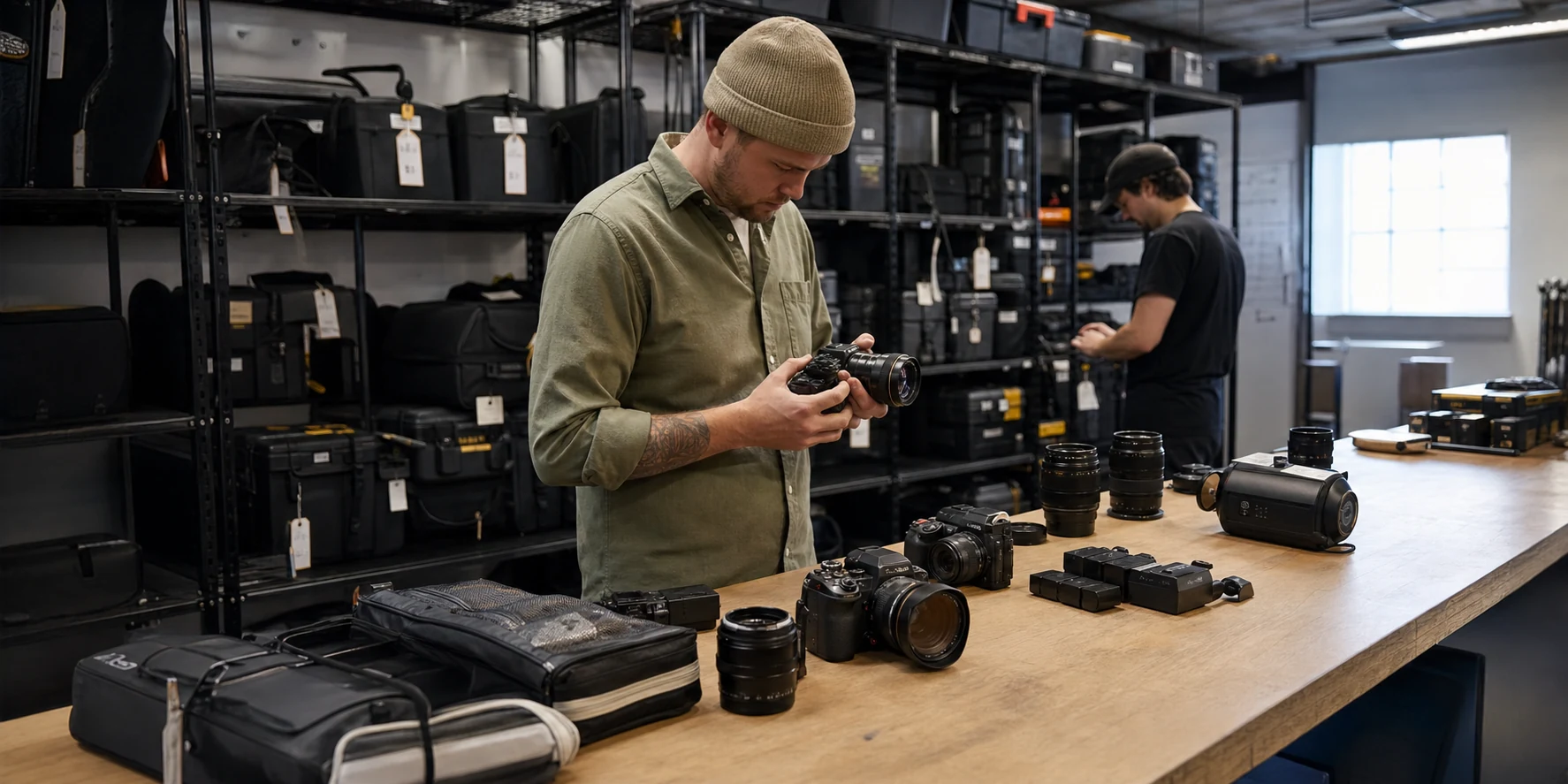
Other Use Cases
All Use Cases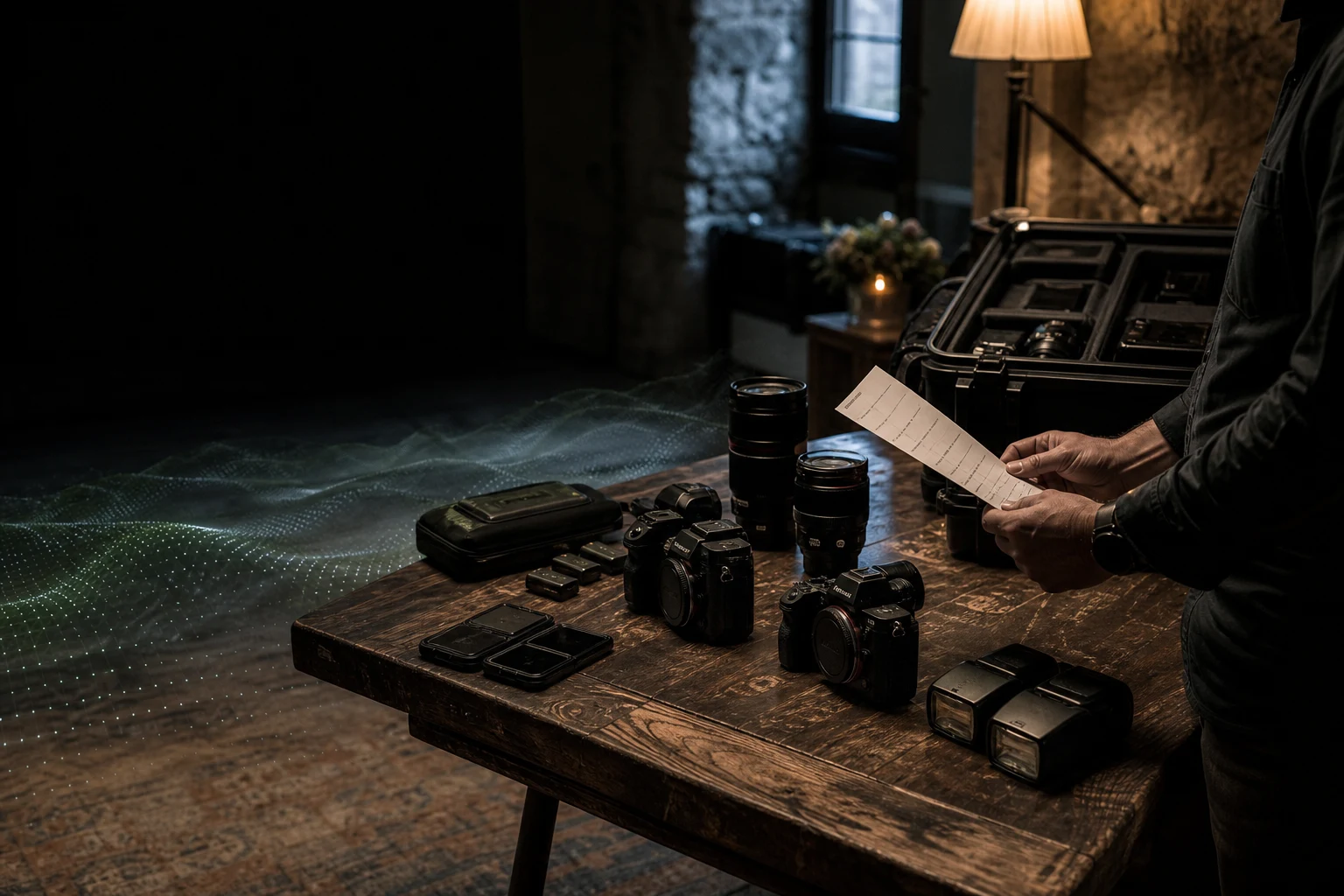
Wedding photographers
Walk into every wedding knowing what is packed, paired, and ready.
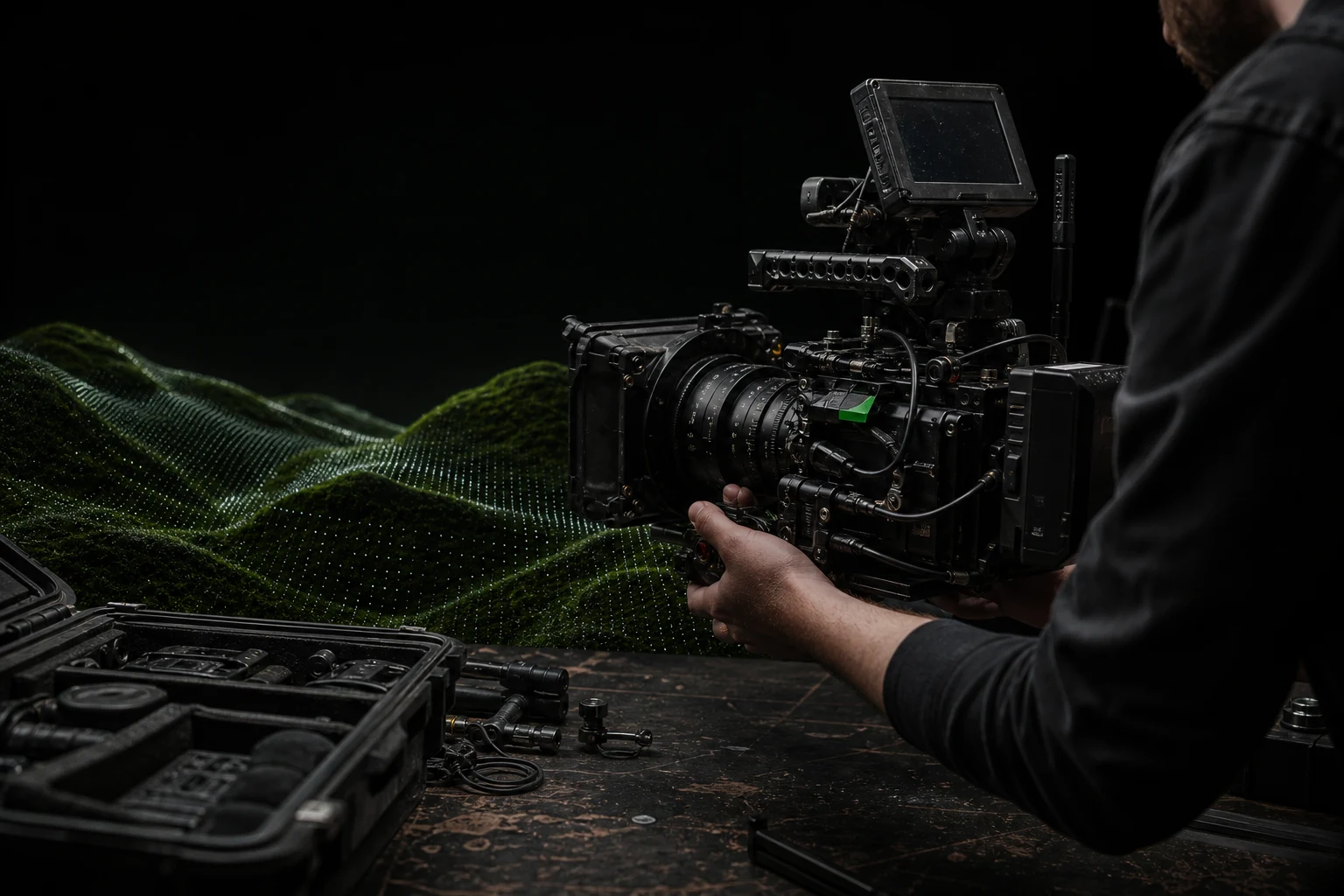
Videographers
Build the rig on screen before you discover the missing piece on set.
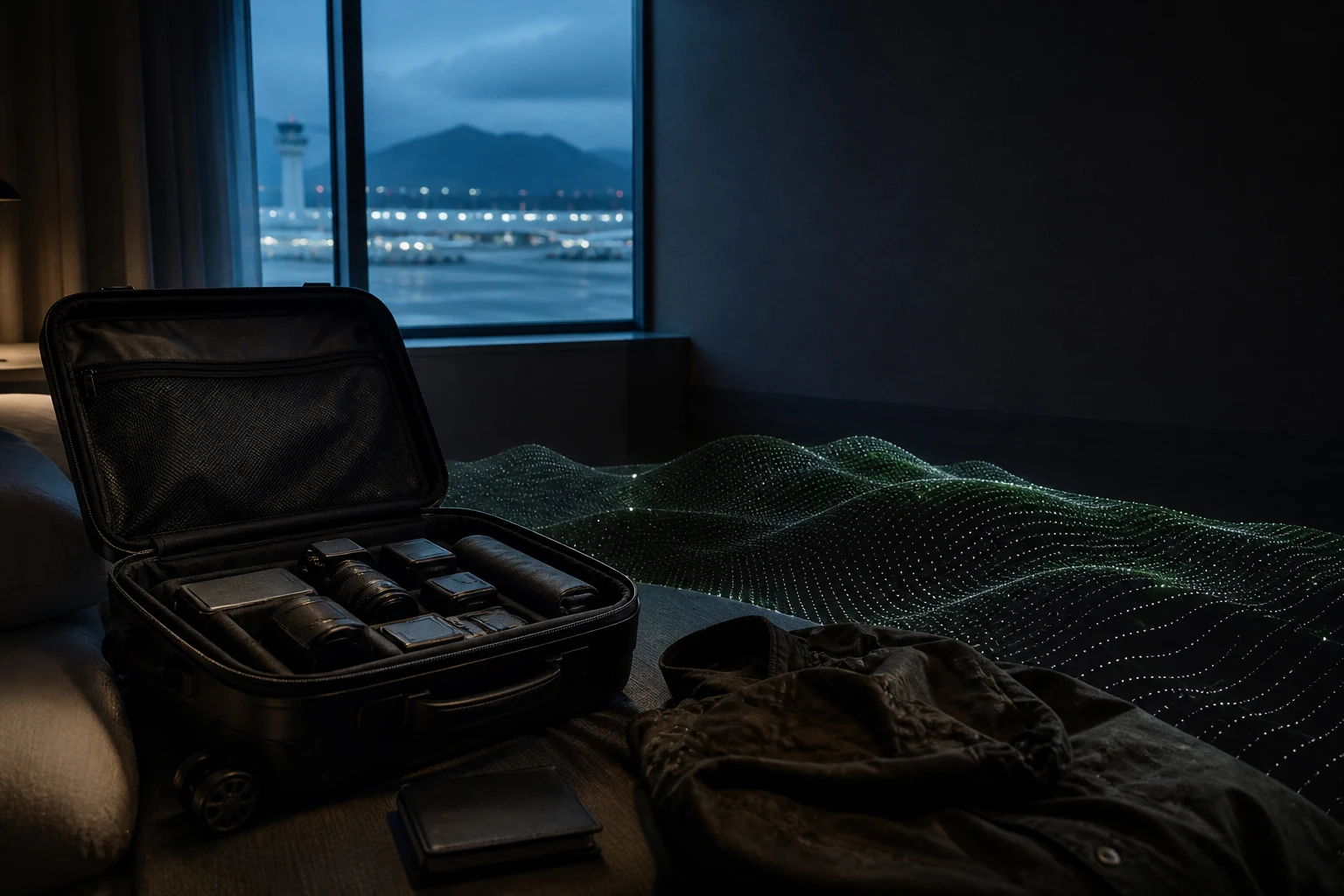
Travel photographers
Know what is in the carry-on, what it is worth, and what cannot be replaced mid-trip.
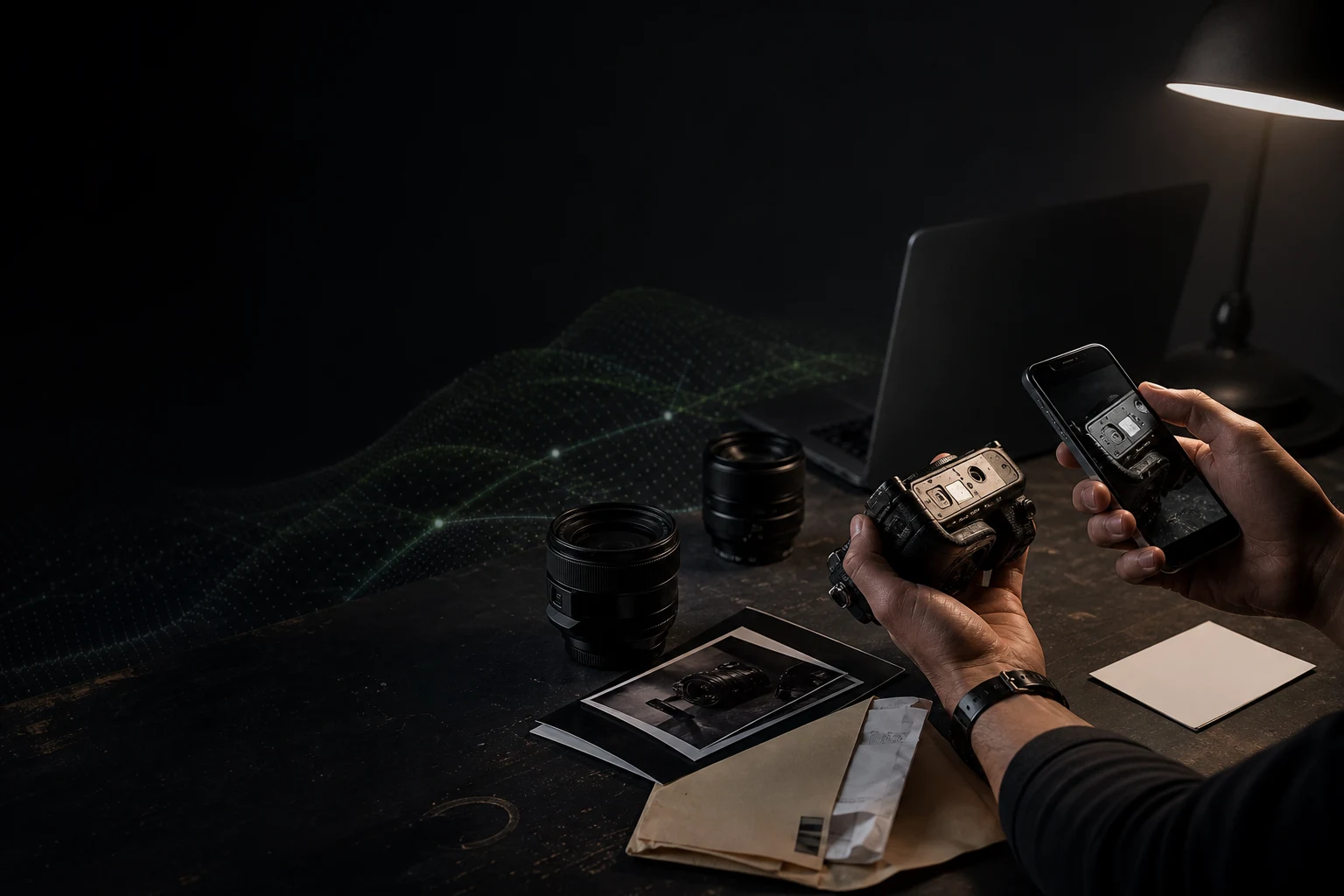
Insurance records
Turn the camera bag into a documented inventory before you need to prove what was inside.

Put the gear room on a record everyone can follow.
Start with one shelf or one production package, then map the rest of the room.
- Free forever plan
- No credit card
- Import from CSV
- Mac & web