Studio Equipment Management Software: A System for Shared Camera Gear
Manage shared studio cameras, lenses, lighting, loans, locations, maintenance, and shoot conflicts with one clear equipment system.
 Dylan AndersenPublished 9 min read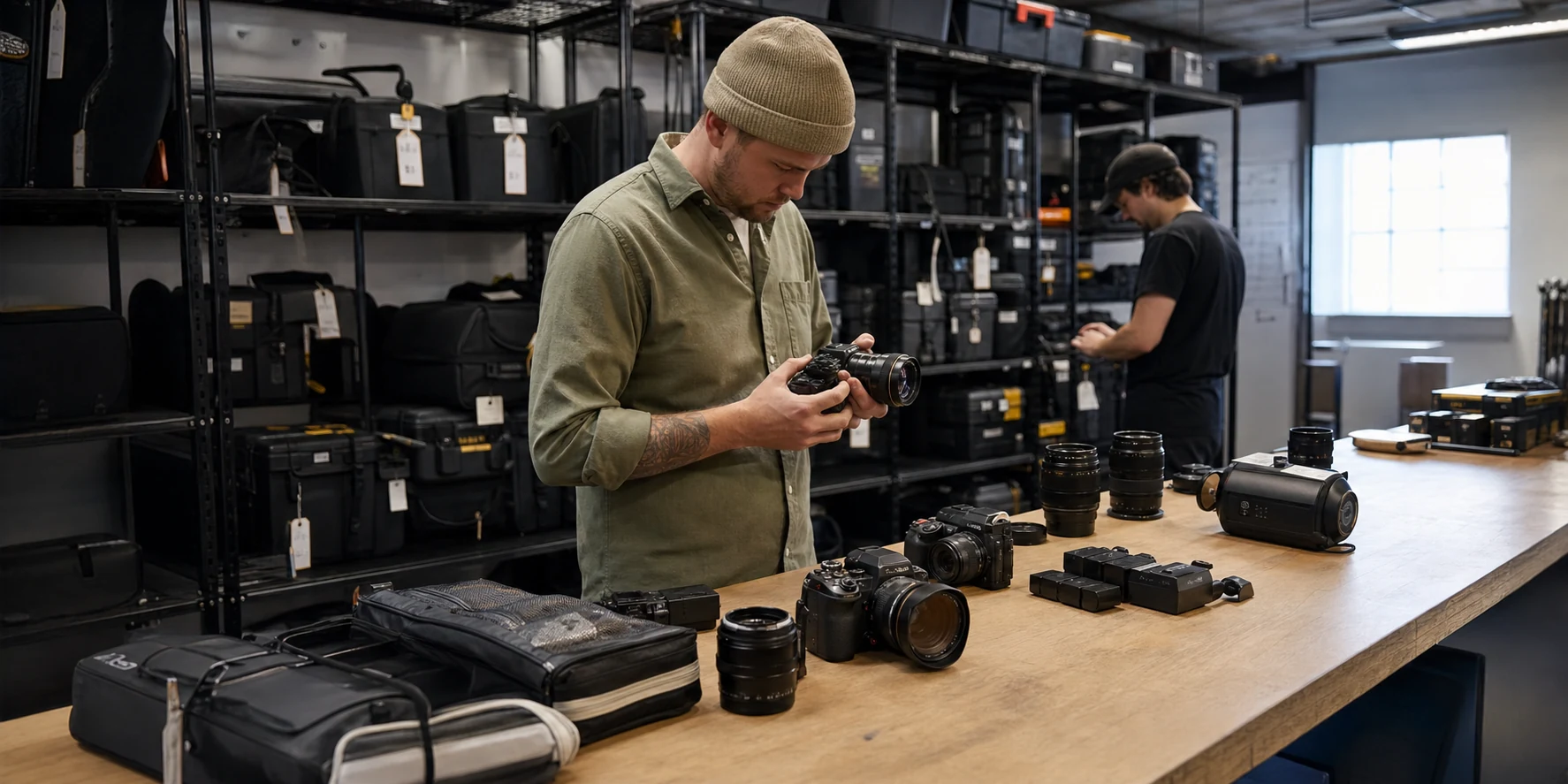
In this guide
- What should a shared equipment system answer instantly?
- How do studios stop shared gear from disappearing?
- Should a studio organize by location, category, or kit?
- How should maintenance affect equipment availability?
- What should studios look for in equipment management software?
- Frequently asked questions
The short answer
Studio equipment management software should show what the studio owns, where each item is, who has it, when it is due back, whether it is ready, and which production needs it next. The system succeeds when a producer can confirm availability without asking around the room.
What should a shared equipment system answer instantly?
A studio inventory should answer a practical question in one search: can this exact kit go on Thursday’s production? That answer depends on ownership, location, current holder, condition, maintenance, supporting parts, and future reservations.
A list of products cannot answer it. Shared gear needs events and accountability around each item.
- What is it?
- Exact item, serial number, photo, category, and technical details.
- Where is it?
- Room, shelf, case, vehicle, off-site location, or current borrower.
- Is it ready?
- Condition, power, media, missing parts, and maintenance state.
- Who owns the next action?
- Borrower, technician, producer, or studio manager with a due date.
- What needs it next?
- Upcoming shoot, rental, travel kit, or internal reservation.
How do studios stop shared gear from disappearing?
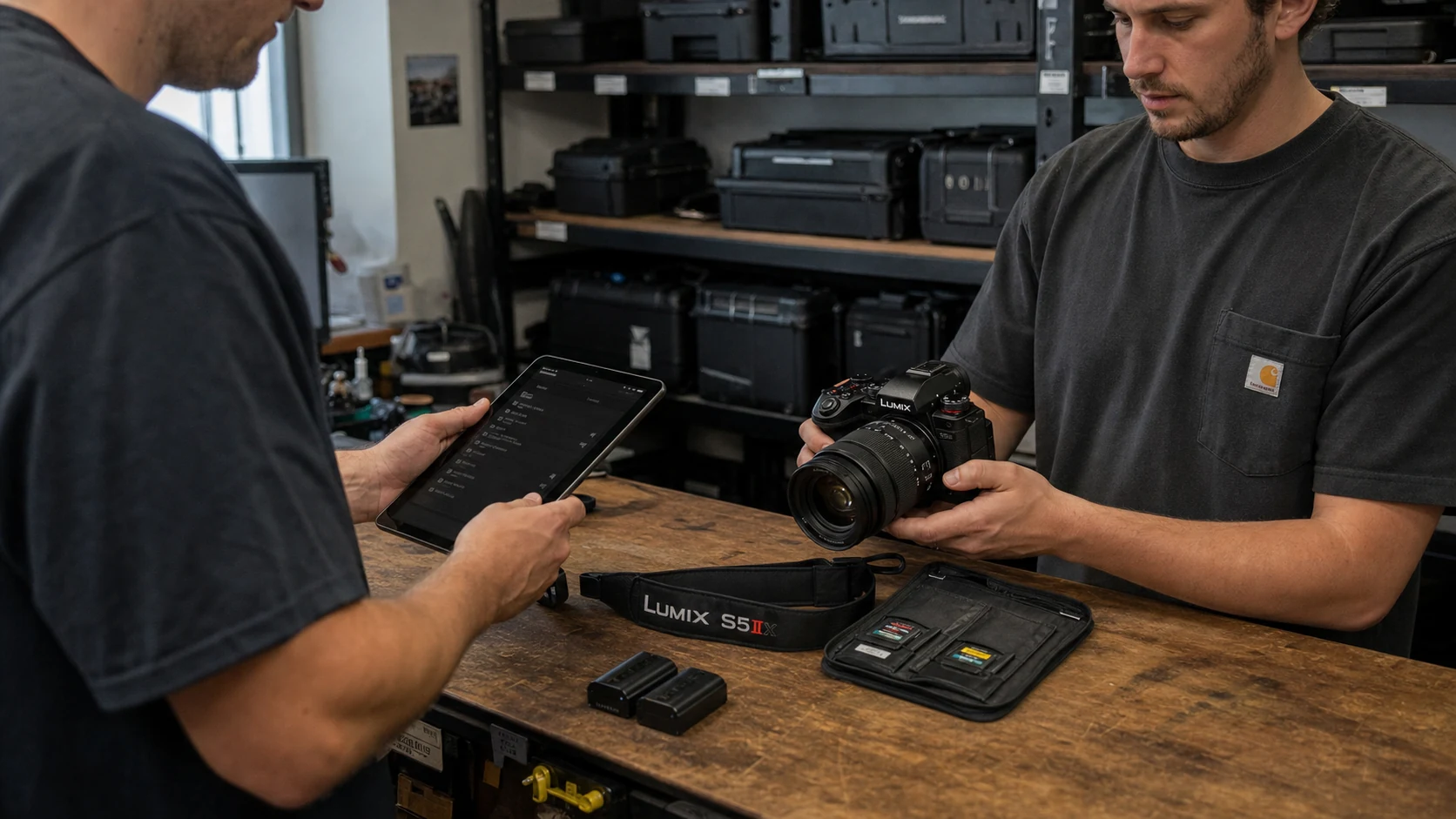
Make every departure and return a named transaction. “Jake has it” is not enough. Record which Jake, which item, the handoff date, the expected return, the destination, and the production. When it returns, verify the item, required accessories, and condition before closing the loan.
- 01
Request
The borrower or producer identifies the production, dates, and required rig. - 02
Resolve conflicts
The studio checks existing shoots, loans, and maintenance before approval. - 03
Check out
Assign individual items, borrower, destination, due date, and starting condition. - 04
In use
Keep the holder and due date visible; record extensions instead of editing history away. - 05
Check in
Count parts, inspect condition, return items to locations, and create maintenance records if needed.
Should a studio organize by location, category, or kit?
Use all three because they answer different questions. Location answers where the item lives. Category answers what kind of item it is. A rig answers which items work together for a repeatable job.
Do not turn kits into fake locations. The Fujifilm X-H2S can belong to a video rig and a travel rig while its physical home remains Shelf A. Separating those ideas prevents the inventory from changing every time a packing list changes.
| Structure | Question answered | Example |
|---|---|---|
| Location | Where is it now? | Studio A, charging bench, Case 14 |
| Category | What is it? | Camera body, lens, lighting, audio |
| Rig | What works together? | Interview kit, portrait cart, event backup |
| Shoot assignment | What needs it next? | Friday product launch |
How should maintenance affect equipment availability?
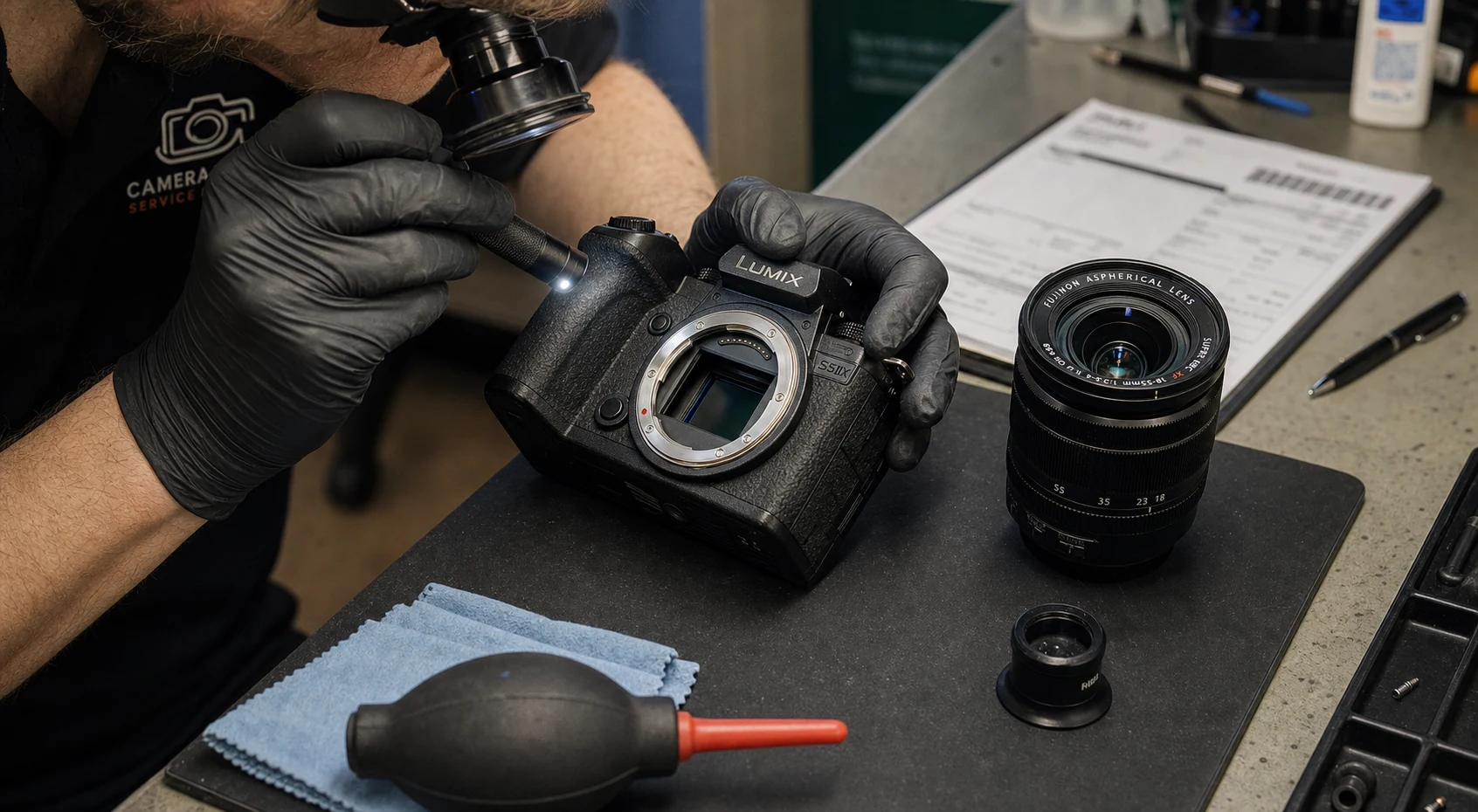
An open maintenance record should change the operational answer. A camera waiting for a sensor repair may still exist in inventory, but it should not appear ready for assignment. Service dates also need enough detail to prevent a producer from reserving the item before it is tested and returned.
Create a clear path from issue reported to service scheduled, in progress, completed, tested, and available. Keep provider, cost, notes, and documents with the item so repeated faults are visible.
What should studios look for in equipment management software?
Prioritize fast search, item-level records, photos, serials, documents, locations, loans, due dates, condition, maintenance, history, team access, reports, and export. Production teams also benefit from rigs and shoot plans that reserve real inventory.
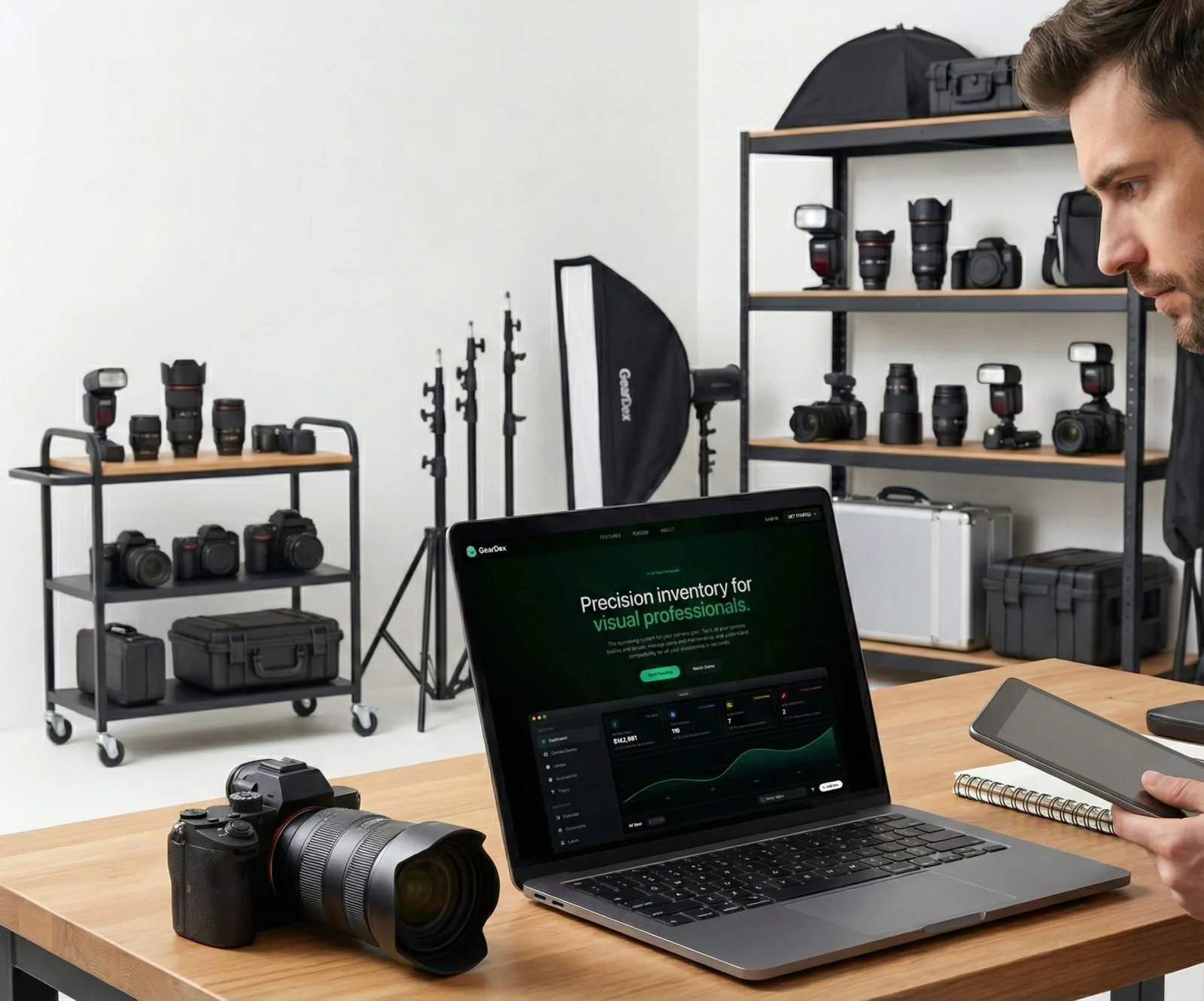
GearDex brings those records into one photography-specific workspace. Studio workflows can share inventory context across gear, locations, documents, loans, maintenance, reports, reusable kits, and productions without forcing the equipment record into a generic CRM field.
Frequently asked questions
What is studio equipment management software?
It is a shared system for equipment identity, location, holder, availability, condition, maintenance, reservations, and history. Photography-focused systems also model cameras, lenses, rigs, and shoots.
How do you track cameras checked out to employees?
Create an item-level loan with the employee, production, checkout time, due date, destination, starting condition, and required accessories. Verify the same fields at return.
What is the difference between a location and a gear kit?
A location is the physical place an item lives. A kit or rig is a reusable group of items for a type of job. One item can belong to several rigs but has one current location.
Can GearDex manage studio equipment loans and maintenance?
Yes. GearDex connects equipment records with locations, loans, due dates, maintenance history, documents, reports, rigs, and shoot planning.