Camera Gear Maintenance Log: What to Track and When
Build a camera gear maintenance log for cleaning, inspection, repair, calibration, costs, service providers, and return-to-use checks.
 Dylan AndersenPublished 8 min read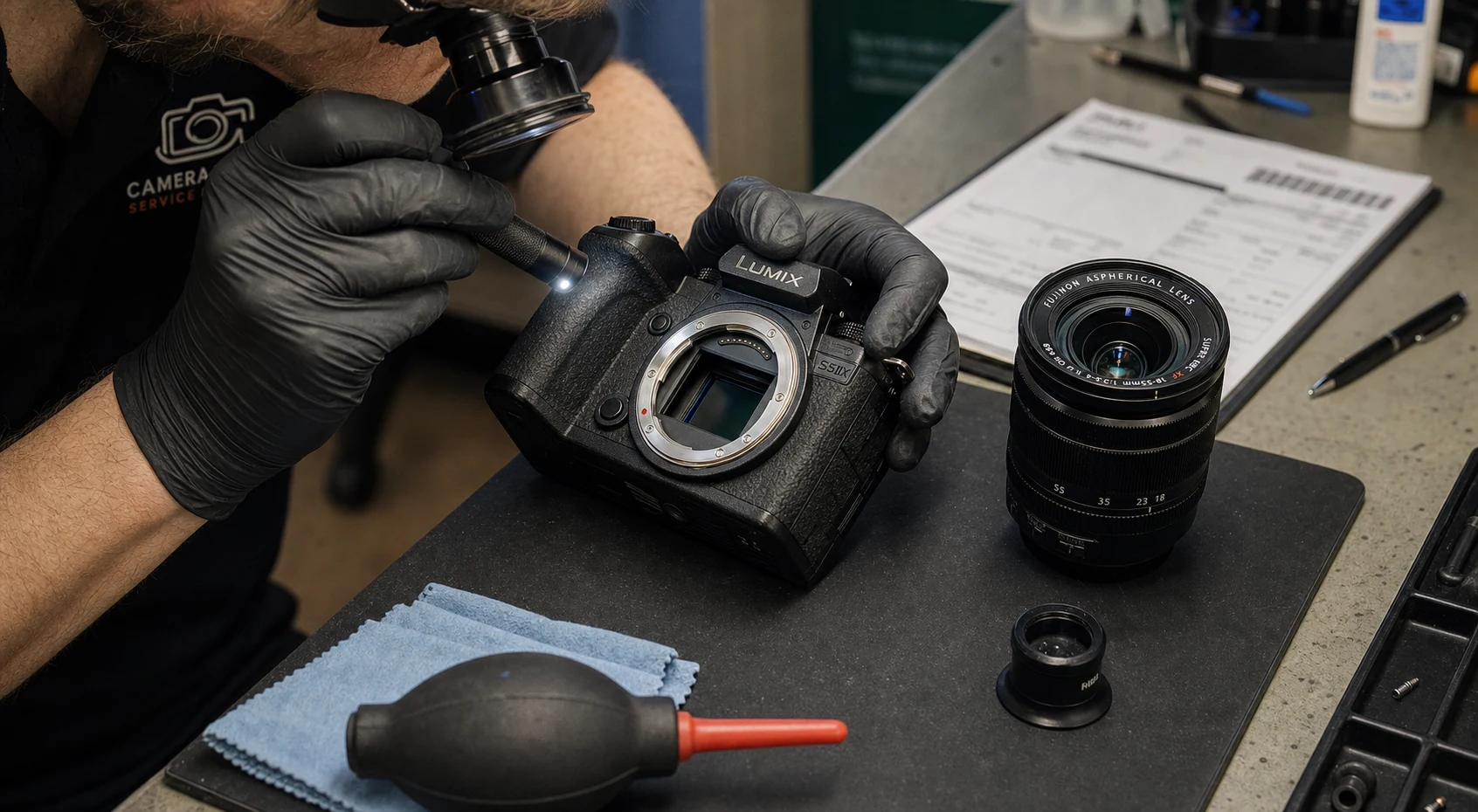
In this guide
The short answer
A camera gear maintenance log records the problem, inspection, service action, provider, dates, cost, documents, and return-to-use test for each item. Track events when they happen and schedule checks by real use, environment, manufacturer guidance, and observed condition rather than copying one generic calendar.
What belongs in a camera maintenance record?
Write enough that you can reconstruct the decision months later. “Cleaned lens” says little. Record which lens, what prompted the work, what was inspected, what was done, who did it, what it cost, and how you confirmed the item was ready again.
- Trigger
- Reported fault, routine inspection, impact, heavy weather exposure, or manufacturer notice.
- Symptoms
- Error message, visible damage, focus behavior, noise, intermittent failure, or contamination.
- Action
- Cleaning, adjustment, part replacement, firmware work, calibration, or inspection only.
- Provider
- Person or service center, contact details, work order, and shipping record.
- Time and cost
- Reported, sent, completed, returned, labor, parts, shipping, and total cost.
- Verification
- Test method, result, remaining limitation, and date returned to active use.
How often should camera gear be maintained?
There is no honest universal interval for every camera and lens. A body used weekly near sand and salt needs a different inspection rhythm from a backup stored in a dry cabinet. Follow the manufacturer’s care guidance, then adjust for use, environment, travel, and known issues.
Use event-based triggers where possible. Inspect after impact, moisture, dust-heavy work, rental return, or a reported failure. Use calendar reminders for items that age quietly, such as batteries, warranty dates, storage conditions, and infrequently used backups.
| Trigger | Check | Record |
|---|---|---|
| Before an important shoot | Function, power, media, optics, controls | Failure or readiness note |
| After harsh conditions | Moisture, grit, salt, seals, contacts | Exposure and cleaning action |
| After a loan | Count, condition, operation, accessories | Return condition and borrower notes |
| After impact | Mount, alignment, focus, stabilization, body | Incident and test results |
| At policy or warranty review | Coverage, documents, service history | Renewal or expiration action |
How should maintenance change gear availability?
Separate possession from readiness. A lens sitting on the shelf may be unavailable because its aperture behavior is unreliable. Marking it “in the studio” without a service status can put a known problem back into a shoot bag.
Use a small state model: reported, scheduled, in service, returned for test, and complete. Keep the item blocked from assignment until the named return-to-use check passes.
- 01
Report
Describe the issue without diagnosing beyond the evidence. - 02
Triage
Decide whether the item is safe and reliable enough to remain available. - 03
Service
Record provider, dates, work order, shipping, and expected return. - 04
Test
Run a repeatable check against the original symptom and normal operation. - 05
Release
Return the item to its location and active status only after the test is recorded.
Why track service cost and repeat failures?
Repair history changes buy, sell, and backup decisions. A single service invoice may be reasonable. Repeated downtime, shipping, rental cover, and lost confidence can make the same item expensive to keep in a critical role.
Record costs consistently and review by item, category, and provider. The goal is not to calculate a perfect lifetime figure. It is to see when a pattern deserves a replacement decision or a different backup plan.
How can GearDex track camera maintenance?
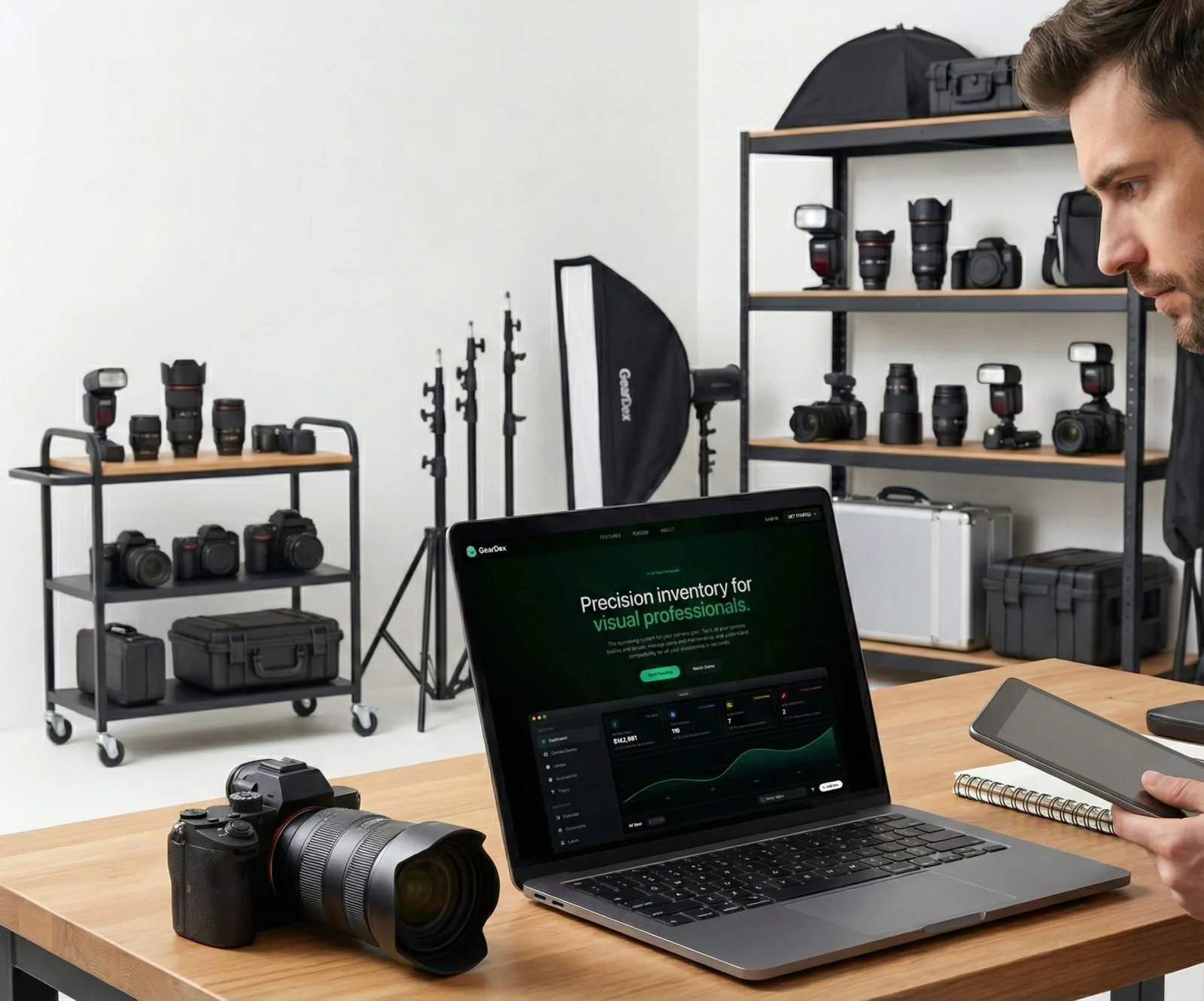
GearDex connects maintenance records to the camera, lens, drone, or accessory involved. Keep status, provider, dates, notes, costs, and supporting documents beside the item, then use calendar and reporting views to see what is unavailable or due.
Start with open issues and high-dependency gear. A documented check on the body or lens that can stop Saturday’s shoot is more valuable than backfilling years of routine cleanings on every accessory.
Frequently asked questions
What is a camera maintenance log?
It is an item-level history of reported issues, inspections, cleaning, repair, calibration, providers, dates, costs, documents, and return-to-use tests.
How often should I clean a camera sensor?
Follow the camera maker’s guidance and clean when inspection or images show a need. Frequency depends on lens changes, environment, technique, and use; unnecessary cleaning also carries risk.
Should borrowed gear be inspected when it returns?
Yes. Verify the item, accessories, operation, and condition before closing the loan. Create a maintenance record immediately if the return check finds a problem.
Can GearDex show gear that is in service?
Yes. Maintenance records and status help keep unavailable equipment visible while preserving its item history, provider details, dates, costs, and notes.