Studio Manager's Guide to Photography Equipment Organization
Studio managers: Organize photography equipment across locations, manage team access, and track gear movement with professional inventory systems.
 Dylan AndersenPublished 8 min read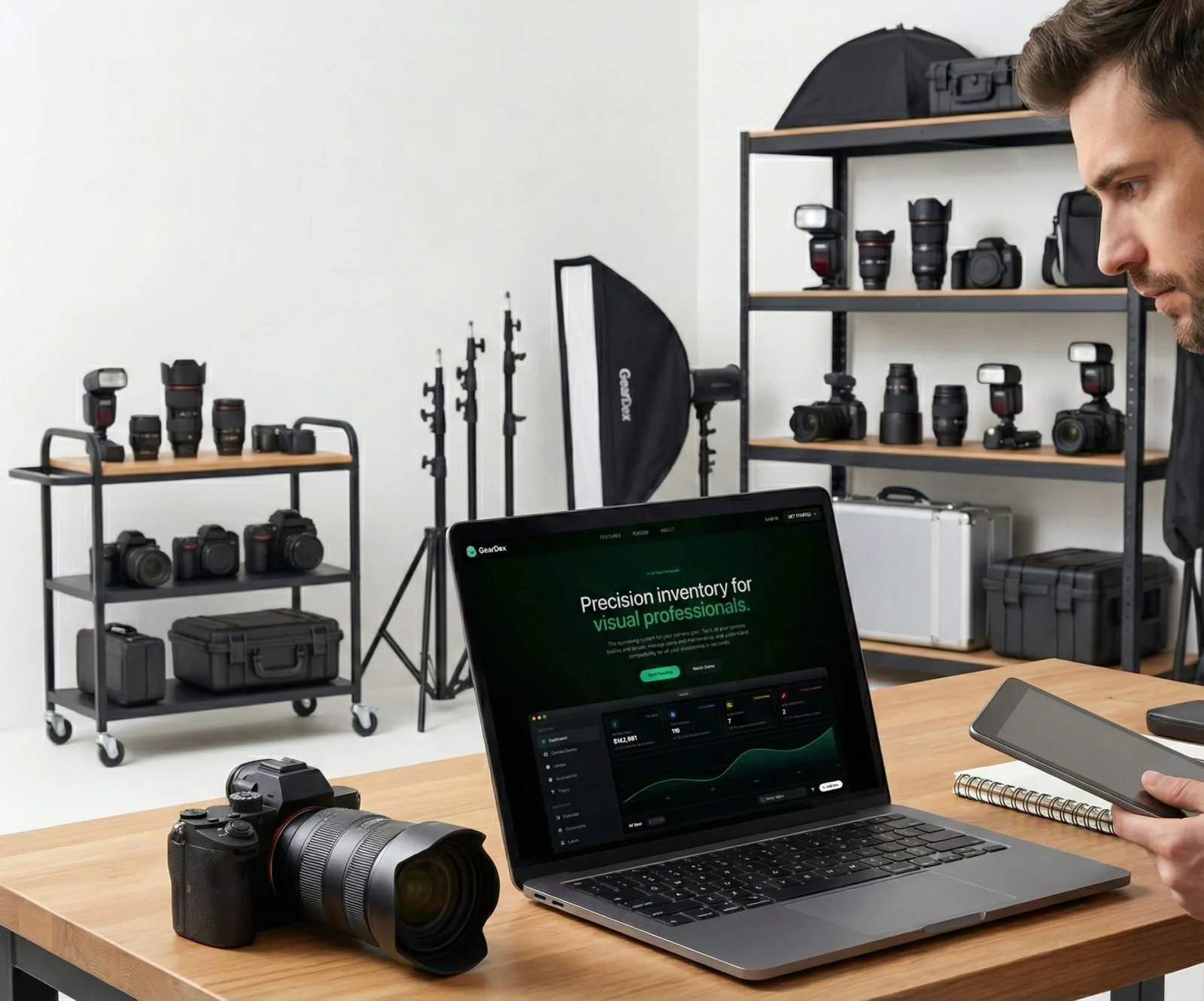
In this guide
Running a photography studio means managing equipment worth hundreds of thousands of dollars used by multiple photographers, assistants, and clients. Unlike solo photographers who track only their own gear, studio managers face a completely different challenge: maintaining visibility across shared resources, preventing equipment conflicts, and ensuring nothing walks out the door without proper documentation.
If you've ever had two photographers scheduled for the same 70-200mm lens, equipment disappear without a check-out record, or struggled to remember which assistant last used a strobe pack, you know the pain of inadequate studio equipment organization.
Challenges of Multi-Photographer Studios
Studio equipment management multiplies complexity compared to personal gear tracking:
- Multiple users: Each photographer has preferences and needs, leading to equipment contention during busy periods
- Shared responsibility: When everyone can access gear, nobody feels personally accountable for maintenance or proper storage
- Training gaps: New assistants don't know where equipment lives or how to properly handle expensive lenses and lighting
- Inventory shrinkage: Equipment disappears through honest mistakes, theft, or simply getting packed into someone's personal bag
- Maintenance blindspots: Without centralized tracking, faulty equipment stays in rotation until it completely fails
Location-Based Equipment Tracking
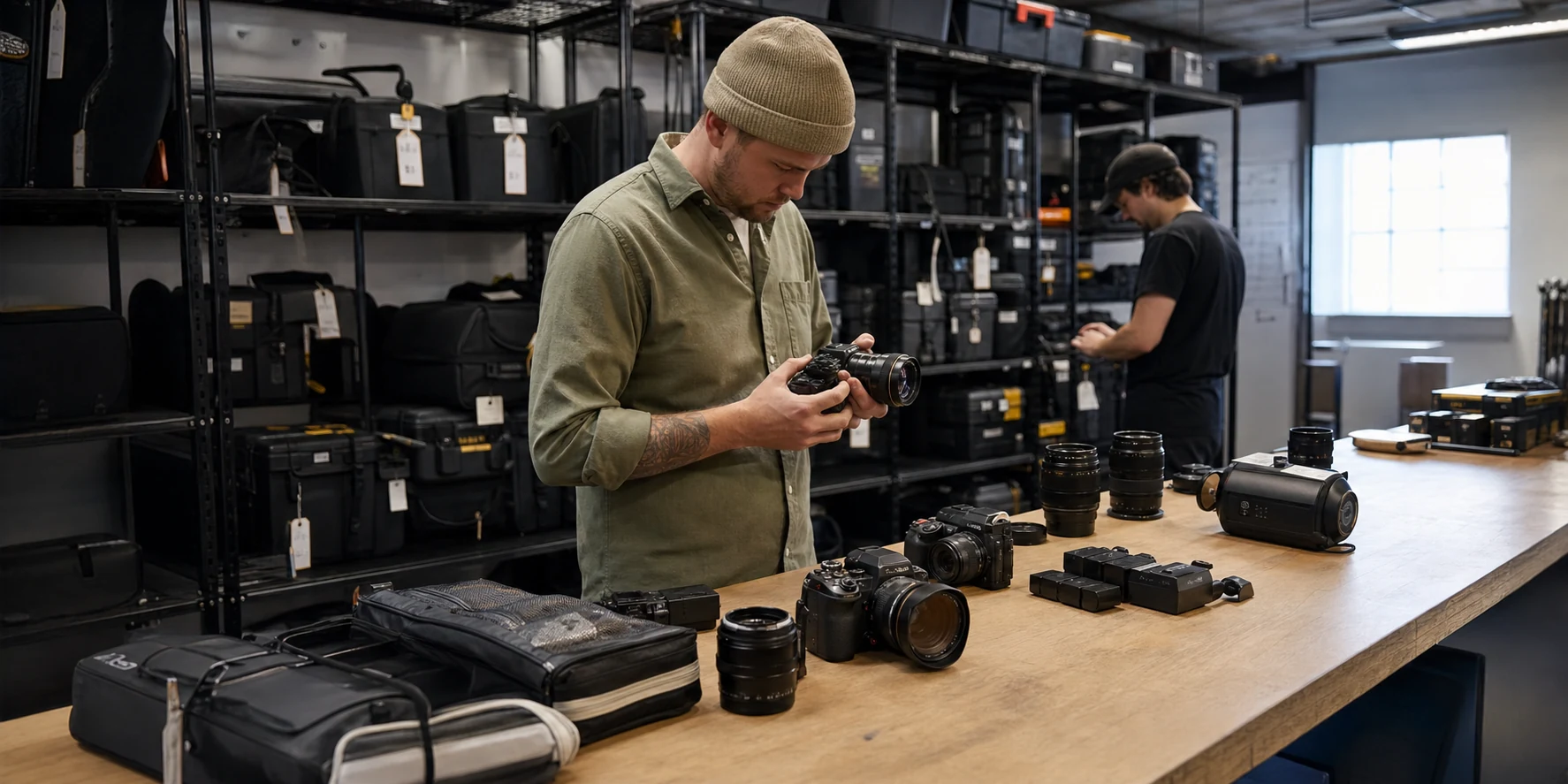
Large studios often spread across multiple spaces—main studio, lighting storage, outdoor equipment shed, off-site locations. Without location tracking, finding specific gear becomes a treasure hunt.
Define Physical Zones
Start by mapping your studio's physical equipment storage:
- Main studio (cameras, lenses, small accessories)
- Lighting room (strobes, modifiers, stands, grip equipment)
- Client waiting area (demo equipment, rental inventory)
- Office (computers, hard drives, charging stations)
- Off-site storage (seasonal equipment, backup inventory)
- Mobile kits (pre-packed bags for specific shoot types)
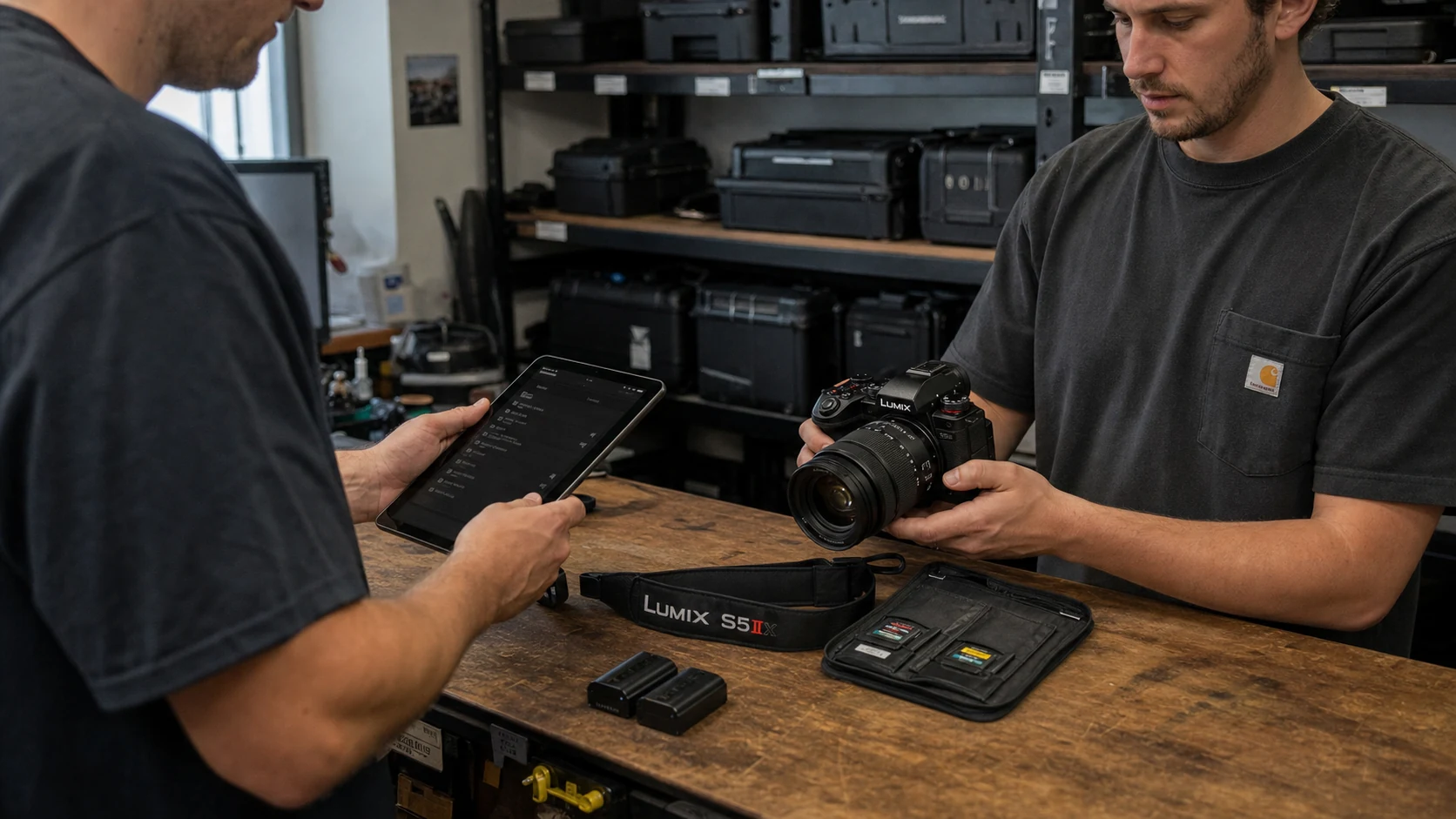
Implement Check-Out/Check-In Workflows
When photographers or assistants take equipment from its home location, they should log:
- What they're taking (specific items, not just "a camera")
- Where they're going (on-location shoot, client meeting, personal project)
- When they expect to return it
- Equipment condition at check-out (note existing damage)
This creates accountability and a paper trail. If equipment goes missing or returns damaged, you know exactly who had it and when.
Real-Time Availability Views
Studio managers need to answer "is the 85mm f/1.4 available tomorrow?" instantly. Modern inventory systems provide real-time views showing what's available, checked out, in repair, or reserved for upcoming shoots.
Team Collaboration and Access Control
Not everyone in your studio should have the same level of access. Lead photographers need full equipment access, while new interns might be limited to specific items.
Role-Based Permissions
Effective studio management software includes permission levels:
- Studio Manager: Full access to add/remove equipment, manage users, view analytics, generate reports
- Lead Photographer: Check out any equipment, view inventory, request purchases
- Junior Photographer: Check out approved equipment, view availability, submit maintenance requests
- Assistant: View-only access to help locate equipment, no check-out privileges without approval
Communication and Requests
When equipment needs are complex, teams need communication tools built into the management system:
- Equipment reservation requests for upcoming shoots
- Maintenance issue reporting (broken autofocus, damaged modifier, etc.)
- Purchase requests when new gear is needed
- Availability notifications when reserved equipment is ready
Preventing Equipment Conflicts
The worst scenario: two photographers arrive for shoots on the same day, both expecting to use the studio's only 24-70mm f/2.8. Someone's shoot gets compromised, clients get frustrated, and your studio looks unprofessional.
Calendar Integration
Link equipment reservations to your studio's booking calendar. When a shoot is scheduled, automatically reserve the required equipment so it's blocked from other bookings.
Conflict Alerts
When someone tries to reserve equipment already committed elsewhere, the system should immediately flag the conflict and suggest alternatives or notify them when it becomes available.
Equipment Pools for High-Demand Items
For frequently-needed items like memory cards, batteries, or common lenses, maintain pools with minimum quantities. When the pool drops below threshold, automatic purchase requests alert the studio manager to restock.
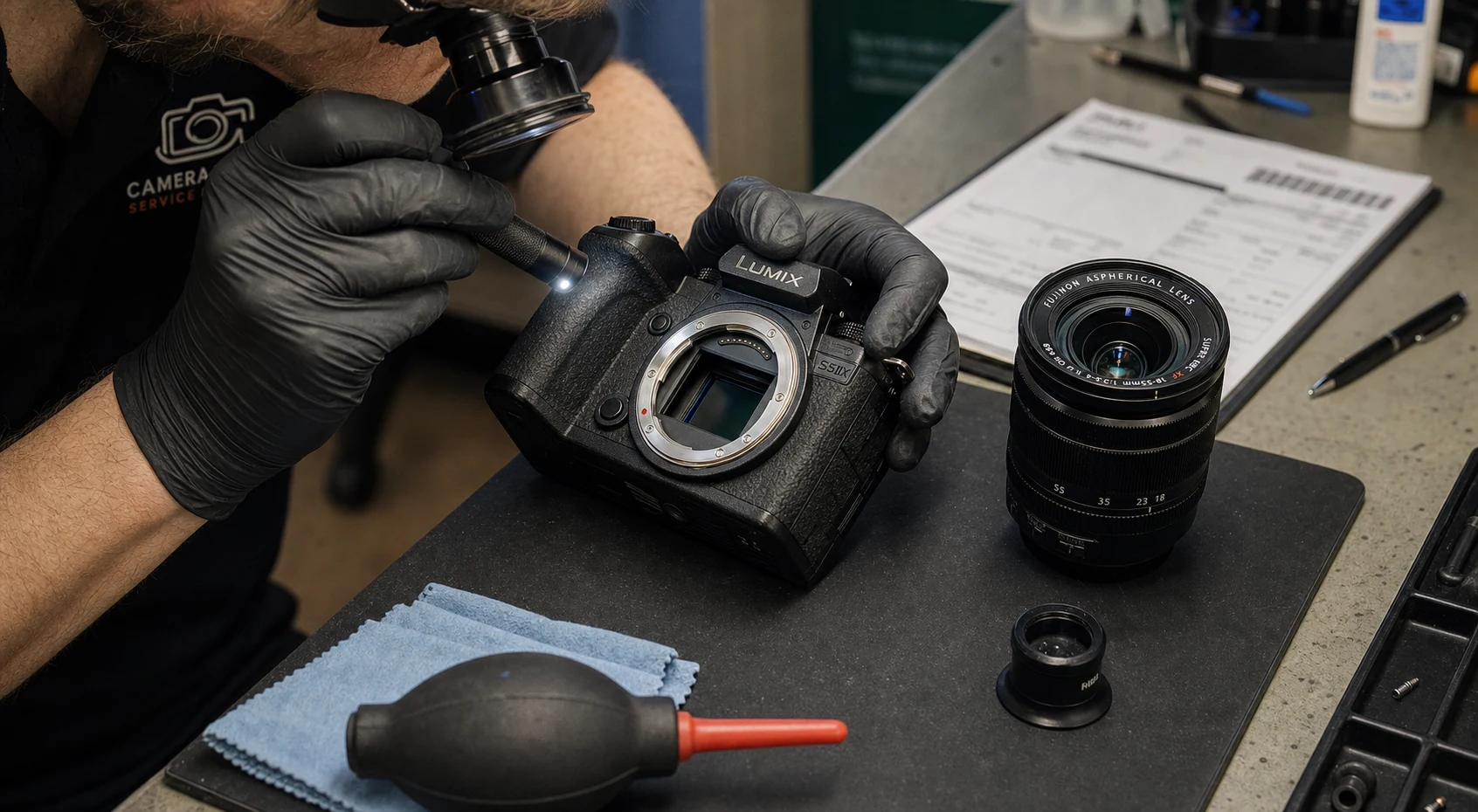
Maintenance Scheduling for Studio Gear
Studio equipment gets heavier use than personal gear. Camera bodies accumulate shutter actuations faster, lenses suffer more impacts from multiple handlers, and lighting equipment endures constant setup/teardown cycles.
Proactive maintenance prevents mid-shoot failures:
- Sensor cleaning: Schedule monthly for high-use bodies
- Lens calibration: Quarterly checks for critical lenses
- Strobe testing: Regular verification that flash units fire consistently
- Modifier inspection: Check umbrellas, softboxes, and scrims for tears or degradation
- Battery replacement: Track charge cycles and replace aging batteries before they fail
Good studio management systems schedule these tasks automatically, assign them to team members, and track completion. When equipment is due for service, it gets flagged as unavailable until maintenance is complete.
How GearDex Handles Studio-Scale Operations
GearDex was built for studios and solo photographers alike. For studio managers, we provide:
- Multi-user collaboration: Role-based permissions and team access
- Location tracking: Organize equipment across physical spaces and track movement
- Reservation system: Book equipment for future shoots and prevent double-booking
- Loan management: Track who has what, when it's due back, and send automatic reminders
- Maintenance scheduling: Set recurring maintenance tasks and assign to team members
- Usage analytics: Understand which equipment gets heavy use vs. sitting idle
- Centralized documentation: All serial numbers, receipts, and insurance info in one secure place
Whether you manage a small shared studio or a large commercial facility with dozens of team members, GearDex scales to match your operation.
Conclusion
Studio equipment organization isn't about controlling your team—it's about enabling them. When photographers can instantly see what's available, reserve what they need, and trust that equipment will be where it should be, everyone works more efficiently and professionally.
Invest in proper studio management tools, establish clear workflows, and train your team on equipment accountability. The upfront effort pays dividends in prevented conflicts, reduced losses, and smoother operations.
Ready to organize your studio's equipment professionally? Start with GearDex free and transform your team's workflow.