Camera Inventory Software vs. a Spreadsheet: What Photographers Need
Compare camera inventory software with spreadsheets for serial numbers, receipts, insurance records, gear loans, maintenance, and shoot preparation.
 Dylan AndersenPublished 8 min read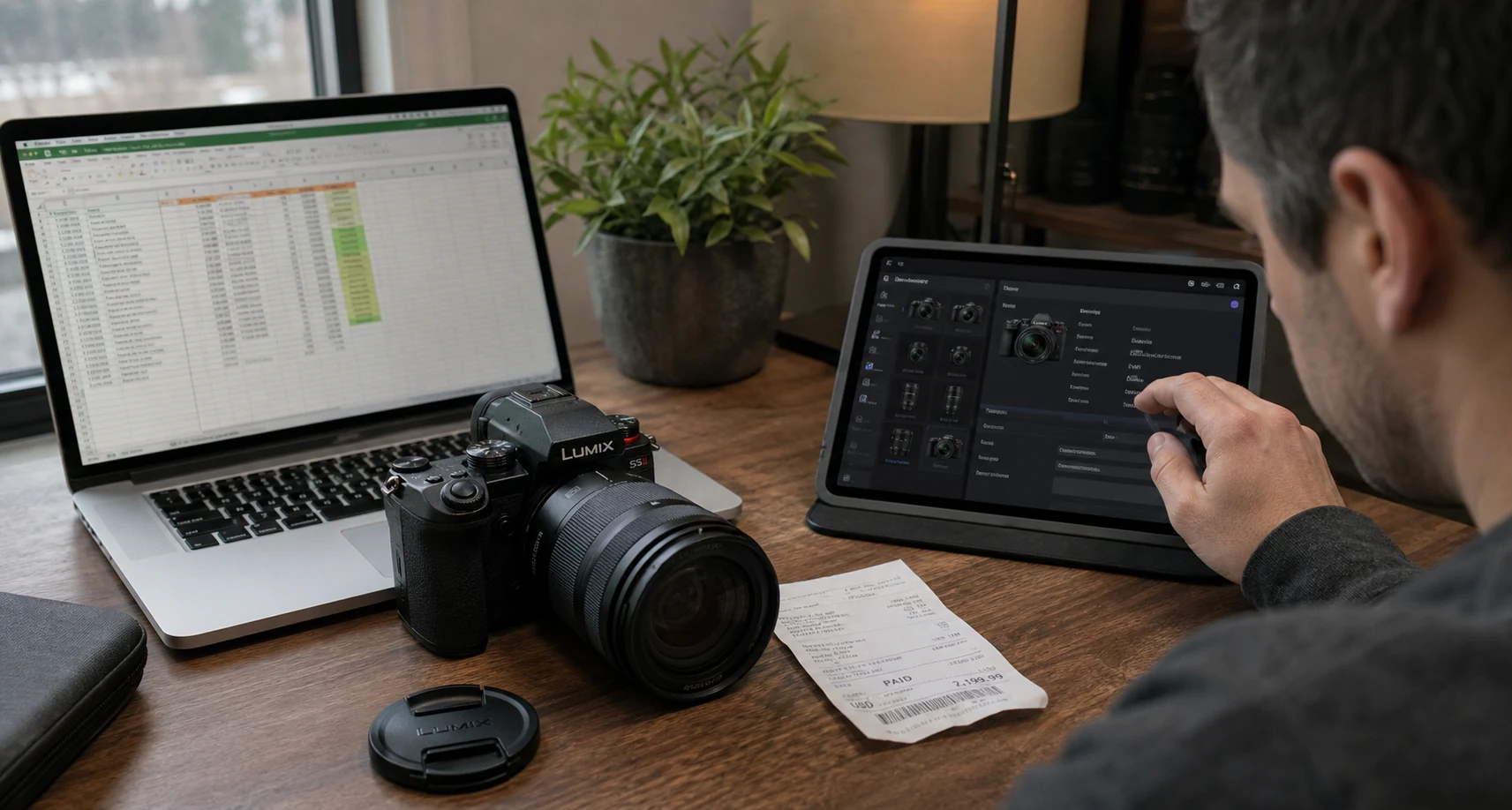
In this guide
The short answer
Use a spreadsheet when you only need a static list. Choose camera inventory software when each item needs photos, documents, values, locations, loan history, maintenance, or a role in upcoming shoots. The right choice depends on workflow complexity, not the number of cameras you own.
How should a photographer choose between software and a spreadsheet?
Count the actions around the gear, not the gear itself. Ten items shared by three people across weekly shoots can be harder to manage than fifty items that never leave a locked cabinet.
A spreadsheet handles rows and calculations well. Camera inventory software handles relationships: this receipt belongs to this body, this lens is at this location, this flash is due back Friday, and this camera is unavailable because it is being serviced.
| Need | Spreadsheet is enough when | Software helps when |
|---|---|---|
| Inventory | You need a simple list | You need type-specific records and photos |
| Insurance | Files live in a tidy folder | Receipts and evidence must stay linked to items |
| Locations | Everything stays in one place | Gear moves between bags, rooms, or studios |
| Loans | Borrowing is rare | Borrowers, dates, returns, and overdue gear matter |
| Shoots | You pack from memory | Gear, checklists, and schedules need one plan |
| Maintenance | Service is occasional | Availability and repair history affect bookings |
What is the hidden cost of a camera gear spreadsheet?
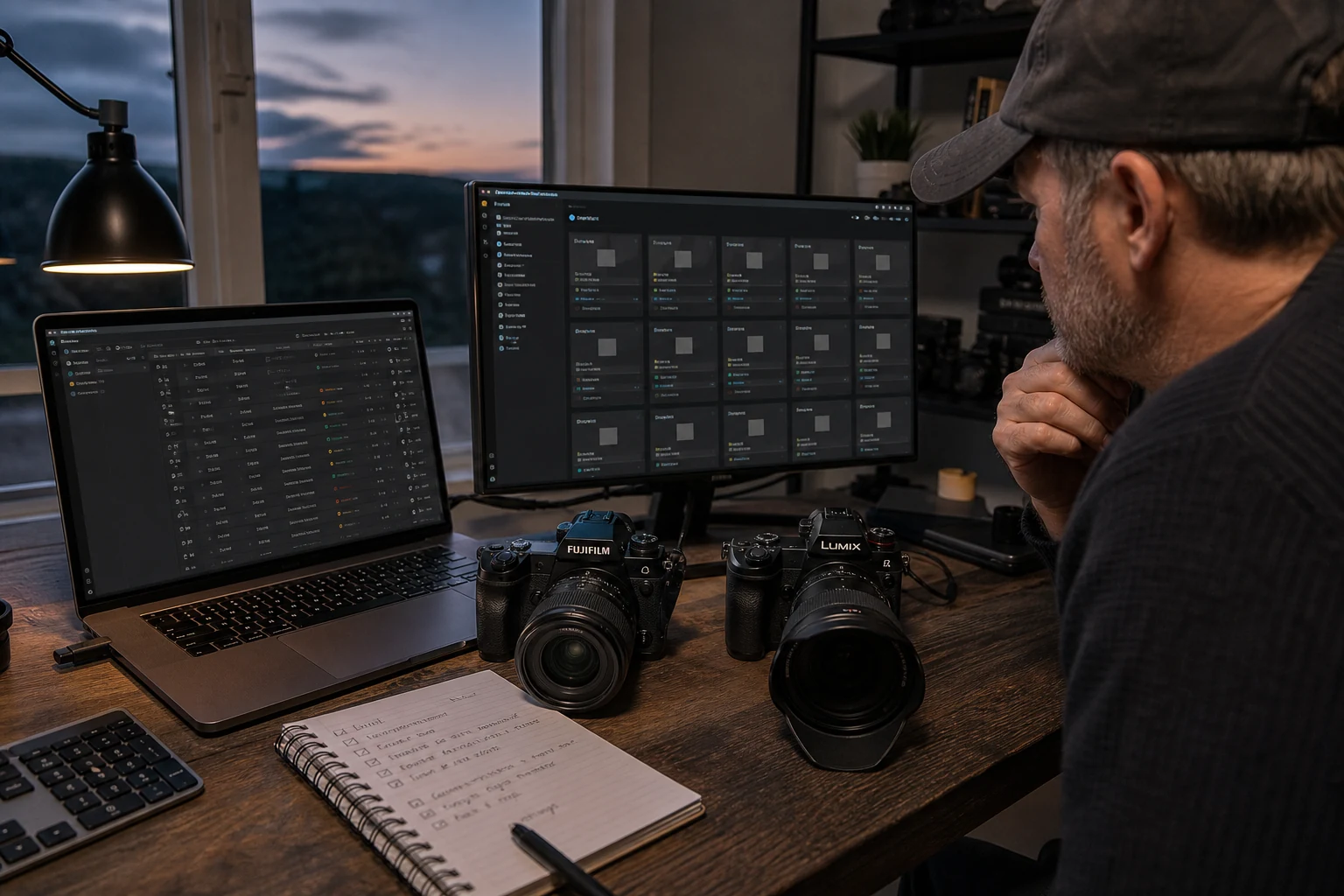
The hidden cost is reconciliation. A spreadsheet can say a Fujifilm X-T5 is in Studio A while a text message says an assistant borrowed it and a calendar says it is assigned to Saturday’s shoot. Someone has to decide which record is true.
Links create another weak point. Receipts move, shared-drive permissions change, and file names stop matching the row. The list may still look complete even when the proof behind it has gone missing.
- Duplicate entry
- The same lens appears in an inventory tab, a packing list, and a repair sheet.
- Stale status
- A location or loan note stays unchanged after the physical item moves.
- Broken evidence
- The receipt link works for the owner but not for the person preparing a report.
- No event history
- A cell shows the current answer without showing who changed it or why.
How do you move from a spreadsheet to camera inventory software?
Do not clean the entire spreadsheet before importing. Decide which columns are trustworthy, preserve the original file as a backup, and move the clean core first. Add richer evidence inside the new system as you physically verify each item.
- 01
Freeze a copy
Save the source spreadsheet with a date so later edits do not erase your baseline. - 02
Normalize names
Use one brand, model, and category format. Separate serial numbers from notes. - 03
Import the core
Bring across item names, types, purchase details, serial numbers, and values. - 04
Verify in the room
Open each case or cabinet, confirm the serial, photograph the item, and set its location. - 05
Attach the workflow
Add documents, current loans, open maintenance, and upcoming shoot assignments.
What should camera inventory software include?
Look for fast entry, clear search, item photos, serial numbers, receipts, document storage, locations, categories, values, loan tracking, maintenance records, and export. If you run productions, add shoot plans, reusable rigs, checklists, call sheets, and team access to the list.
The export matters. A system should help you work day to day, but it should not hold your data hostage. Check what can be downloaded and whether the export includes the fields you would need for a backup, handoff, or report.
Where does GearDex fit?
GearDex is built for photographers whose inventory participates in the rest of their work. The same gear records can support locations, categories, documents, loans, maintenance, reports, reusable rigs, and shoot plans.
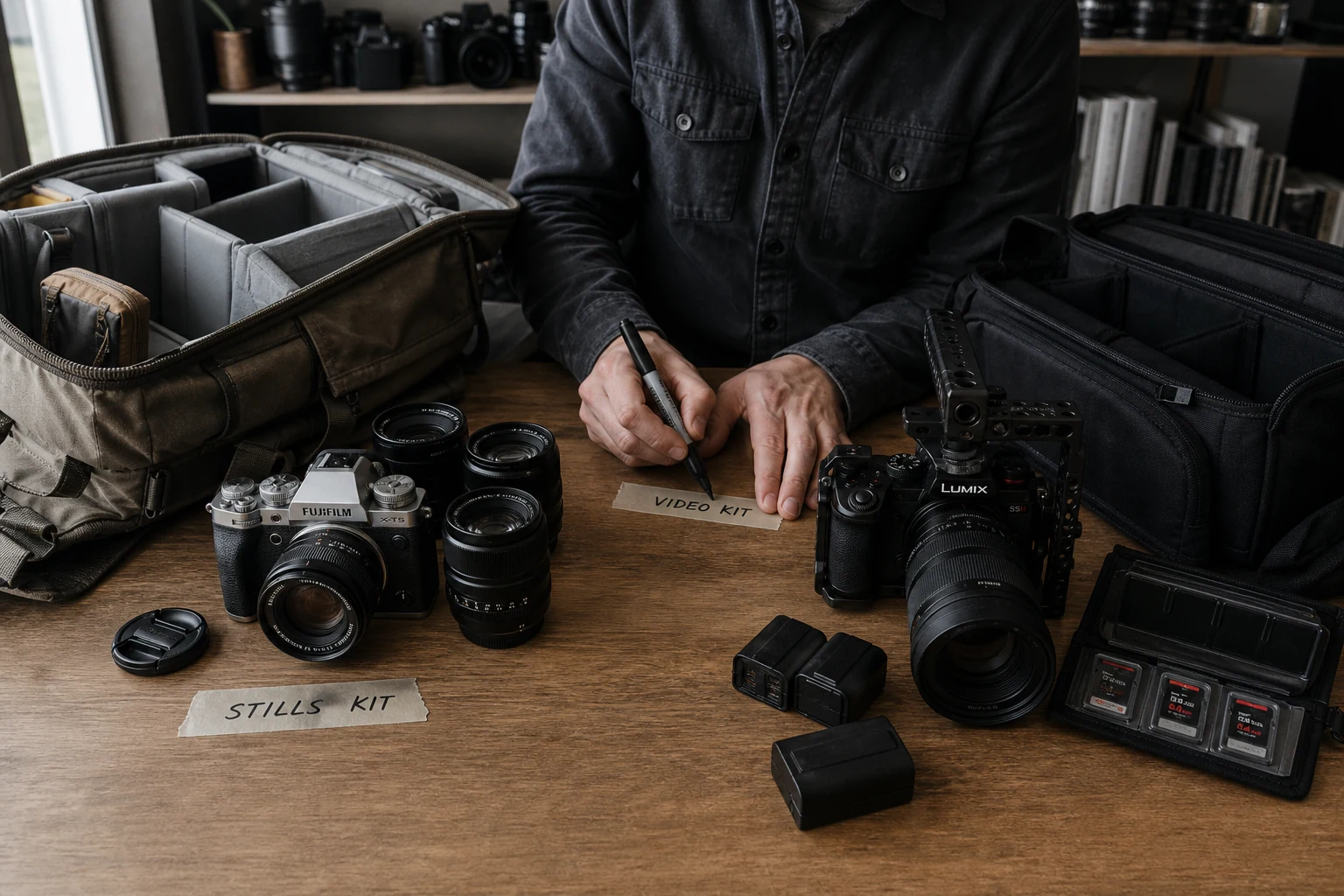
If a spreadsheet still covers your needs, keep it. If the spreadsheet has become a collection of links, color codes, side tabs, and follow-up messages, move one active kit into GearDex and test the workflow against a real job.
Frequently asked questions
Is camera inventory software worth it for a hobbyist?
It can be, especially when the kit is valuable or insured. A hobbyist with two bodies and several lenses may need stronger ownership records than a studio with inexpensive shared accessories.
What columns belong in a camera gear spreadsheet?
Use item type, brand, model, serial number, purchase date, purchase price, current value, condition, location, warranty date, receipt link, and notes as a practical starting set.
Can camera inventory software replace a photography CRM?
Usually not. A CRM manages leads and client communication. Camera inventory software manages equipment identity, evidence, location, availability, service, and use on shoots.
Can I import an existing gear spreadsheet into GearDex?
GearDex supports inventory import workflows. Clean the core columns first, keep a dated source backup, and verify serial numbers and documents after import.