How to Organize a Fujifilm and Lumix Hybrid Camera Kit
Organize a mixed Fujifilm and Lumix kit by mount, format, batteries, media, filters, adapters, rigs, and tested shoot roles.
 Dylan AndersenPublished 9 min read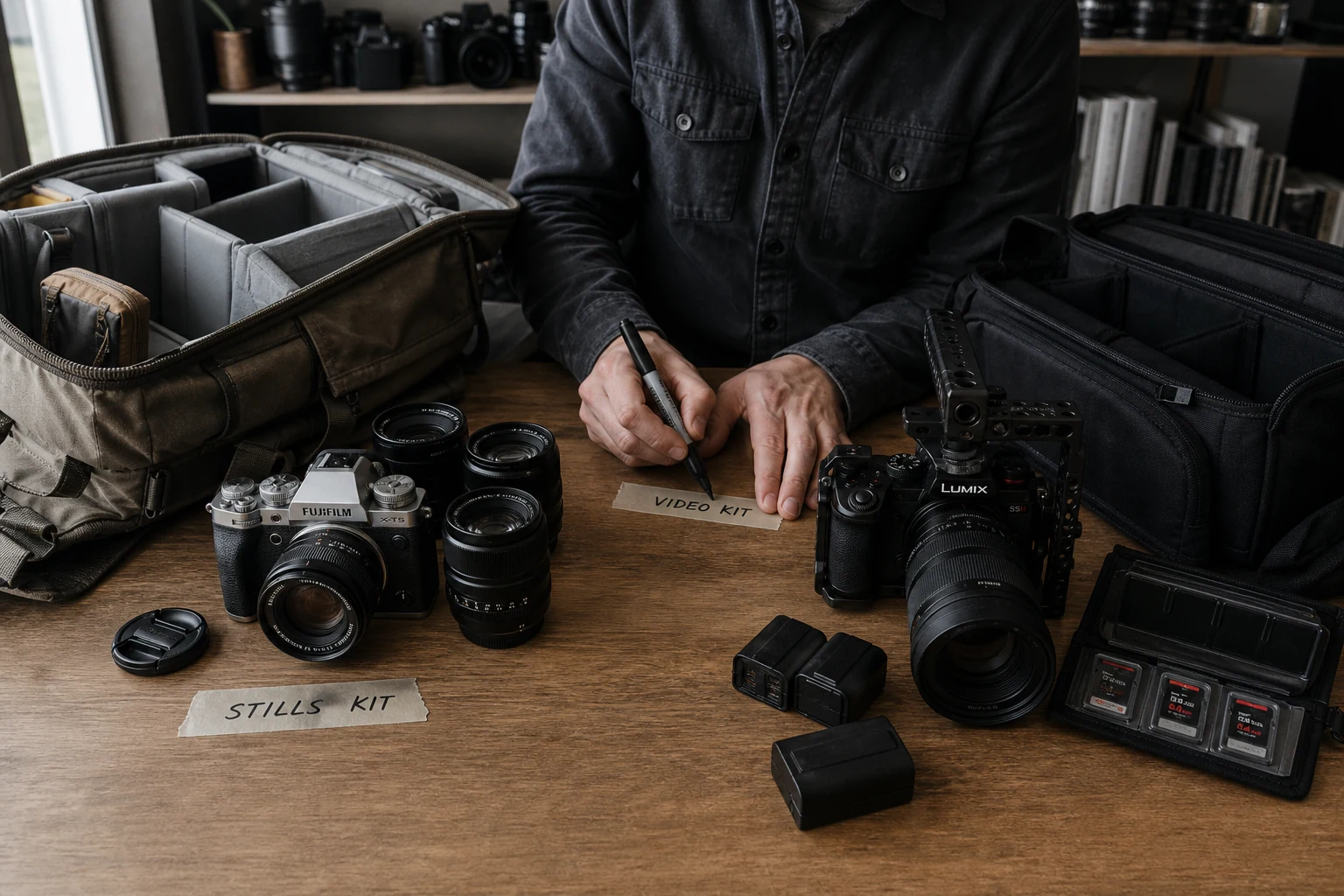
In this guide
- What makes a mixed Fujifilm and Lumix kit hard to manage?
- How should you catalog Fujifilm and Lumix bodies and lenses?
- What should you standardize across two camera systems?
- How do you build reliable hybrid photo and video rigs?
- How can GearDex organize a multi-system camera kit?
- Frequently asked questions
The short answer
Organize a Fujifilm and Lumix hybrid kit around system boundaries and working rigs. Track each body and lens by exact mount and format, label batteries and chargers, record media requirements, standardize filters where practical, document adapters, and build tested photo and video kits that include every small dependency.
What makes a mixed Fujifilm and Lumix kit hard to manage?
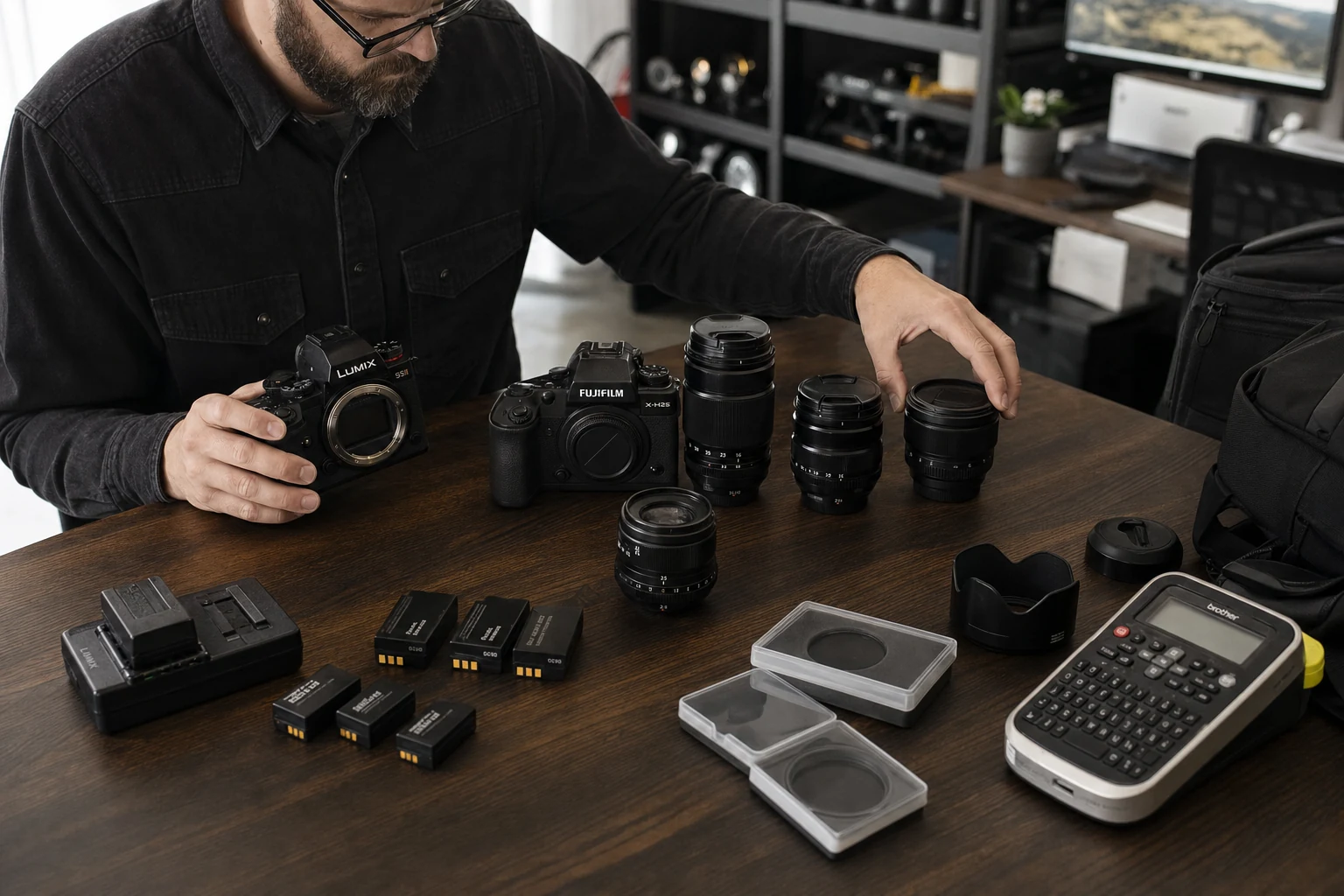
The large items are obvious. The trouble comes from small boundaries: a lens that fits one mount but not another, similar batteries with different chargers, cards with different sustained-write needs, filters that need a ring, and cages or cables built for one body shape.
A hybrid kit becomes dependable when those dependencies are visible in the record and present in the bag. Brand alone is too broad. Record the exact mount, format, model generation, and supporting parts for every setup.
- Mount
- Fujifilm X, Fujifilm G, L-Mount, or Micro Four Thirds are distinct systems.
- Format
- APS-C, medium format, full frame, and Micro Four Thirds change coverage and field of view.
- Power
- Battery model, charger, power delivery, dummy battery, and cable all belong to the rig.
- Media
- Card type, capacity, speed requirement, reader, and tested recording mode matter.
- Mechanical fit
- Cage, plate, cable clamp, gimbal balance, and tripod interface can be body-specific.
How should you catalog Fujifilm and Lumix bodies and lenses?
Use the full model name and serial number, then add native mount, sensor format, battery, media, primary use, and body-specific support. For lenses, record mount, coverage, focal length, aperture, filter size, hood, stabilization, and any tested adapter combination.
Keep system and role separate. “Fujifilm X” describes compatibility. “Compact portrait kit” describes work. A body can live in one system while appearing in several job-based rigs.
| Record layer | Body example | Lens example |
|---|---|---|
| Identity | Full model and serial | Full model, generation, and serial |
| Compatibility | Mount, format, battery, media | Mount, coverage, adapter notes |
| Support | Cage, plate, charger, cable | Hood, collar, cap, filter size |
| Role | Stills body, video A-cam, backup | Portrait prime, event zoom, macro |
| Operations | Location, value, documents, service | Location, value, documents, service |
What should you standardize across two camera systems?
Standardize the interfaces around the systems where it makes sense. Tripod plates, strap connections, labeling, case layout, filter standards, cable colors, card-handling rules, and file-ingest folders can stay consistent even when mounts and batteries cannot.
- 01
Color-label power
Use a consistent marker for each battery family and its charger without covering safety information. - 02
Reduce filter sizes
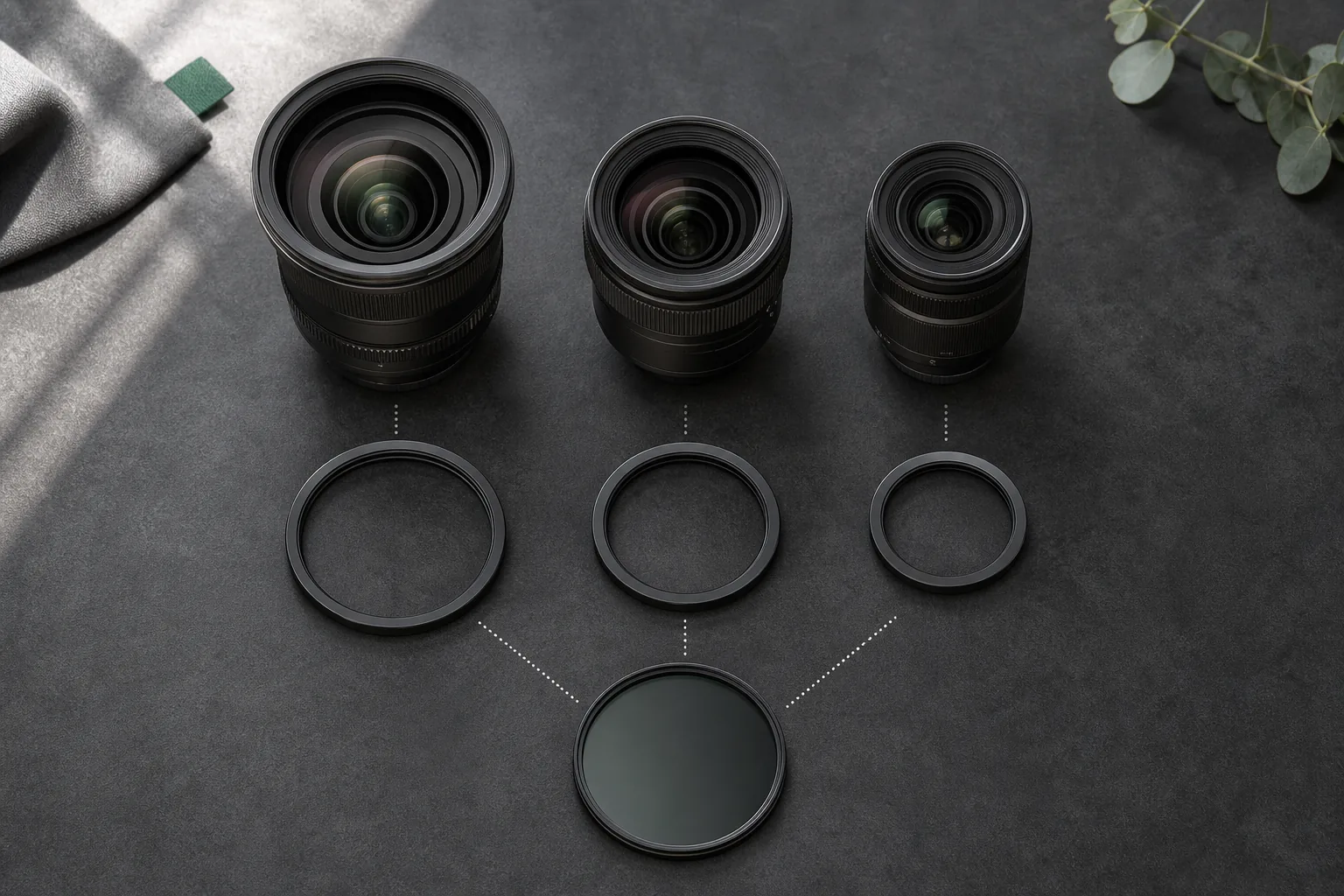
Use a practical step-up strategy for high-cost filters and track the required rings. - 03
Unify plates
Standardize compatible quick-release interfaces across tripods, monopods, and gimbals where safe. - 04
Name media paths
Separate card wallets and ingest folders by body or role so handoff errors are less likely. - 05
Label cases by role
Use “interview audio” or “travel stills,” then list exact system parts inside.
How do you build reliable hybrid photo and video rigs?
A rig is a tested configuration, not a shopping list. Include the camera, lens, power, media, support, audio, monitoring, adapters, tools, and backup path. Add setup notes for settings or mechanical details another operator could miss.
Test the assembled rig for the job it claims to handle. Record limits such as recording time, card demand, gimbal balance, power duration, autofocus behavior, and adapter restrictions. Update the rig after the shoot while the friction is still fresh.
How can GearDex organize a multi-system camera kit?
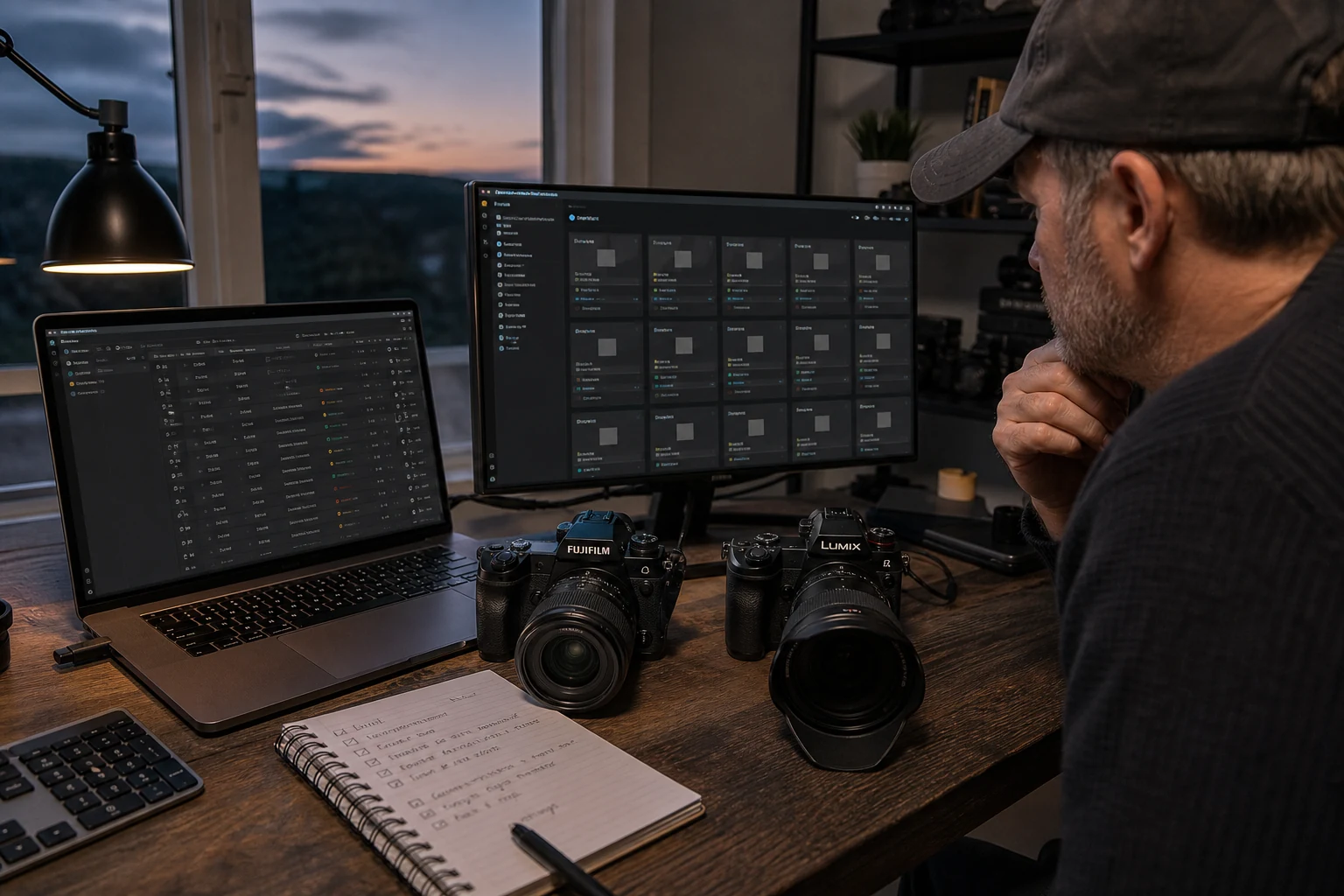
GearDex keeps Fujifilm and Lumix equipment in one searchable library without erasing the differences between systems. Track exact bodies, lenses, batteries, filters, accessories, serials, values, documents, locations, loans, maintenance, and categories, then assemble tested items into reusable rigs and shoot plans.
Start with two rigs you use now, not every theoretical combination. A compact Fujifilm stills kit and a Lumix video kit will expose the naming, power, media, and support details your catalog needs.
Frequently asked questions
Can Fujifilm lenses be used on Lumix cameras?
Compatibility depends on the exact mounts and available adapters. Mechanical fit does not guarantee autofocus, aperture control, stabilization, metadata, or reliable professional use. Confirm manufacturer guidance and test the exact combination.
How should I label camera batteries from different systems?
Use a consistent color or short code for each battery family and charger, keep safety labels visible, and store each family in a clearly named section of the case.
Should I organize camera cases by brand or job?
Organize working cases by job or rig, then identify the exact system parts inside. Keep the inventory searchable by brand, mount, category, location, and rig.
Can GearDex track more than one camera mount?
Yes. GearDex can catalog mixed camera systems in one library while preserving item-specific mount, specs, documents, location, value, maintenance, and rig assignments.