Lens Inventory Organizer: Track Mounts, Filters, and Actual Use
Organize a lens collection by mount, focal range, aperture, filter size, location, value, condition, compatibility, and the work each lens does.
 Dylan AndersenPublished 8 min read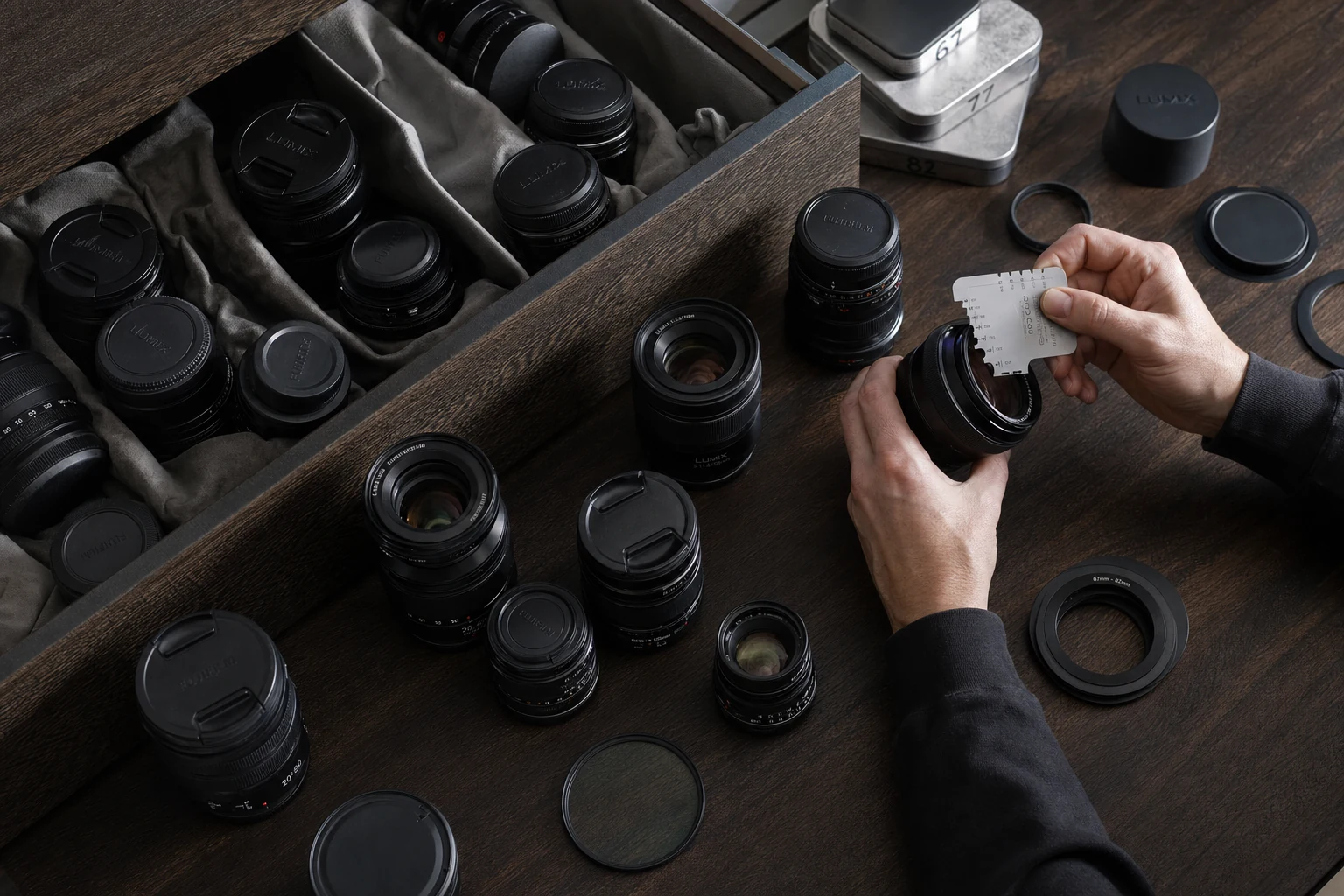
In this guide
The short answer
A lens inventory organizer should track exact model and serial number, mount, format coverage, focal length, maximum aperture, filter size, stabilization, adapters, condition, location, value, documents, and use in real kits. The catalog should help you find compatibility gaps and unnecessary overlap, not only count lenses.
What details should a lens inventory include?
Use the full product name. Small suffixes can separate generations with different optics, coatings, weather sealing, focus motors, or filter sizes. Record the serial from the lens and photograph it before the rear cap goes back on.
- Identity
- Brand, full model, serial number, item photos, purchase details, and documents.
- Optical role
- Focal length or range, maximum aperture, format coverage, and close-focus ability.
- Connection
- Native mount, compatible bodies, required adapters, and electronic limitations.
- Supporting parts
- Filter size, hood, collar, caps, case, plate, and dedicated filters.
- Operations
- Location, condition, current value, loan, maintenance, rigs, and shoot assignments.
How do you organize lenses across multiple camera mounts?
Treat native compatibility and adapted compatibility as separate facts. A lens may physically mount through an adapter while autofocus, stabilization, aperture control, metadata, or weather sealing behaves differently from a native setup.
Build the record around tested combinations. List the body, lens, adapter, supported functions, known limitation, and the date you last verified it. That turns “should work” into a repeatable setup another photographer can pack.
| Field | Why it matters | Example question |
|---|---|---|
| Native mount | Defines direct mechanical and electronic fit | Does this lens mount without an adapter? |
| Format coverage | Affects crop and image circle | Does it cover full frame or APS-C? |
| Adapter | Adds another required item and failure point | Which exact adapter is needed? |
| Function notes | Compatibility is not always all-or-nothing | Do autofocus and stabilization work together? |
| Tested body | Confirms a real combination | When did we last test this setup? |
How should you track lens filters and step-up rings?
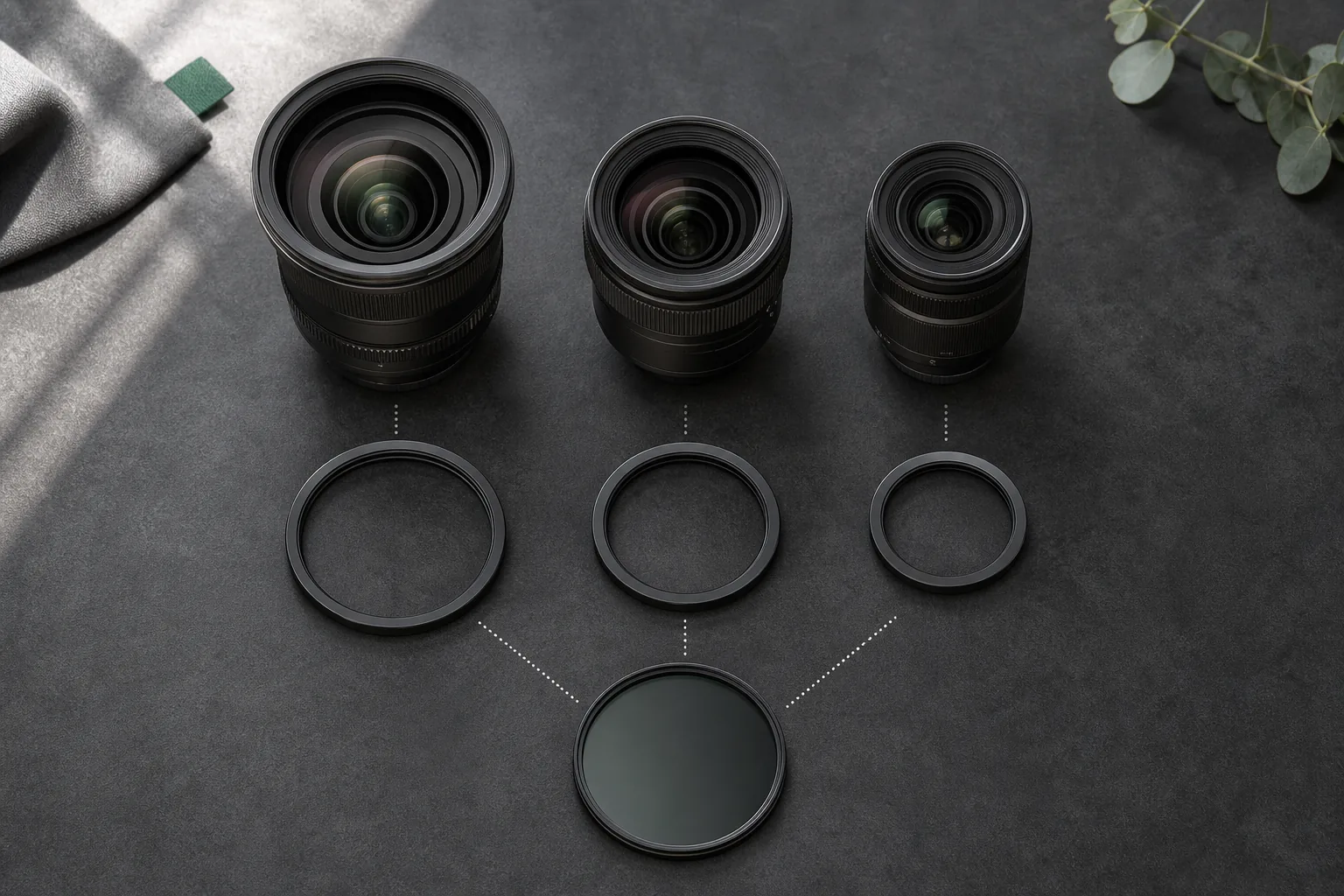
Record the front filter size on every lens, then choose a small number of working filter standards. Step-up rings can reduce duplicate ND, polarizer, and diffusion purchases, but they also become required parts of the rig.
Attach filter sets to rigs or categories and give cases a physical location. A filter organizer is useful only if it tells you which lens accepts the filter directly, which ring is needed, and whether both are available for the same shoot.
- 01
Record every thread size
Do not assume two lenses in the same line share a diameter. - 02
Choose working standards
Concentrate expensive filters around one or two practical sizes. - 03
Catalog the rings
Name both sides of every step-up ring and keep it with the filter system. - 04
Build filter kits
Group ND, polarizer, diffusion, rings, and tools for the work that uses them.
How can a lens catalog expose overlap and gaps?
Compare jobs, not focal lengths alone. A 24–70mm zoom and a 35mm prime overlap numerically but may do different work because of size, aperture, focus behavior, rendering, or video handling.
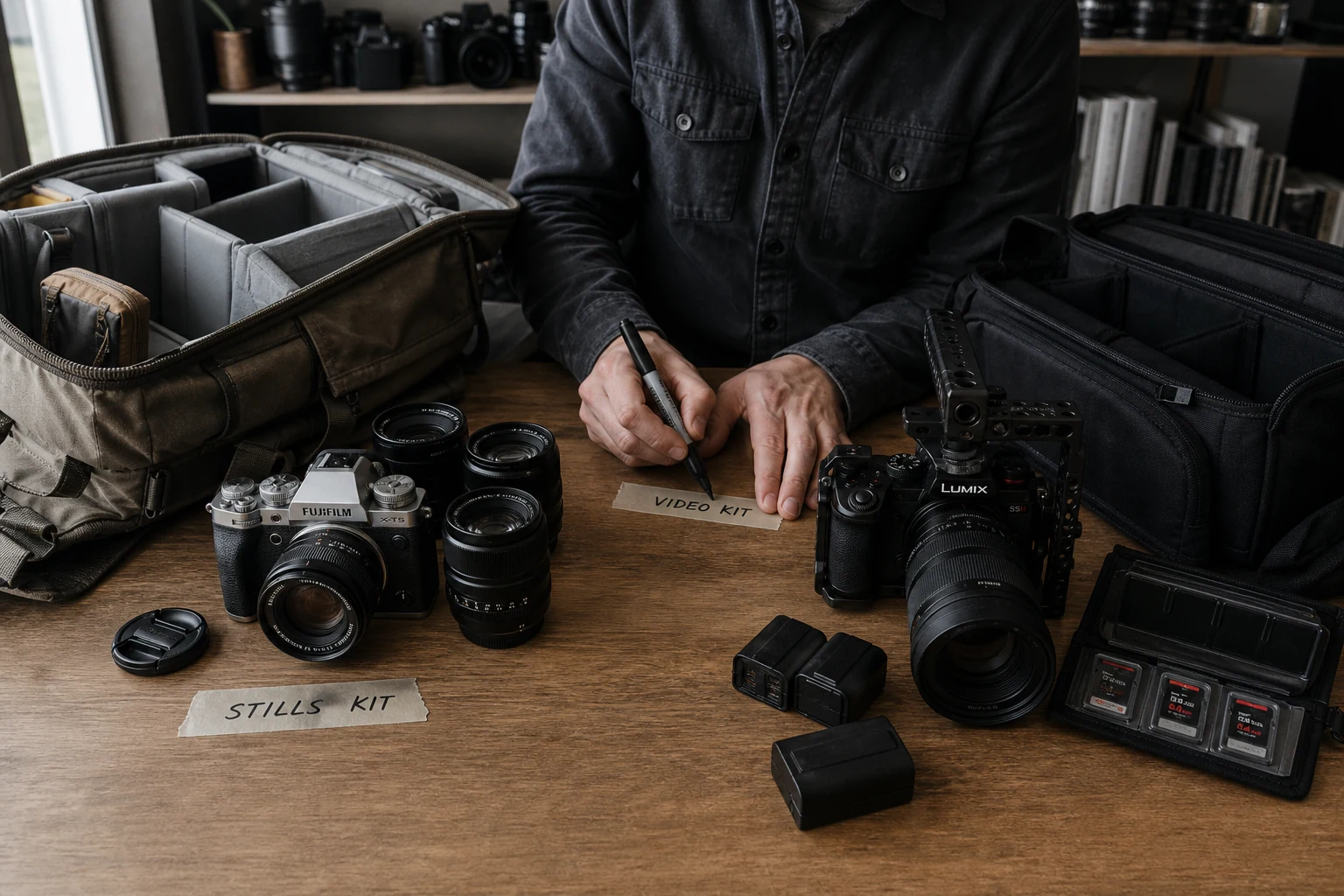
Add each lens to the rigs and shoots where it earns its place. Lenses that are never assigned, frequently substituted, or duplicated without a clear role deserve a review. Gaps appear when a required frame repeatedly depends on rental or compromise.
How does GearDex organize a lens collection?
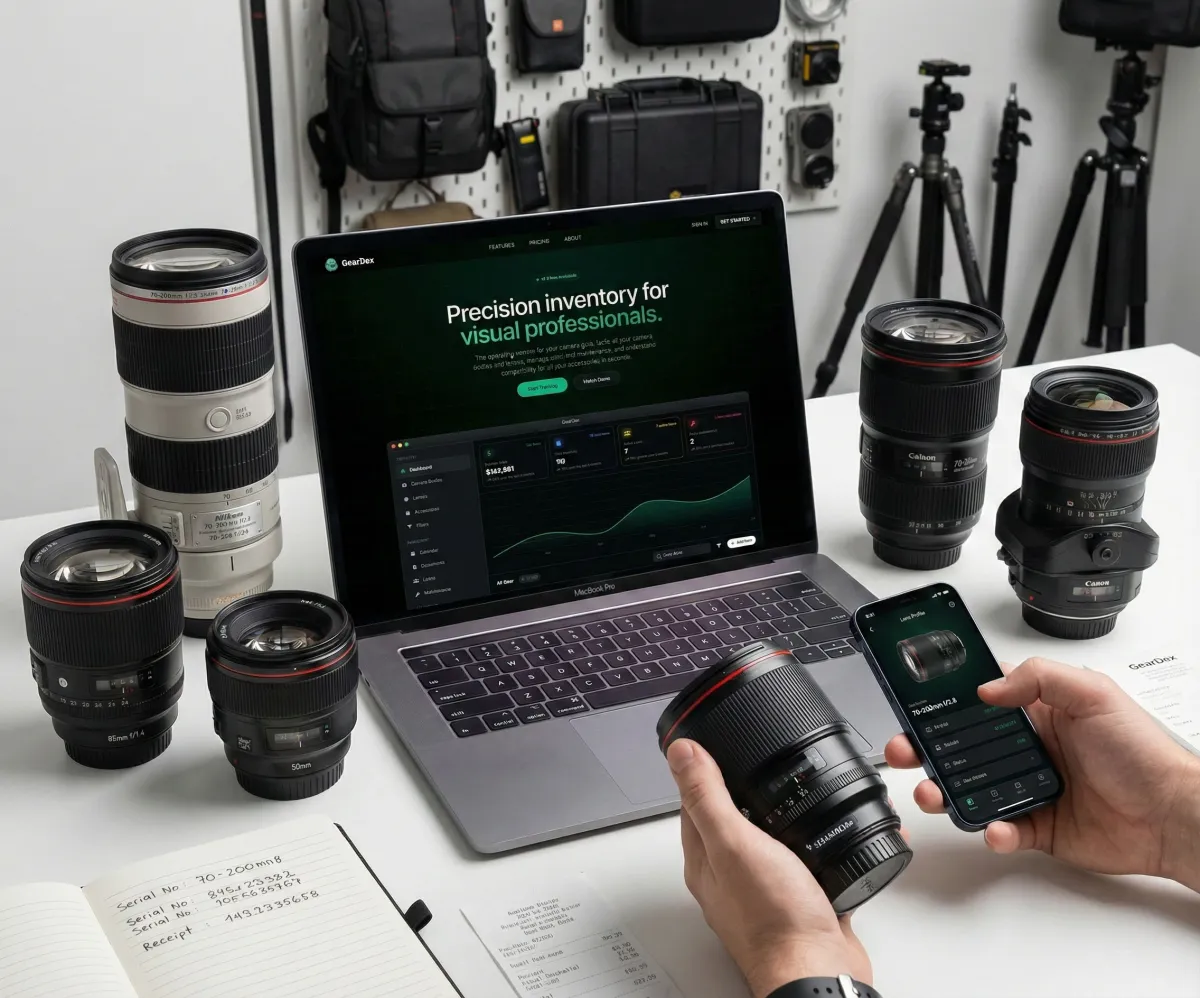
GearDex gives lenses structured records alongside bodies, filters, accessories, and drones. Track mount and lens details, photos, serial numbers, value, condition, documents, location, categories, loans, maintenance, and use in rigs or shoot plans.
Iris can also help with compatibility questions in the context of the inventory. Treat any suggestion as a starting point, then confirm critical combinations against manufacturer documentation and a real test before a paid shoot.
Frequently asked questions
What is the best way to catalog camera lenses?
Use the full model and serial number, then add mount, format coverage, focal range, aperture, filter size, condition, value, location, documents, adapters, and the rigs where the lens is used.
Should lens adapters be separate inventory items?
Track an adapter separately when it is expensive, shared, easy to forget, or required for a working combination. Connect it to the rigs that depend on it.
How do I know if two lenses are redundant?
Compare the real jobs, images, size, aperture, focus behavior, and frequency of use. Similar focal lengths do not prove redundancy, but repeated substitution and no distinct role are useful signals.
Can GearDex track Fujifilm and Lumix lenses together?
Yes. GearDex can catalog multiple systems in one library while keeping each lens’s mount, specs, location, documents, value, and working kit clear.