Photo Shoot Planning Checklist: From Client Brief to Packed Bag
Use this photo shoot planning checklist to connect the brief, locations, timing, weather, shot list, call sheet, gear, and day-of schedule.
 Dylan AndersenPublished 10 min read
In this guide
The short answer
A complete photo shoot plan moves from creative intent to operational readiness. Confirm the brief and deliverables, map the location and timing, build the shot list, assign people and gear, prepare a call sheet, check weather and contingencies, then verify the packed kit against the plan.
What belongs in a professional photo shoot plan?
A useful plan answers six questions before call time: what are we making, where are we making it, when does each part happen, who is responsible, what gear is required, and what changes if the first plan fails.
Keep the answers in one shoot record. Splitting the brief, map pin, moodboard, equipment list, and contact sheet across unrelated apps creates avoidable searching when the schedule changes.
- Creative
- Brief, deliverables, moodboard, shot list, framing notes, and approval references.
- Place
- Address, access instructions, parking, permits, scout notes, and backup location.
- Time
- Call time, setup, shooting blocks, breaks, travel, golden hour, and hard out.
- People
- Client, crew, talent, vendors, contact details, and named owners for each task.
- Equipment
- Assigned cameras, lenses, lighting, support, media, power, and backups.
- Contingency
- Weather trigger, alternate setup, substitute gear, and decision deadline.
How do you plan a photo shoot step by step?
- 01
Lock the outcome
Write the deliverables, formats, usage, deadline, and approval owner in plain language. - 02
Scout the location
Record access, power, sound, restrictions, light direction, weather exposure, and travel time. - 03
Build the shot list
Turn the brief into specific frames with priority, subject, setup, lens idea, and notes. - 04
Shape the timeline
Sequence setups to reduce lighting moves, wardrobe changes, and room resets. - 05
Assign the kit
Choose gear for the shot list, then add backups for single points of failure. - 06
Publish the call sheet
Give everyone the same time, place, contact, schedule, parking, and safety information. - 07
Run the readiness check
Confirm people, place, plan, power, media, and packed gear at a set deadline.
How should the gear checklist connect to the shot list?
Choose equipment from the frames you must deliver. A 70–200mm does not belong on the list because it usually travels with you. It belongs because a required compressed portrait or distant ceremony angle needs it.
Tag each critical frame with its primary camera, lens, lighting approach, support, and backup path. That mapping exposes missing adapters, duplicate dependencies, and fragile plans. If one battery type powers the camera, monitor, and transmitter, the power plan deserves extra attention.
| Shot requirement | Primary choice | Failure plan |
|---|---|---|
| Wide environmental portrait | Wide or standard lens with lighting plan | Second focal-length option and available-light version |
| Tethered product detail | Macro or close-focus lens, tether cable, laptop | Spare cable, card capture, and focus-check routine |
| Long ceremony coverage | Telephoto zoom and stable support | Second body with alternate lens |
| Moving video sequence | Stabilized camera rig and audio | Handheld configuration with compact microphone |
What should happen 24 hours before the shoot?
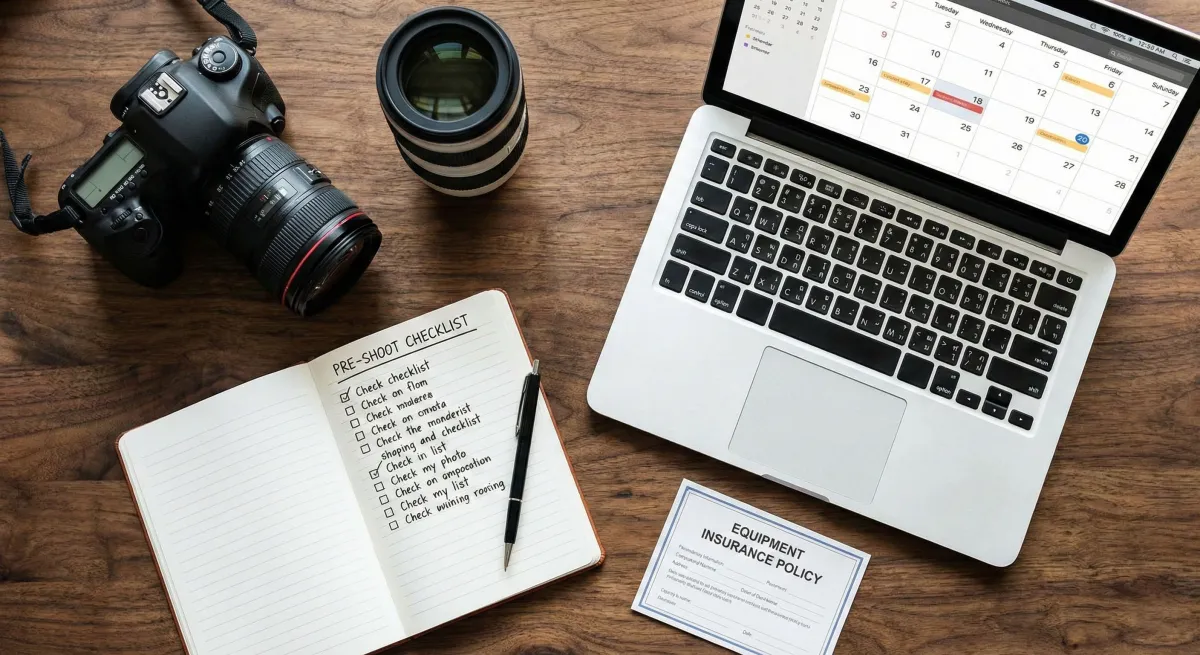
Set a readiness deadline early enough to fix a problem. Check that assigned gear is available, batteries are charged, media is cleared and tested, firmware changes are not waiting, documents are approved, contacts are current, and the weather decision has been made.
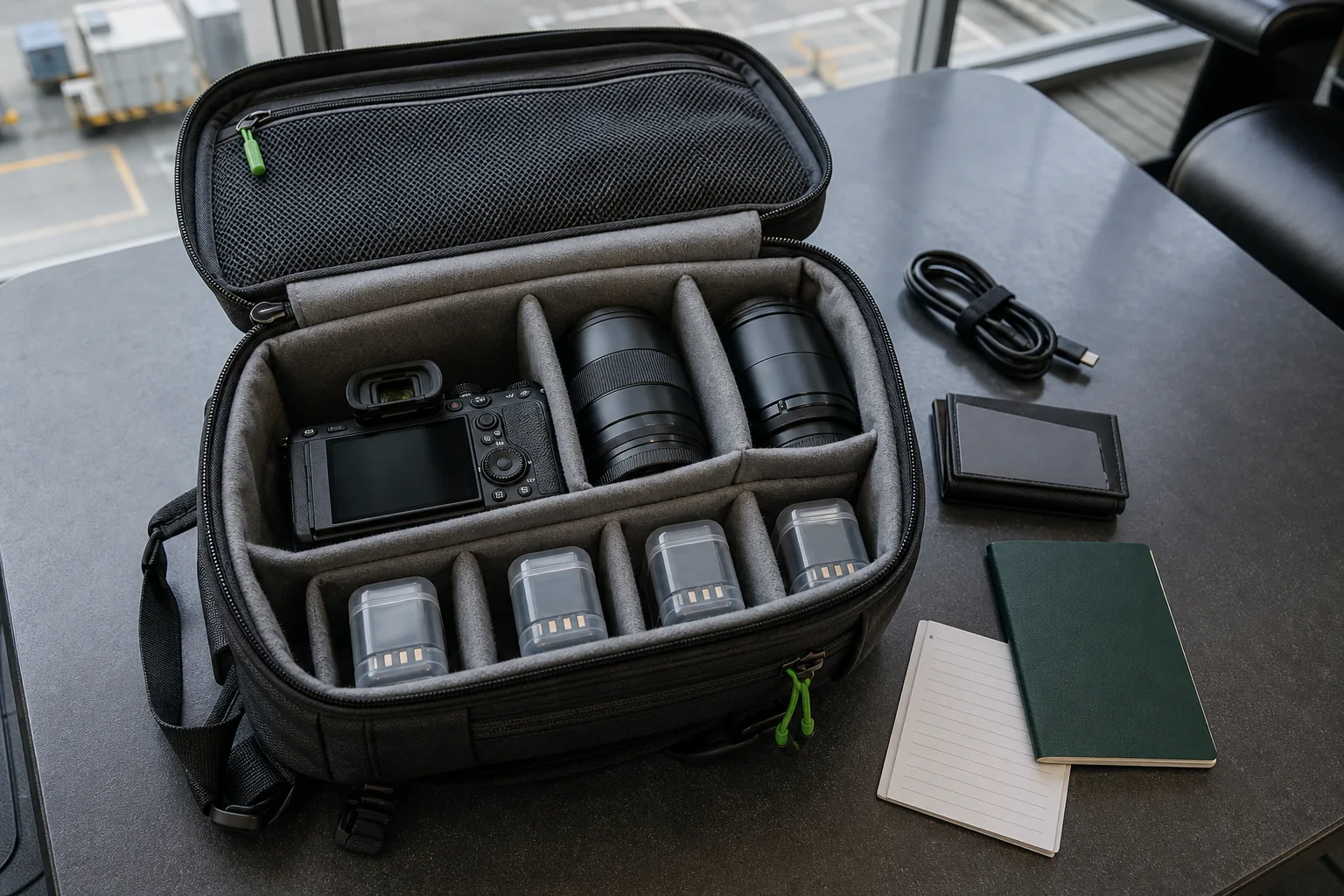
Pack from the assigned gear list, not from memory. Mark an item complete only when it reaches the correct case. “On the charging bench” is a status, but it is not packed.
What should photography shoot planning software do?
Shoot planning software should reduce handoffs between the creative plan and the physical kit. Look for locations, timing, weather, shot lists, checklists, moodboards, call sheets, timelines, contacts, gear assignments, status, and reusable templates.
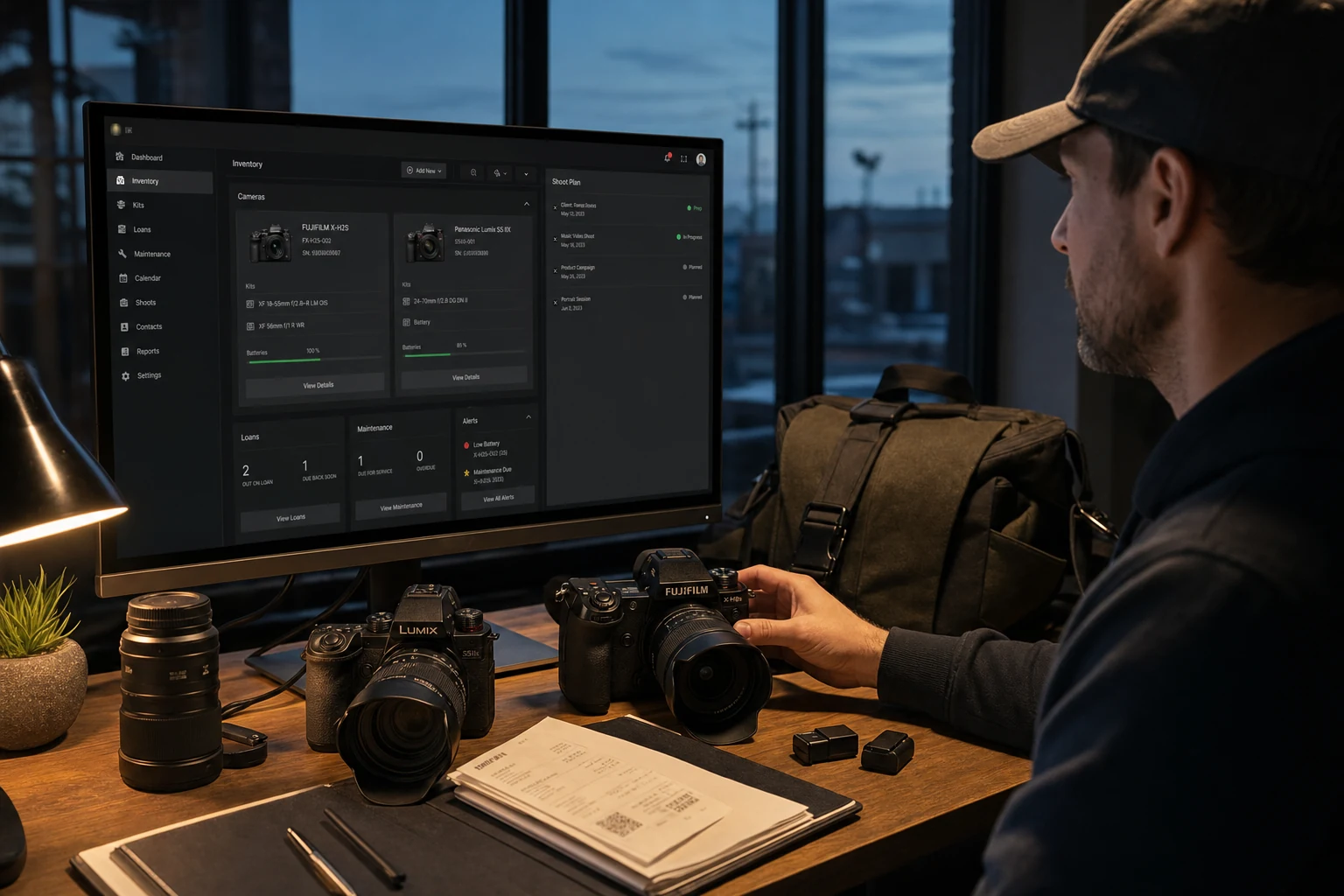
GearDex connects shoot plans to the inventory you already maintain. You can assign real items or rigs to a job and see the planning modules beside the rest of the production record. That makes the packing list an extension of the plan instead of another document to reconcile.
Frequently asked questions
What is the first step in planning a photo shoot?
Write the required outcome first: deliverables, formats, usage, deadline, and approval owner. The location, shot list, schedule, and equipment choices should follow that outcome.
What should a photography call sheet include?
Include date, call time, address, parking and access, weather, contacts, crew and talent, schedule, special instructions, nearest emergency information, and the latest revision time.
How early should photographers pack for a shoot?
Set a readiness check about 24 hours before call time for routine work, earlier for travel or complex productions. Leave enough time to charge, rent, replace, or reassign missing gear.
Can GearDex create reusable shoot plans?
GearDex shoot planning supports repeatable production structure, gear assignments, checklists, locations, shot lists, call sheets, timelines, and progress tracking so common jobs do not start from a blank page.