Photography Business Workflow: Connect Gear, Shoots, Documents, and Clients
Design a photography business workflow that connects client booking, shoot planning, gear readiness, documents, production, return, and follow-up.
 Dylan AndersenPublished 10 min read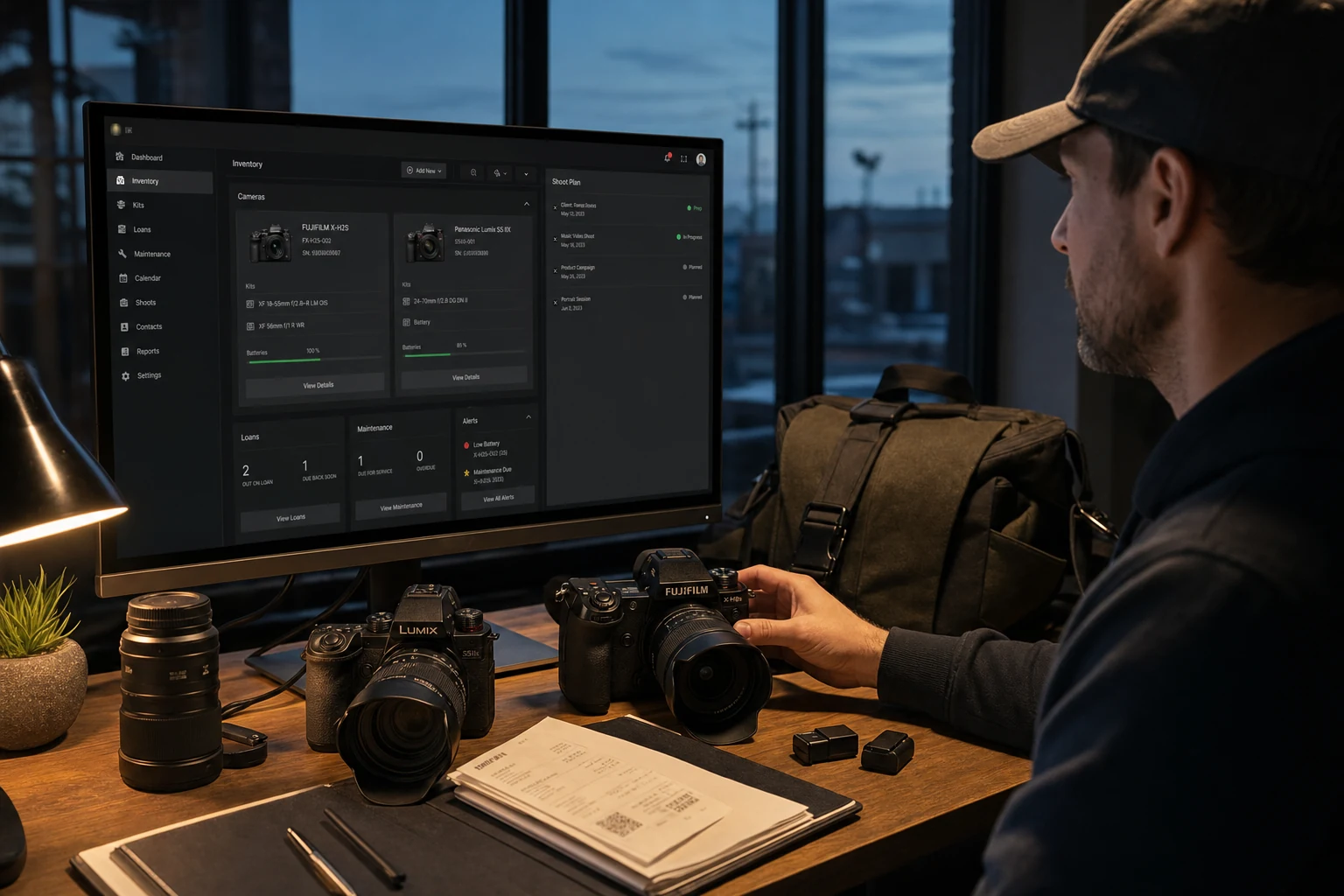
In this guide
The short answer
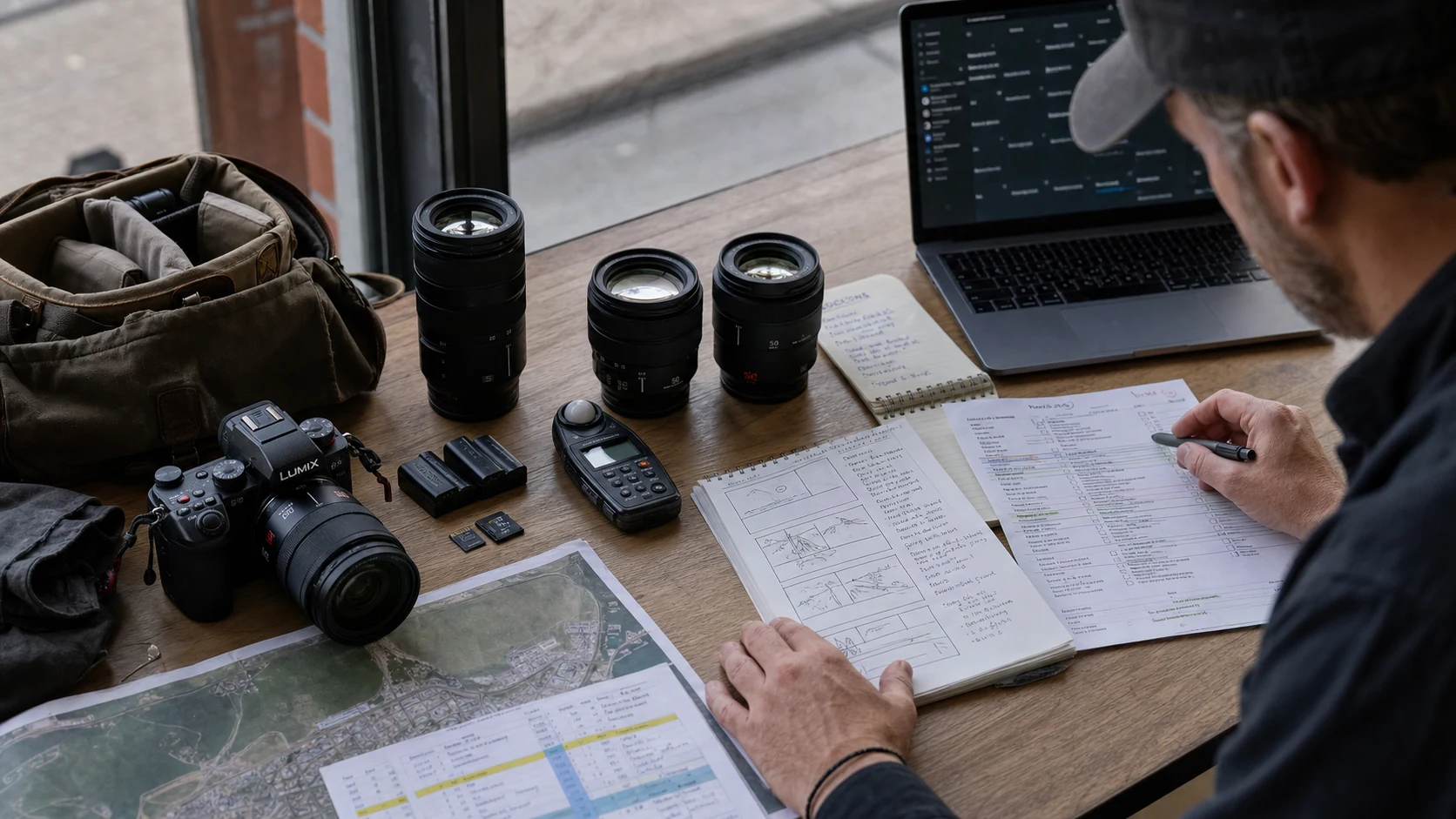
A dependable photography business workflow gives every stage one clear owner and source of truth. Move a confirmed client job into a shoot plan, map deliverables to the shot list, assign available gear, verify documents and readiness, run production, check equipment back in, record service needs, and close client delivery in the CRM.
What is a complete photography business workflow?
A complete workflow follows the job and the gear through the same timeline. The client record moves from inquiry to confirmed to delivered. The production record moves from brief to plan to completed. The equipment moves from available to assigned to packed to returned and ready.
The systems do not need to be one product, but each stage needs one source of truth and a clear handoff. Duplicate records are manageable only when everyone knows which one controls the decision.
- 01
Qualify
Capture the inquiry, fit, scope, budget, timing, and next action in the CRM. - 02
Confirm
Complete proposal, contract, deposit, deliverables, and client approvals. - 03
Plan
Create locations, timing, weather, shot list, moodboard, call sheet, timeline, contacts, and checklist. - 04
Assign
Reserve real cameras, lenses, lighting, support, media, power, and backup gear. - 05
Verify
Run a readiness check against people, place, plan, power, media, and packed equipment. - 06
Produce
Work from the approved schedule and record changes that affect delivery or equipment. - 07
Return
Check gear back in, inspect condition, close loans, and create maintenance actions. - 08
Deliver
Finish files, approvals, invoice, archive, and client follow-up in the appropriate system.
Which system should own each part of the workflow?
| Information | Source of truth | Handoff |
|---|---|---|
| Lead, contract, communication | Photography CRM | Confirmed scope creates the production plan |
| Shot list, location, call sheet | Shoot plan | Requirements drive people, timing, and equipment |
| Serial, location, availability | Gear inventory | Available items are assigned to the shoot |
| Receipt, warranty, policy | Item-linked document library | Evidence supports ownership and service |
| Loan and maintenance | Gear operations | Return results change readiness |
| Final delivery and follow-up | Photography CRM | Production completion closes client milestones |
How do you know a photography job is ready?
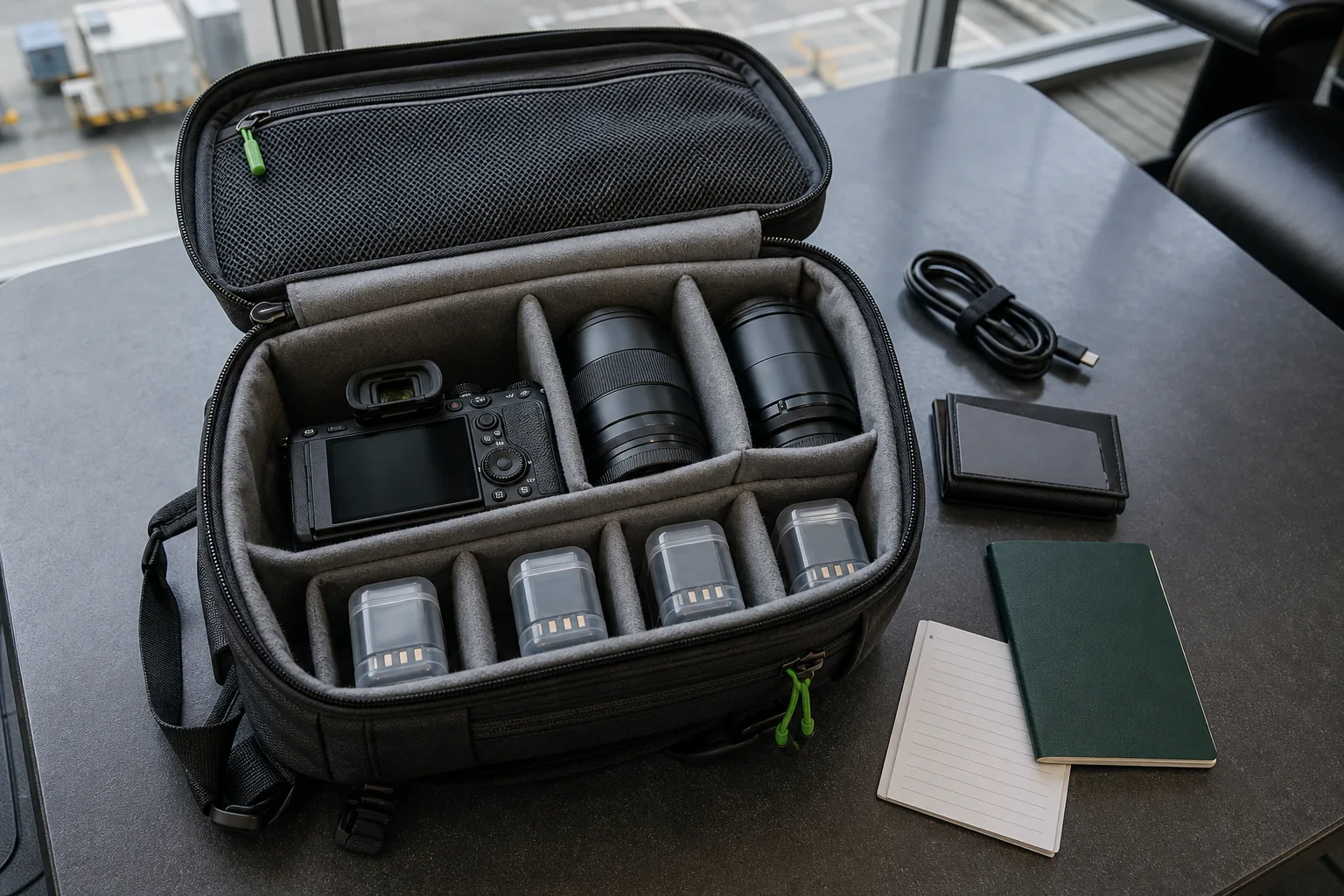
A status label is useful only when it has rules. Define “ready” as a short set of observable conditions. The plan is approved, required people are confirmed, the location is accessible, critical documents are present, assigned gear is available, power and media are prepared, and the packed list is complete.
Progress should expose the missing condition instead of hiding it behind a percentage. “83% ready” is weak unless the team can see that the only blocker is an unconfirmed permit or a lens still in service.
What should a weekly photography operations review include?
Review the next two weeks of shoots beside the equipment events that can affect them. Look at planning blockers, gear conflicts, overdue loans, open maintenance, expiring warranties, missing documents, and recent purchases that have not been cataloged.
- Upcoming work
- Confirmed shoots, planning progress, client dependencies, locations, and call sheets.
- Gear conflicts
- The same item assigned twice, loaned past call time, or blocked by service.
- Evidence gaps
- Missing serials, receipts, policies, permits, releases, or warranty records.
- Return work
- Items needing inspection, charging, data handling, repair, or location updates.
- Decisions
- Rent, repair, replace, reassign, or change the plan with an owner and deadline.
What role does GearDex play in a photography workflow?
GearDex is the equipment and production operations layer. It connects cameras, lenses, accessories, filters, and drones with values, documents, locations, categories, loans, maintenance, reports, rigs, calendar context, and shoot plans. Iris can answer inventory questions and help explore compatibility or item details in plain language.
Use a photography CRM for the client pipeline when you need one. Use GearDex from confirmed production through equipment return and readiness. The handoff is the confirmed job: one name, one date, one owner, and a plan tied to the actual kit.
Frequently asked questions
What is photography workflow software?
Photography workflow software coordinates the records and actions around client work, production planning, equipment, documents, delivery, and follow-up. Different systems may own different stages.
Should shoot planning and gear inventory be connected?
Yes. The shot list and production conditions determine the required equipment, while inventory status determines whether that plan is possible without rental, repair, or reassignment.
What should photographers review every week?
Review upcoming shoots, planning blockers, gear conflicts, overdue loans, open maintenance, expiring documents, uncataloged purchases, and the named owner for every decision.
Can GearDex replace a photography CRM?
GearDex covers equipment and production operations, including shoot plans with client context. A dedicated CRM may still be the better source of truth for leads, sales communication, proposals, and long-term follow-up.